Troubleshooting
EN-53
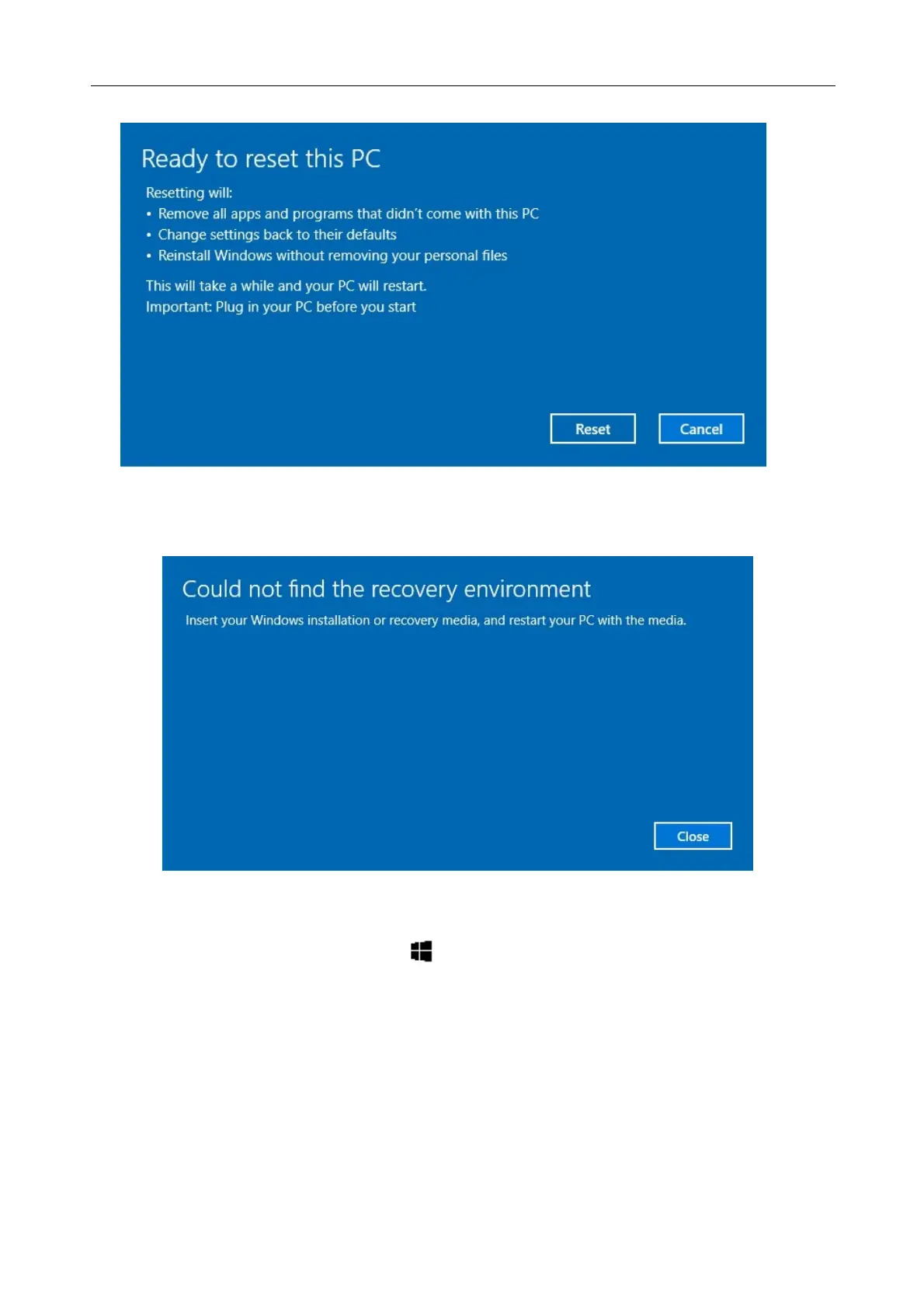
6. Click “Reset” to start resetting.
Note: If you see a message as shown below that means WinRE (Windows
Reset) is disabled.
7. To enable resetting Windows, follow the steps below:
a. Hover mouse over Start menu.
b. Select Command Prompt (Admin) from the pop-up menu.
c. Key in the following command: Reagentc /enable
d. Press Enter. Wait until you see the “Operation Successful” status on
the screen.
e. Follow steps 1 to 7 to reset your device.



 To Next Page