GraphicProducts.com | 800.788.5572
1. Introduction | 5
1. Introduction
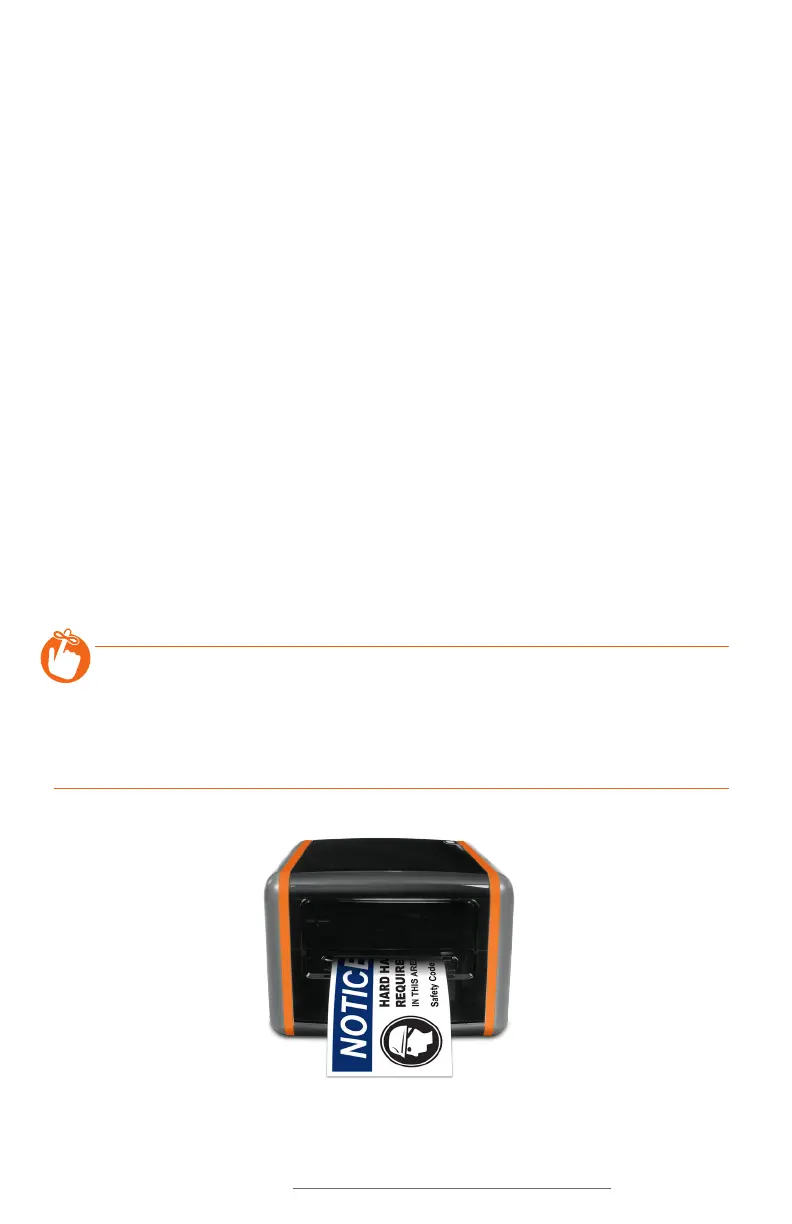
Congratulations! Now that you have your DuraLabel Bronco sign and label printer, you’ll
be creating custom labels in no time.
In addition to helping you set up and use Bronco, this User Guide will serve as a
reference document for maintaining the system, and for using its more advanced
features.
The included DuraSuite software helps you create labels in a variety of standardized
formats, such as GHS and HazCom 2012 labels, NFPA 704 (NFPA Diamond) chemical
labels, NFPA 70E arc flash labels, and ANSI/ASME A13.1 pipe markers and IIAR
ammonia pipe markers. For information on that software, see the DuraSuite User Guide.
Bronco also comes with LabelForge for creating completely customized label designs
from scratch, using a simple interface. LabelForge gives you the power to instantly
create linear and 2D barcodes, add standardized symbols or custom images, and even
import data from a spreadsheet. For information on that software, see the LabelForge
User Guide.
If you need supplies, or have questions about Bronco or the DuraSuite or LabelForge
software, give us a call at 800.788.5572 (or, internationally, at 1.503.644.5572) and
we’ll be happy to help.
REMINDER: Periodic cleaning is required for your printer’s operation, as adhesive
and dust will build up during use. Clean the print head, platen roller, and cutter
blades with a provided cleaning swab, or with isopropyl alcohol and a soft cloth, after
every 2-3 rolls of supply. See section 7.1, Cleaning your Bronco, for details, or watch
instructional videos at GraphicProducts.com/support.



 To Next Page