4 | 3.1 Loading Ribbon
DuraLabel.com | 800.788.5572
3. Loading the Printer
DuraLabel ribbon and vinyl supplies have been optimized for compatibility and print
quality. Only authorized DuraLabel supplies from Graphic Products will print correctly
with the DuraLabel PRO Printer.
3.1 Loading Ribbon
IMPORTANT! Always turn the power OFF when loading supplies. Always wait at least 5
seconds before turning power back ON.
The following instructions refer to loading 4.3" ribbon. See “Loading 2.5” ribbon
supply” in Section 2.3, Loading Ribbon, of the DuraLabel PRO/PRO 300 User Guide for
instructions on loading 2.5" ribbon.
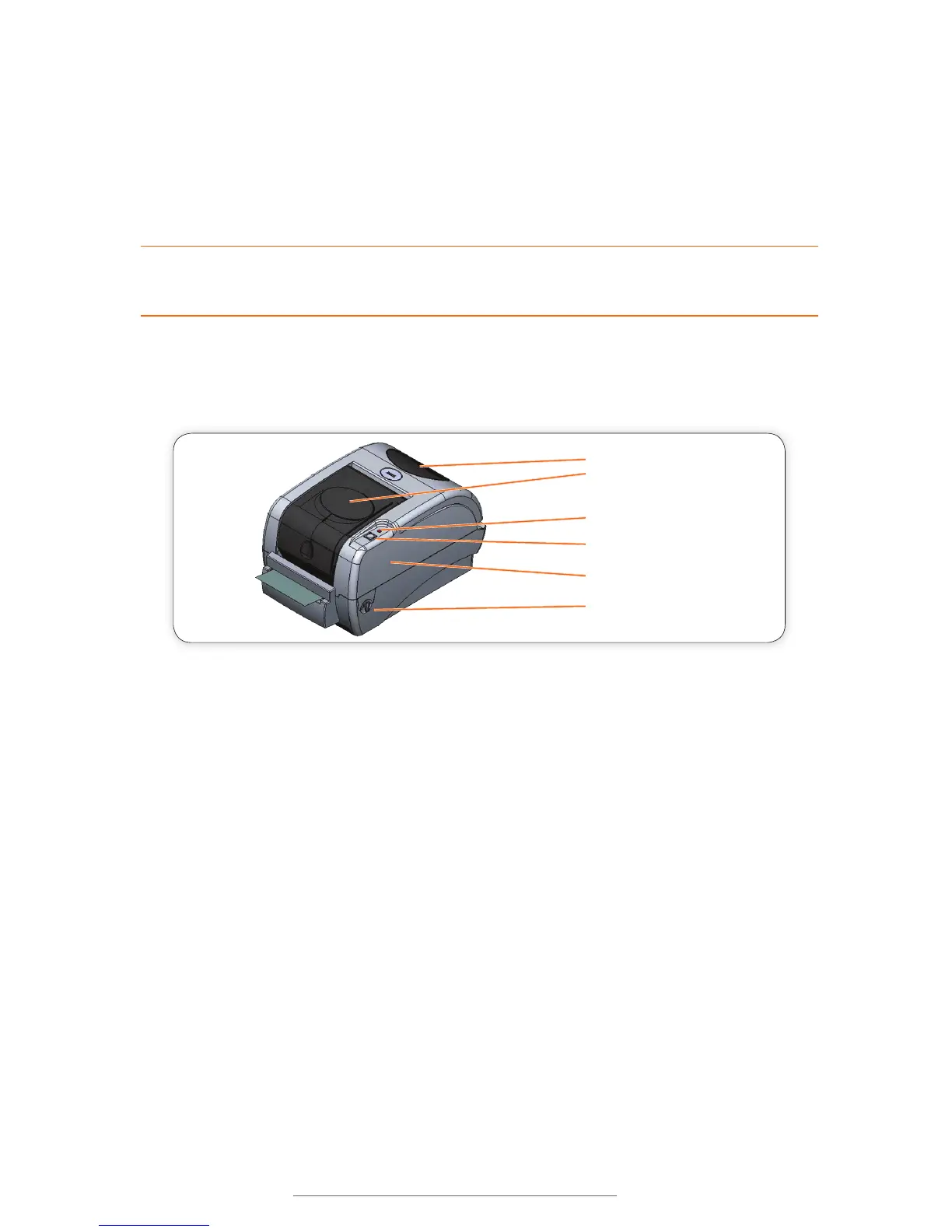
Clear Window
Ribbon Mechanism Cover
(push down to open)
LED Indicator
Feed Button
Printer Cover
Printer Cover Release Lever
(one on each side)
FIGURE 1
A. Open the Ribbon Mechanism Cover by pressing down and in to unlatch it, then lift it
up and back to open.
B. With spindle flange on right side, load ribbon onto an empty ribbon supply spindle,
with the ribbon leader extended over the top and toward the back. Slide the ribbon
onto the spindle until it touches the spindle flange (Fig.2).
C. Apply the paper core to the other empty ribbon rewind spindle.
D. Place the ribbon supply spindle on the rear hub, with the ribbon leader dropped
down. Insert the left side of the spindle first, fitting it onto the left hub, then fitting
the right (flanged) side onto the right hub.
E. Place the ribbon rewind spindle (with paper core) onto the front hub by inserting
the left side of the spindle first, fitting it onto the front spring-loaded hub. Then fit
the right (flanged) side of the spindle onto the right hub.



 To Next Page