57
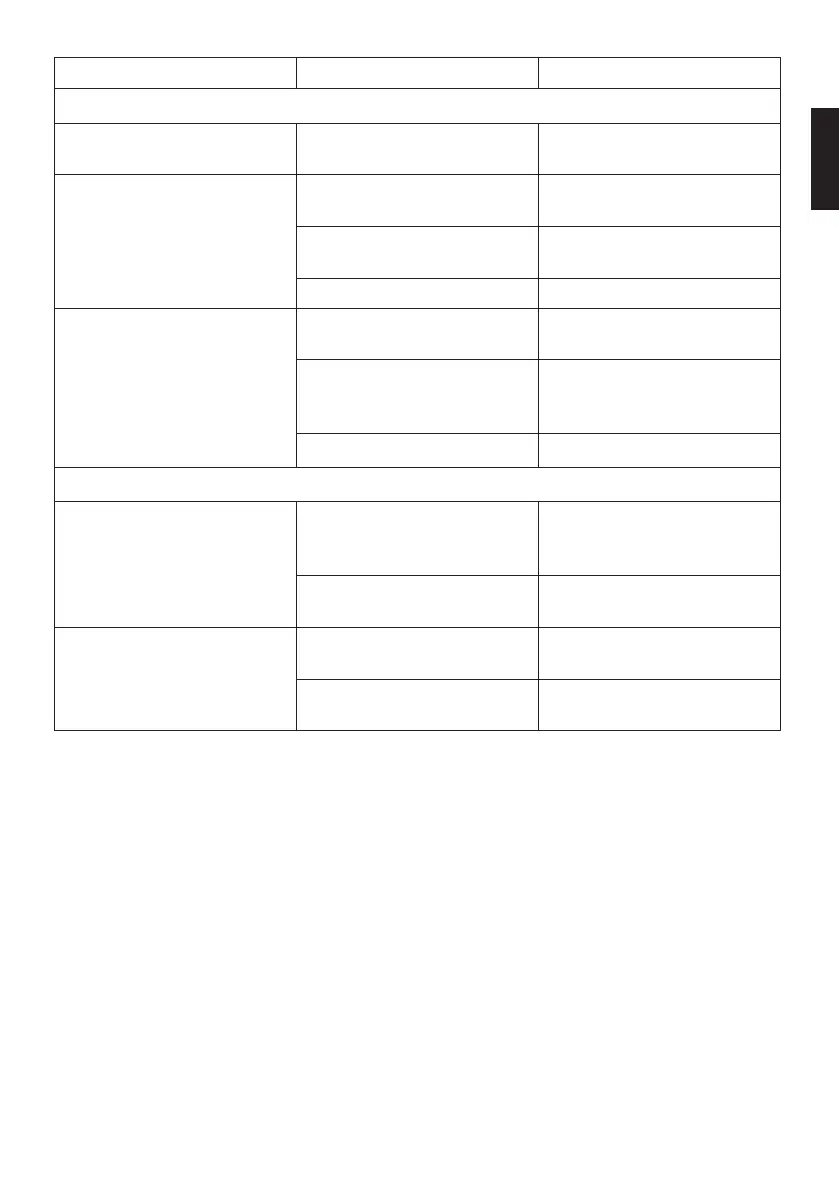
Problem Potential cause Solution
General function
Actuator plate does not work Power supply has been
interrupted
> Restore the power supply.
Button lighting does not work Cleaning function is activated
> Buttons appear again
automatically after 2 min.
Child safety lock is activated
> Buttons appear again
automatically after 2 min.
Malfunction
> Contact help@duravit.com.
Button lighting lights up
continuously
Obstacle within the detection
range, e.g. furniture
> Remove the obstacle.
Presence detection is
incorrectly set
> Switch to presence
detection in special mode
(for small rooms).
Malfunction
> Contact help@duravit.com.
Flushing functions
Water runs continuously into
the ceramic
Software malfunction
> Disconnect the power
supply for 10 sec.
> Restore the power supply.
Malfunction in the motor
mechanism
> Contact help@duravit.com.
Insufficient flushing of the
ceramic
Flush volumes are incorrectly
set
> Increase the flush volume.
Malfunction in the motor
mechanism
> Contact help@duravit.com.
en


 To Next Page
 Loading...