45
7. Operating
7.1 Switching the SensoWash
®
on /off
> Press the „Power“ button
I
on the seat unit.
SensoWash
®
is now switched on.
The
status display
J
is green illuminated.
> Press the „Power“ button
I
on the seat unit again.
SensoWash
®
is now switched off.
The
status display
J
is red illuminated.
7.2 Seat and lid
NOTICE
Damage of seat and lid!
> Open and close seat and lid via remote control.
> Do NOT open and close seat and lid with excessive force.
Opening and closing of seat and lid by remote control
> Press the „Opening lid“ button
1
on the remote control.
The lid opens, the seat remains closed.
> Press the „Opening seat and lid“ button
2
on the remote control.
The lid and the seat open.
> Press the „Closeing seat and lid“ button
3
on the remote control.
The lid and the seat close.
Opening and closing of seat and lid by „Auto opening“
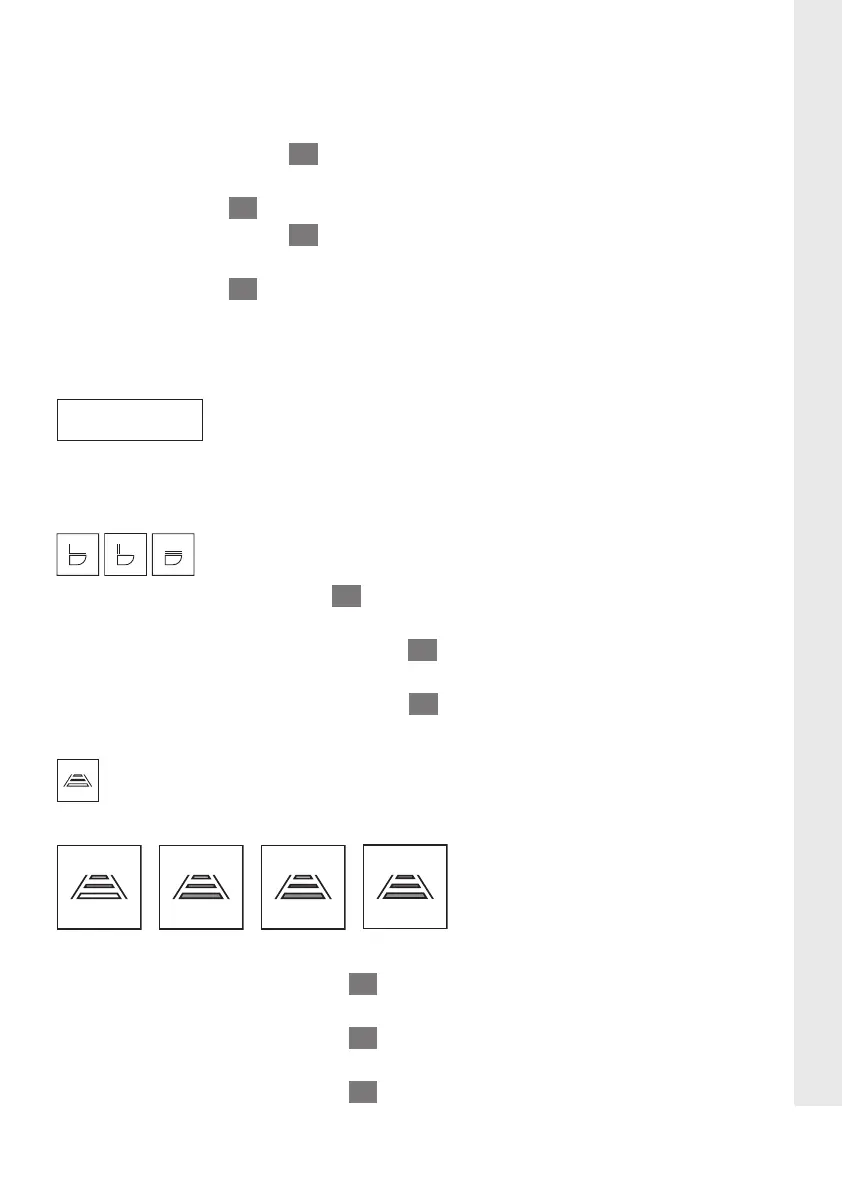
The detection distance can be set individually in 4 steps:
> > >
Off Close Medium Far
> Press the „Setting mode“ button
17
on the remote control.
The indicator lights of the settings illuminate.
> Press the „Setting mode“ button
17
on the remote control for more than 3 seconds
The „Night light“ icon glances.
> Press the „Setting mode“ button
17
on the remote control 2x.
EN





 To Next Page