POWERMATE
3
36
6.2 Connection of an external power amplifier
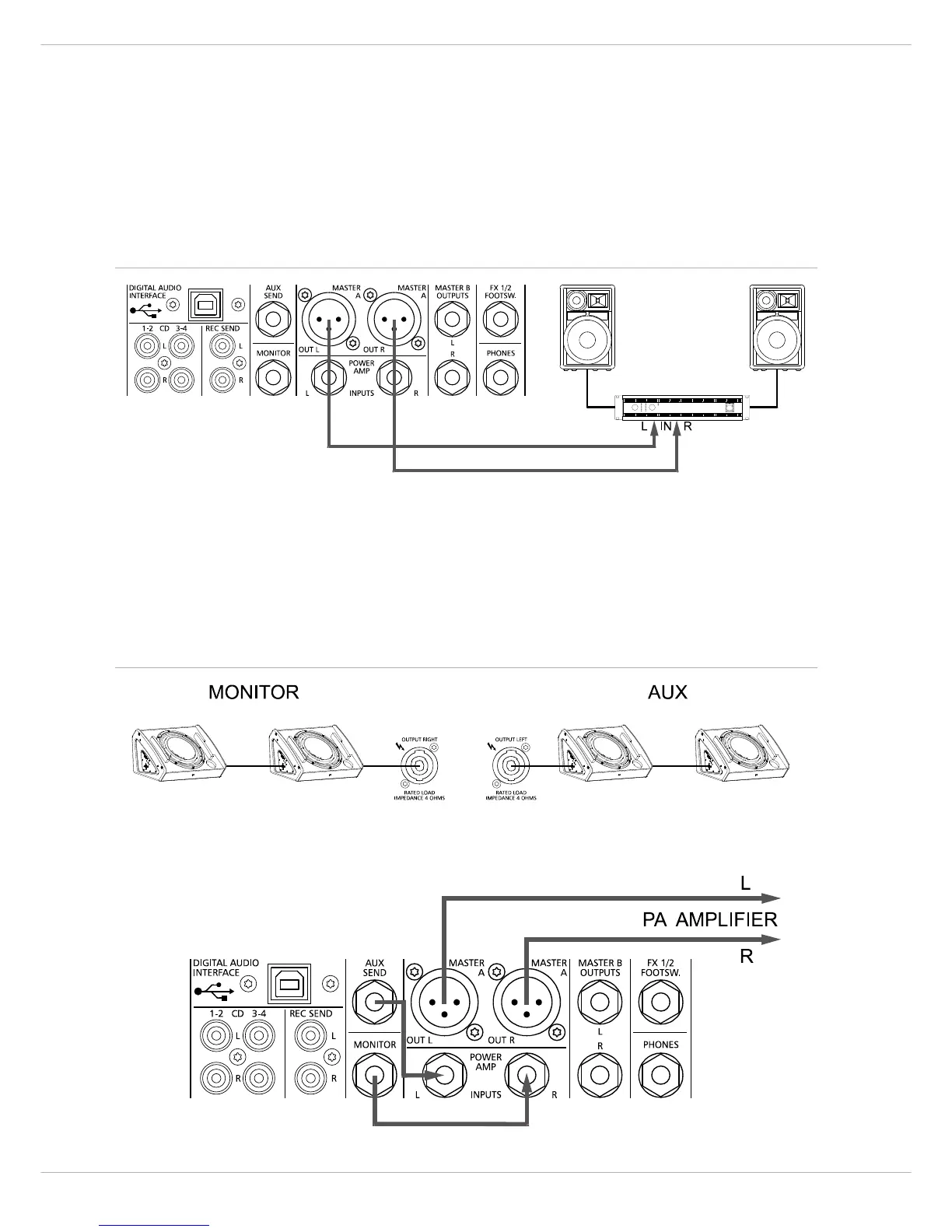
If you need to connect more loudspeaker systems than the PowerMate is capable of handling directly, you have to use
an external power amplifier. Using LF-cables with XLR plugs you can patch the signal at the MASTER A OUT L/R. Using
LF-cables with phone plugs you can patch the signal at the MASTER B OUTPUTS L/R. In this configuration the signal
path to the internal power amplifier is not interrupted and the audio signal is outputted via the speaker systems con-
nected to both amplifiers.
6.3 Using the internal power amps for monitoring
In case you want to use an external power amplifier to drive your main speaker systems (see above), the internal power
amps can be used for monitoring and side fill purposes. Use short patch-cables to connect the MONITOR or AUX SEND
outputs to the POWER AMP INPUTS (see illustration). The MON or AUX signal is fed to the internal power amps, provid-
ing you with the possibility to connect passive monitor speaker systems.
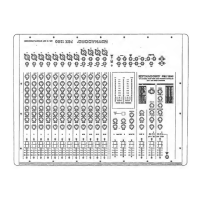
Illustration 6-2: Connection of an external power amplifier at MASTER A OUT L/R
Illustration 6-3: Using internal power amplifier for monitoring purposes





 To Next Page