EasyManua.ls Logo

Dynapac CP2700 - User Settings and Adjustments; Display and Panel Light Settings

Dynapac CP2700
113 pages
Print Icon
To Next Page IconTo Next Page
To Previous Page IconTo Previous Page
Loading...
Instrument/controls - Description and function
2018-02-19 4812325557EN 29
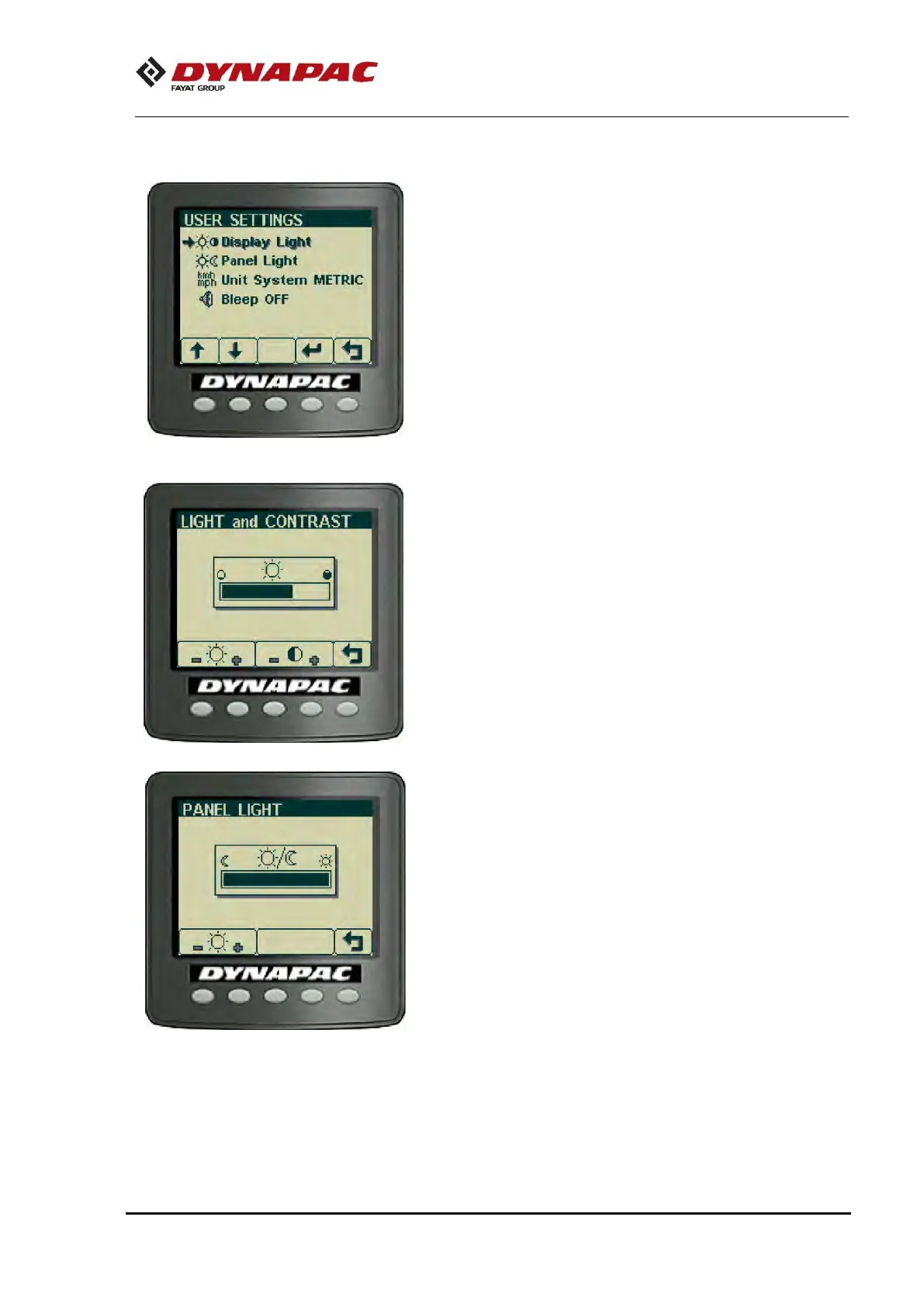
“USER SETTINGS”
Users can change lighting settings, choose between Metric or
Imperial system and set warning sounds on/off.
Adjustment of light and contrast settings on the display,
including brightness of the panel light.
Operator help when starting


Related product manuals