DS46LO4 User Manual 12
Connecting To a Power Source
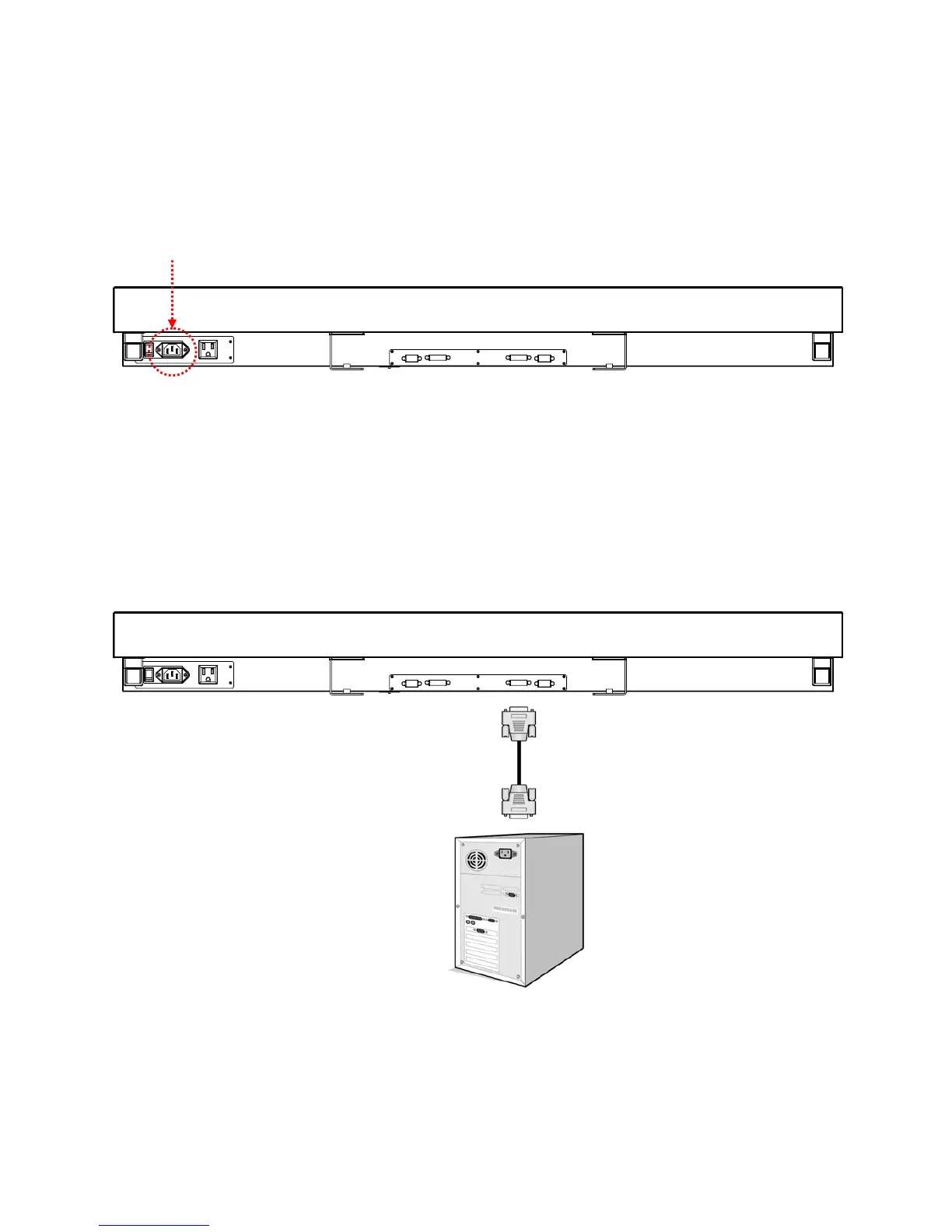
Using the power cable provided, insert the female connector into the back of the display shown the in the diagram
below. Connect the male end of the power cable to a 100-240 volt, 50 / 60Hz AC power outlet. Insert the plug
completely into the socket. A loose power connection may cause degradation to the image quality.
Connecting an External Video Source
Turn OFF the power to both the LCD and the external video device. Using the DVI cable provided, insert one end
into the DVI-IN on the back of the display shown the in the diagram below. Connect the other end of the DVI cable
to the DVI output of the video source. Refer to your video device’s product manual for additional information
DVI Cable
DVI (IN)
DVI (OUT)



 To Next Page