EasyManua.ls Logo

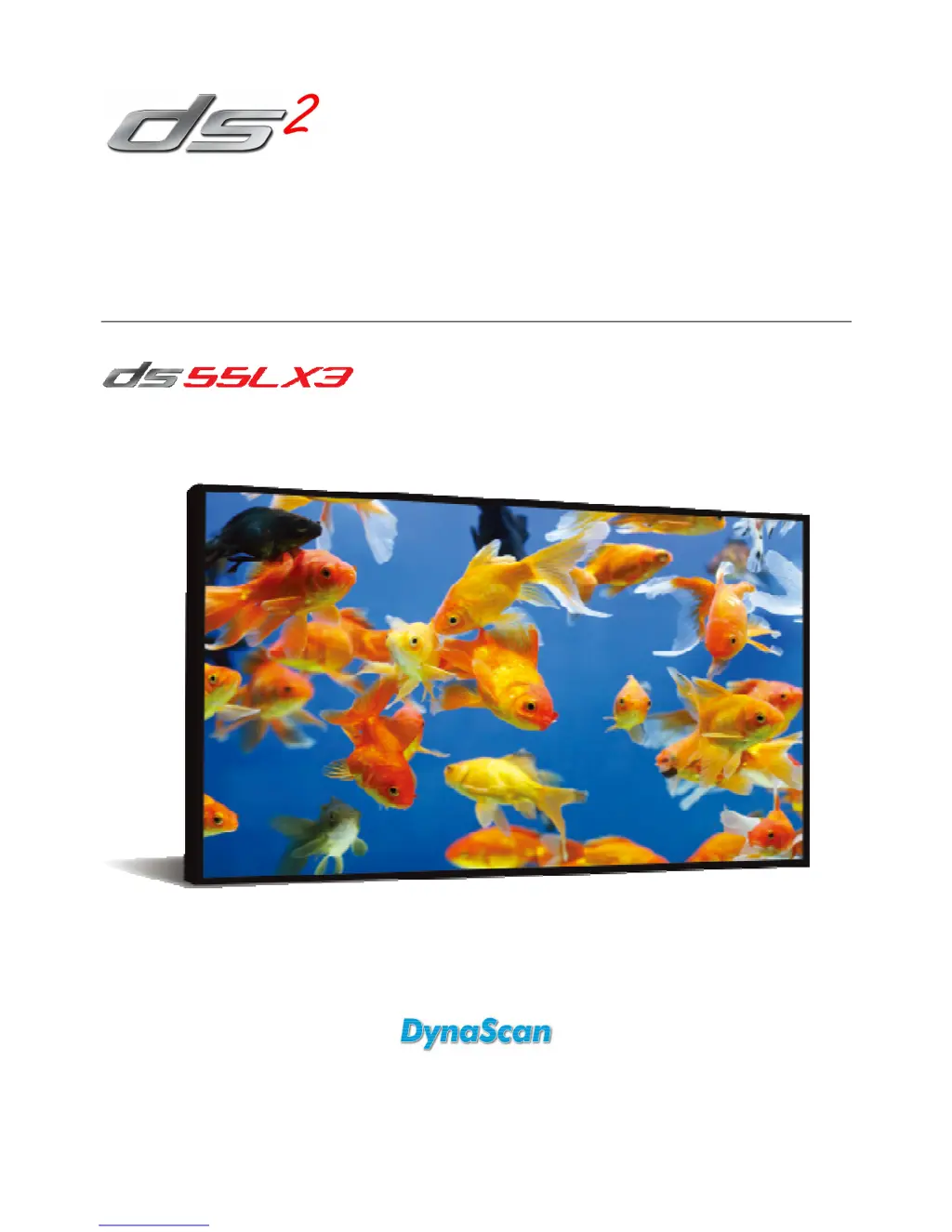
Dynascan DS55LX3 - User Manual

Dynascan DS55LX3
33 pages
Print Icon
To Next Page IconTo Next Page
Loading...
User Manual
Version 1.01
The use of diagrams and illustrations in the manual for reference only, actual product may be different.
Product design and specifications are subject to change without notice
Professional LCDs
Authorized Distributor: Follow Me GmbH, Herriotstraße 1, 60528 Frankfurt, Tel: +49 (0) 69 67 73 35 51

Questions and Answers

  • H
    Heather GutierrezAug 8, 2025
    What to do if the Dynascan Monitor remote control does not work?
    • T
      Tasha LongAug 8, 2025
      If the Dynascan Monitor's remote control isn't working, first, ensure there are batteries inside. Then, verify the batteries are fresh and correctly oriented. Make sure you're within the remote's operational range. Also, bright light from special fluorescent or neon lights can interfere with the remote; avoid using it near these.
  • S
    Shawn CervantesAug 13, 2025
    How to fix a Dynascan Monitor when no image is displayed?
    • M
      Melissa WilsonAug 13, 2025
      If no image is displayed on your Dynascan Monitor, verify that the DVI in cable is securely plugged in. Also, check that the main switch is in the ON position and the power cord is fully connected. Ensure the image source resolution is set to 1920 × 1080 (1080p). Finally, inspect the DVI cable for any damage or excessive bending.
  • M
    Mary MatthewsAug 18, 2025
    Why is the Dynascan DS55LX3 auto on/off not working?
    • F
      Frederick TurnerAug 18, 2025
      If the auto on/off function of your Dynascan Monitor isn't working correctly, check that the TIMER setting in the menu is not set to 'OFF'. Also, verify that the 'Power On Time' and 'Power Off Time' settings are configured accurately.
  • S
    sheila82Aug 23, 2025
    What causes an unstable image on a Dynascan DS55LX3?
    • W
      wayneduffyAug 25, 2025
      If the image on your Dynascan Monitor is unstable, check that the DVI in cable is completely plugged in.
  • C
    Christina OconnorAug 28, 2025
    How to troubleshoot RS-232 remote control issues with a Dynascan DS55LX3 Monitor?
    • D
      denisehillAug 29, 2025
      If you cannot control the Dynascan Monitor remotely via RS-232, verify that the RS-232 cable is connected properly. Also, check that the Ethernet crossover cable is connected correctly.
  • V
    victorcoxSep 3, 2025
    What to do if nothing happens when switching on the Dynascan Monitor?
    • M
      Megan KeithSep 3, 2025
      If nothing happens when you switch on the main switch of your Dynascan Monitor, unplug the power cord from the socket. Wait a few seconds, then plug it back in to reset the display.

Summary

Safety Precautions

Important Safety Information

Getting Started

Installation

Connecting To a Power Source

Connecting an External Video Source

Operating Instructions

Powering On;Off the Display

Instructions on how to turn the display on and off using the power switch located on the back.

Using the Rear Panel Controls

Navigating the On Screen Display (OSD) Menu

Specifications

Troubleshooting

Dynascan DS55LX3 Specifications

General IconGeneral
Screen Size55 inches
Response Time8 ms
Aspect Ratio16:9
Refresh Rate60 Hz
Resolution1920 x 1080 pixels
Viewing Angle178°/178°
ConnectivityHDMI, VGA, USB
Display TypeLED
Input PortsHDMI, VGA

Related product manuals