EasyManua.ls Logo

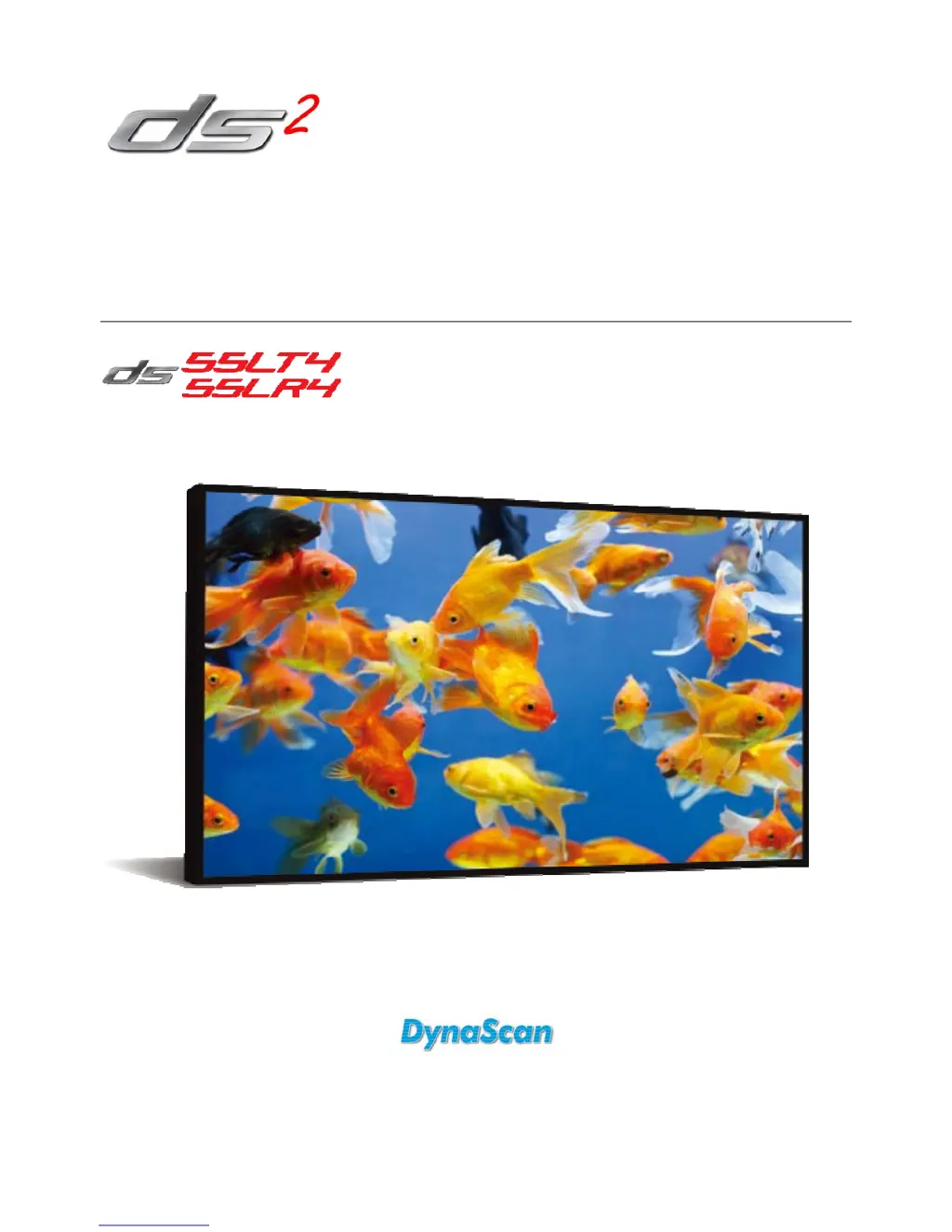
Dynascan DS55LT4 - User Manual

Dynascan DS55LT4
32 pages
Print Icon
To Next Page IconTo Next Page
Loading...
User Manual
Version 1.00
The use of diagrams and illustrations in the manual for reference only, actual product may be different.
Product design and specifications are subject to change without notice
Professional LCDs

Questions and Answers

Summary

Safety Precautions

General Safety Warnings

Covers essential safety guidelines for installation, handling, and operation to prevent hazards like electric shock and damage.

Image Burn-in Warning

Warns about permanent image retention from static displays and provides advice to avoid it.

Important Safety Information

Handling and Operation Precautions

Provides crucial safety advice on product handling, liquid exposure, power cords, and ventilation for safe use.

Cleaning Procedures

Getting Started

Remote Control Battery Installation

Installation and Mounting

Mounting Requirements

Details requirements for mounting the LCD, emphasizing structural support and professional installation.

Wall;Ceiling Mounting Specs

Specifies VESA standards, screw requirements, angle limits, and safety precautions for wall or ceiling mounting.

Installation Location and Orientation

Connecting Components

Power Source Connection

Steps for connecting the display to a power outlet using the provided power cable for safe operation.

External Video Source Connection

Instructions for connecting a video source via DVI cable, emphasizing powering off devices first.

Video Wall Applications

Daisy Chaining Displays

Guides connecting multiple displays for video walls using DVI and RS-232 cables for signal and control.

Operating Instructions

Display Power Control

Instructions on how to turn the display unit on and off using the main power switch.

Remote Control Operation

Remote Control Functions

Remote Control Button Descriptions

Details the function of each button on the remote control for operating the display.

Rear Panel Controls

On-Screen Display (OSD) Menu

Advanced OSD Settings

Specifications

Model Specifications Overview

Provides detailed technical specifications for the DS55LT4 and DS55LR4 models, covering panel, power, and mechanical aspects.

Troubleshooting

Common Issues and Solutions

Provides solutions for common problems like no image, unstable image, and remote control malfunctions.

Limited Warranty

Warranty Exclusions and Limitations

Dynascan DS55LT4 Specifications

General IconGeneral
Screen Size55 inches
Response Time8 ms
Display TypeLED
Aspect Ratio16:9
Refresh Rate60 Hz
Power Consumption120 W
Resolution1920 x 1080
Viewing Angle178° horizontal / 178° vertical
ConnectivityHDMI, VGA, USB
SpeakersYes
Weight44.1 lbs (20 kg)

Related product manuals