How to fix Dynascan Monitor when it cannot be controlled remotely via RS-232?
- VvillarrealashleySep 13, 2025
If you cannot control the Dynascan Monitor remotely via RS-232, check that the RS-232 cable is properly connected.
How to fix Dynascan Monitor when it cannot be controlled remotely via RS-232?
If you cannot control the Dynascan Monitor remotely via RS-232, check that the RS-232 cable is properly connected.
Covers essential safety guidelines for installation, handling, and operation to prevent hazards like electric shock and damage.
Warns about permanent image retention from static displays and provides advice to avoid it.
Provides crucial safety advice on product handling, liquid exposure, power cords, and ventilation for safe use.
Details requirements for mounting the LCD, emphasizing structural support and professional installation.
Specifies VESA standards, screw requirements, angle limits, and safety precautions for wall or ceiling mounting.
Steps for connecting the display to a power outlet using the provided power cable for safe operation.
Instructions for connecting a video source via DVI cable, emphasizing powering off devices first.
Guides connecting multiple displays for video walls using DVI and RS-232 cables for signal and control.
Instructions on how to turn the display unit on and off using the main power switch.
Details the function of each button on the remote control for operating the display.
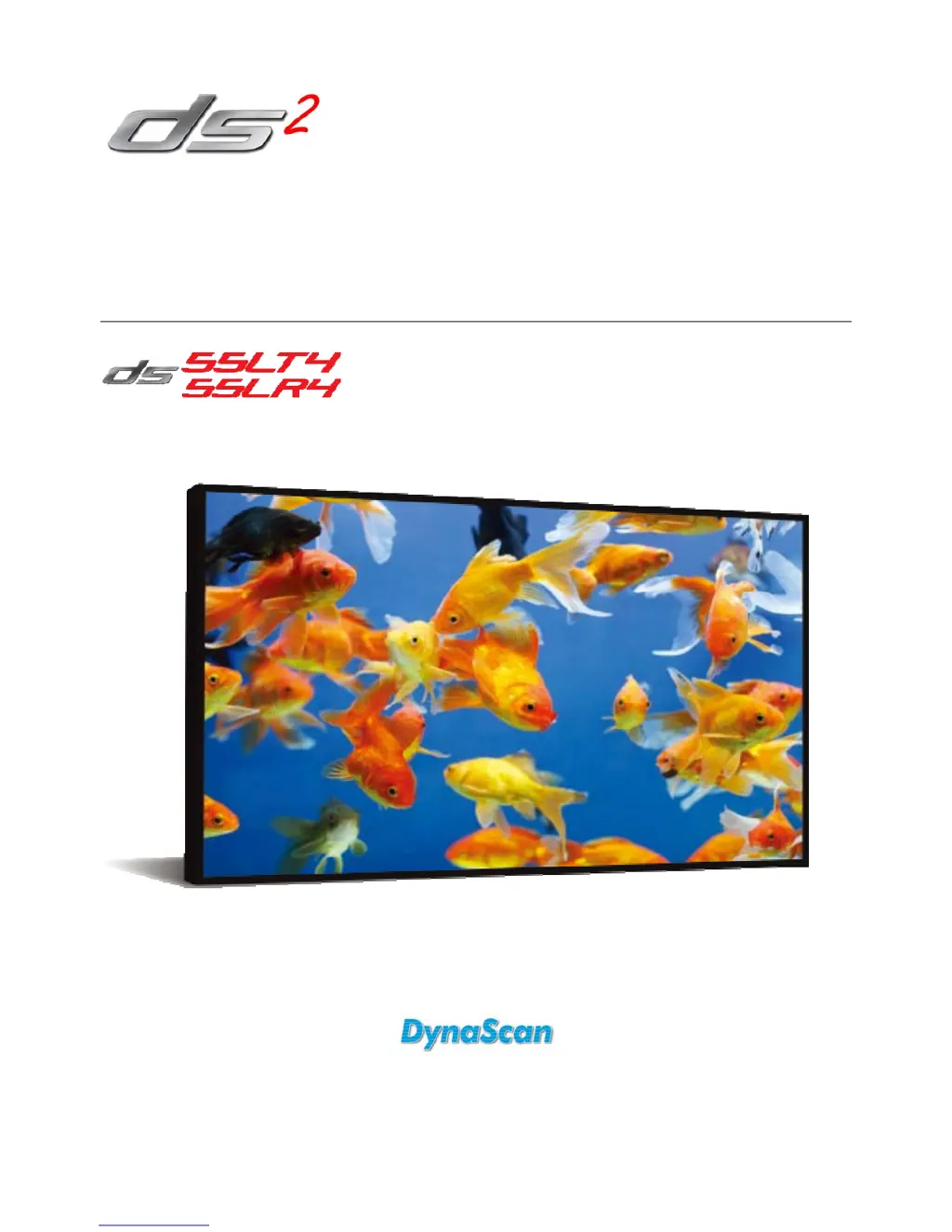
Provides detailed technical specifications for the DS55LT4 and DS55LR4 models, covering panel, power, and mechanical aspects.
Provides solutions for common problems like no image, unstable image, and remote control malfunctions.
| Screen Size | 55 inches |
|---|---|
| Response Time | 8 ms |
| Display Type | LED |
| Aspect Ratio | 16:9 |
| Refresh Rate | 60 Hz |
| Power Consumption | 120 W |
| Resolution | 1920 x 1080 |
| Viewing Angle | 178° horizontal / 178° vertical |
| Connectivity | HDMI, VGA, USB |
| Speakers | Yes |
| Weight | 44.1 lbs (20 kg) |