EasyManua.ls Logo

Dynascan DS46LO4 - User Manual

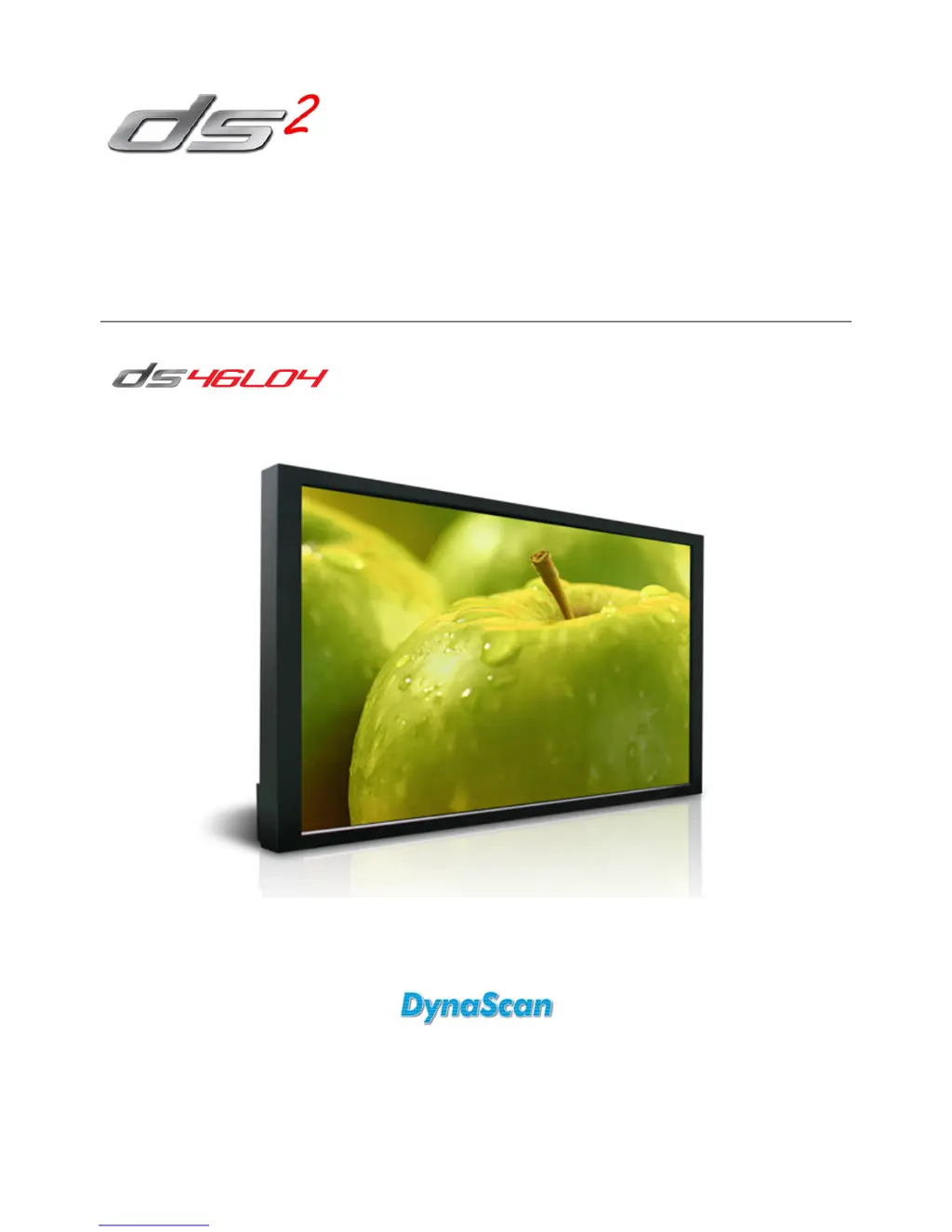
Dynascan DS46LO4
28 pages
Print Icon
To Next Page IconTo Next Page
Loading...
User Manual
Version 1.01
The use of diagrams and illustrations in the manual for reference only, actual product may be different.
Product design and specifications are subject to change without notice
Professional LCDs

Questions and Answers

Summary

Troubleshooting

Safety Precautions

Important Safety Information

Getting Started

Installing and Replacing Remote Control Batteries

Instructions for opening the battery compartment and inserting new AAA batteries.

Installation

Mounting

Details on mounting the LCD using VESA standards and screw specifications.

Mounting Guidelines

Instructions for wall mounting or ceiling hanging, including angle and power status.

Connecting To a Power Source

Connecting an External Video Source

Connecting Multiple Displays for Video Wall Applications

Operating Instructions

Using the Rear Panel Controls

Navigating the On Screen Display (OSD) Menu

Specifications

Pin Assignments

Dynascan DS46LO4 Specifications

General IconGeneral
BrandDynascan
ModelDS46LO4
CategoryMonitor
LanguageEnglish

Related product manuals