DS46LO4 User Manual 15
Using the Remote Control (cont.)
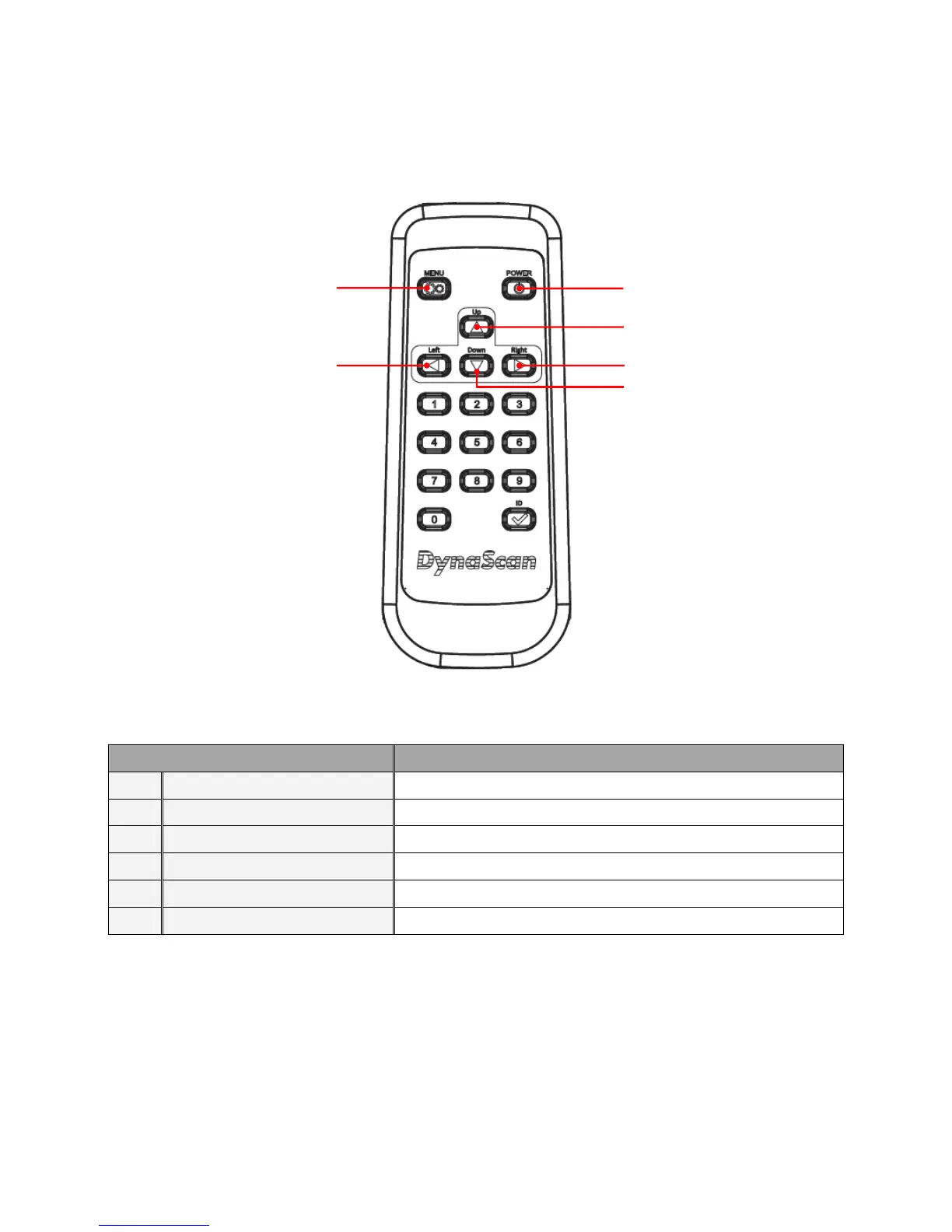
Color and shape may vary by model.
ITEM DESCRIPTION
X
POWER Power On / Off
Y
MENU OSD On / Off
Z
UP Move the cursor up or change the setting of the selected item
[
LEFT Exit the current selection
\
RIGHT Select the highlighted item
]
DOWN Move the cursor down or change the setting of the selected item
X
Y
Z
[
]
\



 To Next Page