EasyManua.ls Logo

Dynascan DS551LT7 - User Manual

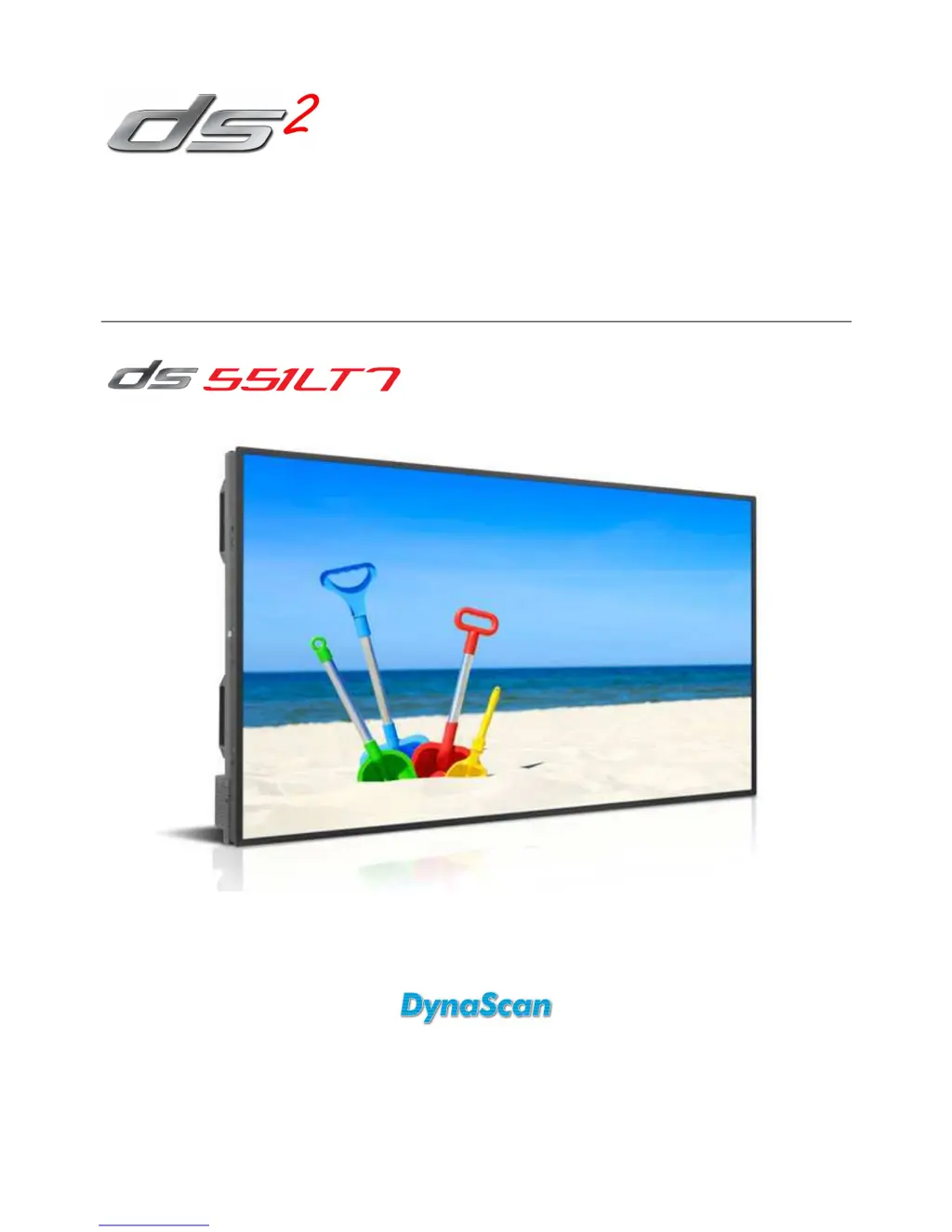
Dynascan DS551LT7
34 pages
Print Icon
To Next Page IconTo Next Page
Loading...
User Manual
Version 1.00
The use of diagrams and illustrations in the manual for reference only, actual product may be different.
Product design and specifications are subject to change without notice
Professional LCDs

Questions and Answers

Summary

Safety Precautions

General Cautions

Provides critical warnings and precautions to avoid hazards and damage.

General Warnings

Lists important warnings regarding product handling, environment, and potential risks.

Image Burn-In Warning

Details the risk of image burn-in and methods to prevent it.

Important Safety Information

Getting Started

Installing and Replacing Remote Control Batteries

Installation

Mounting Guidelines

Details on how to properly mount the LCD, including safety and structural considerations.

Installation Location Requirements

Connecting Power Source

Connecting External Video Source

Connecting Multiple Displays for Video Wall Applications

Daisy Chain Setup

Explains how to connect multiple displays for video wall configuration using DVI and RS-232.

Connector Positions

Input; Output Terminals

Input;Output Terminal Descriptions

Details the function and connection type for each input and output terminal.

Operating Instructions

Remote Control Operation

Guide on operating the display using the IR remote control, including receiver details.

Using the Rear Panel Controls

Navigating the On Screen Display (OSD) Menu

Video Wall Settings

Configuration options for video wall setup, including rows, columns, and bezel compensation.

Backlight Settings

Advance Settings

Specifications

Input Mode

Supported Input Resolutions

Lists active resolutions, refresh rates, pixel rates, and aspect ratios supported by the display.

Pin Assignments

RS-232 Output Pin Assignments

RS-232 Input Pin Assignments

Troubleshooting

Common Issues and Solutions

Provides solutions for common display problems like no image, unstable image, and remote control issues.

Limited Warranty

Dynascan DS551LT7 Specifications

General IconGeneral
BrandDynascan
ModelDS551LT7
CategoryMonitor
LanguageEnglish

Related product manuals