EasyManua.ls Logo

Dynascan DS861LR4 - User Manual

Dynascan DS861LR4
34 pages
Print Icon
To Next Page IconTo Next Page
Loading...
USER MANUAL
DS861LR4
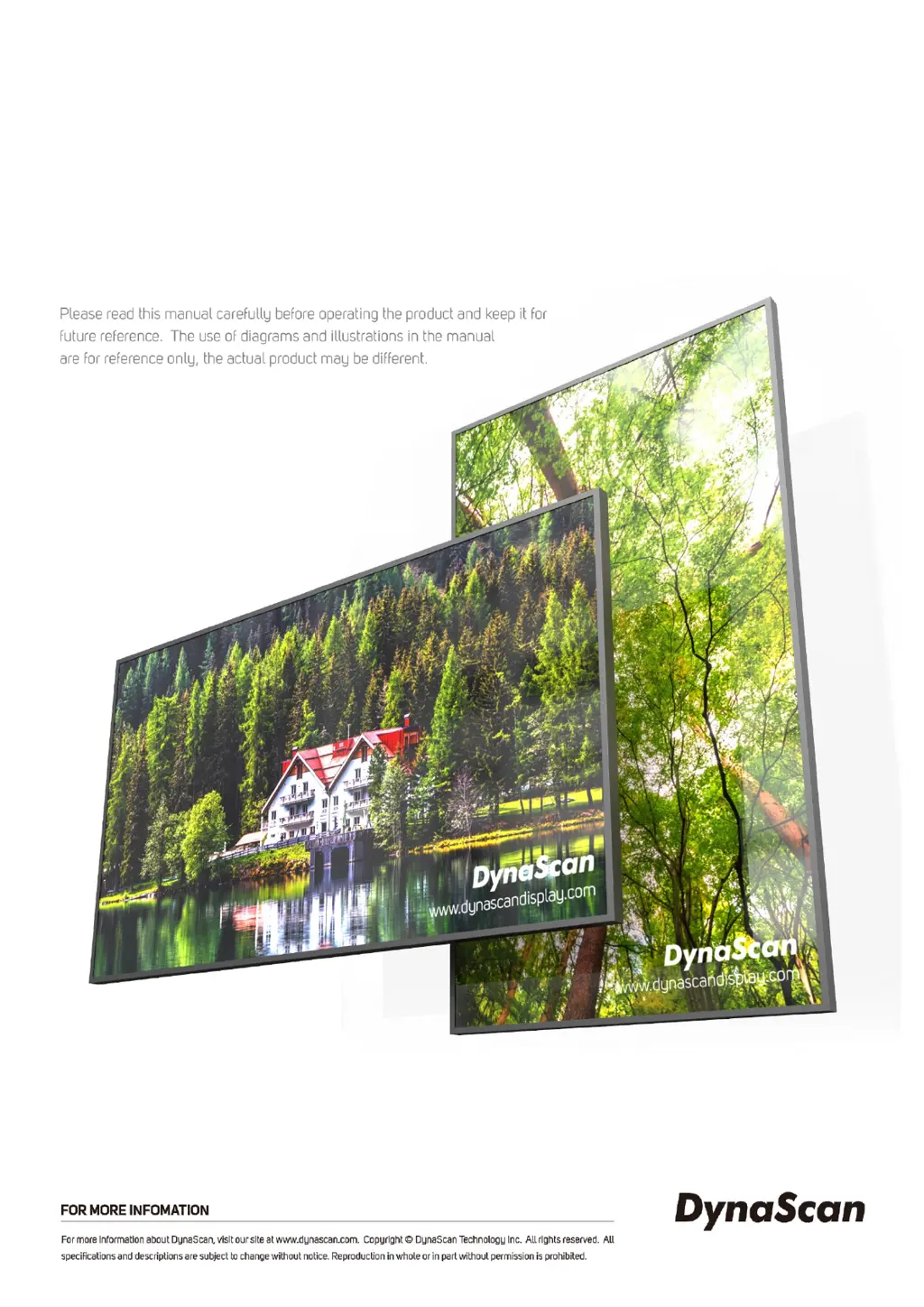
86 3500 Nits Ultra-High Brightness Digital Signage
66901 | V2.02

Questions and Answers

  • T
    Timothy ReidAug 9, 2025
    What to do if Dynascan Digital Signage remote control does not work?
    • M
      Michael Cameron MDAug 9, 2025
      If the Dynascan Digital Signage remote control isn't working, first ensure that batteries are installed and have sufficient charge, checking for correct polarity. Verify that you are within the remote's operational range and that bright light sources, such as fluorescent or neon lights, aren't interfering with the signal.
  • E
    Edward SteeleAug 14, 2025
    Why is no image displayed on my Dynascan Digital Signage?
    • S
      Sonya PattersonAug 14, 2025
      If no image is displayed on your Dynascan Digital Signage, verify that the cable is securely plugged in and not damaged or excessively bent. Ensure the main switch is in the ON position and the power cord is fully connected. Also, confirm the image source's resolution is set to a supported format.
  • A
    adrian99Aug 18, 2025
    Why does auto on/off not work on Dynascan Digital Signage?
    • B
      Billy CastilloAug 18, 2025
      If the auto on/off function isn't working correctly on your Dynascan Digital Signage, check that the TIMER setting in the menu is not set to “OFF”. Also, verify that the “Power On Time” and “Power Off Time” settings are correctly configured.
  • J
    Jordan StephensonAug 25, 2025
    Why is my Dynascan Monitor remote control not working?
    • S
      shelbysmithAug 25, 2025
      If the Dynascan Monitor remote control isn't working, make sure there are batteries inside and that they are fresh and correctly oriented. Ensure the remote is within its operational range and avoid using it near bright fluorescent or neon lights, as these can interfere with the signal.
  • R
    Raymond BushAug 29, 2025
    What to do if my Dynascan Monitor displays no image?
    • A
      Angela HillAug 29, 2025
      If your Dynascan Monitor displays no image, verify that the cable is securely plugged in and not damaged or excessively bent. Also, ensure the main switch is in the ON position, the power cord is fully connected, and the image source resolution is set to a supported format.
  • K
    Kathleen BurnsSep 3, 2025
    Why does my Dynascan Monitor auto on/off not work?
    • B
      Brett BushSep 3, 2025
      If the auto on/off function on your Dynascan Monitor isn't working or functioning correctly, check that the TIMER setting in the menu is not set to 'OFF'. Also, verify that the 'Power On Time' and 'Power Off Time' settings are configured correctly.

Dynascan DS861LR4 Specifications

General IconGeneral
Viewing Angle178°/178°
Display TypeLED
Aspect Ratio16:9
Operating Temperature0°C to 40°C
Storage Temperature-20°C to 60°C
Screen Size86 inches
Resolution3840 x 2160
ConnectivityHDMI
Input Voltage100-240V AC
Power Consumption0.5W (standby)

Related product manuals