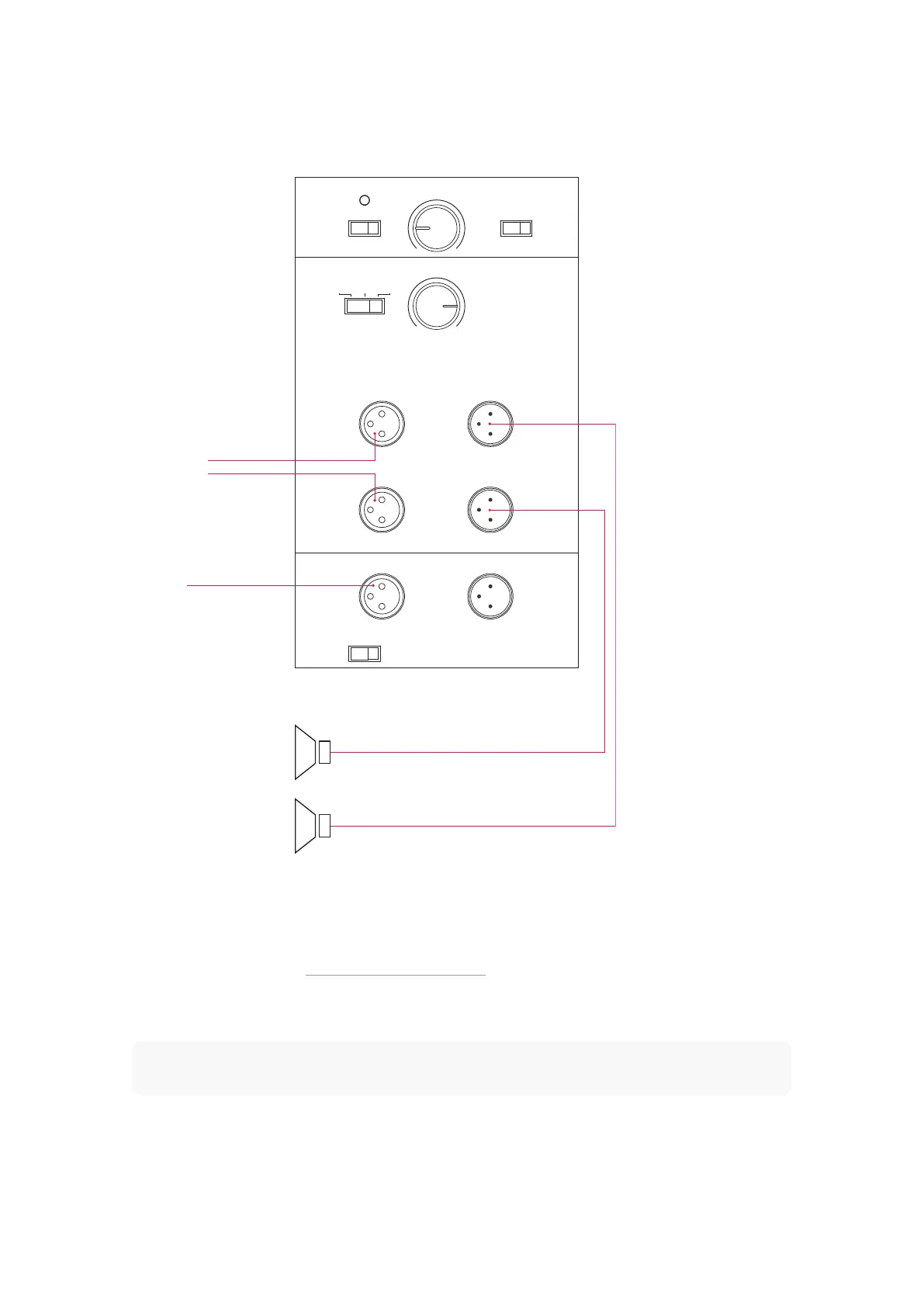
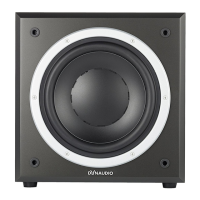
Connecting loudspeakers
ON AUTO
GAIN PHASEPOWER
SUB LowpassSAT Highpass
SAT/SUB Input SAT Output
LFE / Slave IN OUT
Min Max
50Hz 150Hz
0° 180°
LEFT
RIGHT
SUB I/O To Slave
LFE Slave
60HzFlat 80Hz
1. LFE
2.1. Ste reo
If the signal source includes a bass management function, the subwoofer LFE input alone can be used in LFE or
SLAVE mode, depending on the management system capabilities. Avoid double LFE filtering if possible.
To connect loudspeakers
1. Connect the subwoofer (see “Connecting a single subwoofer”).
2. From the subwoofer SAT output connect a XLR cable to the inputs of the power amplifier you use for your speakers.
Note
The signals connected to the inputs are provided at the Slave output for connecting another subwoofer. See
the later section on multiple subwoofers to learn more.
Before you start 13



 To Next Page