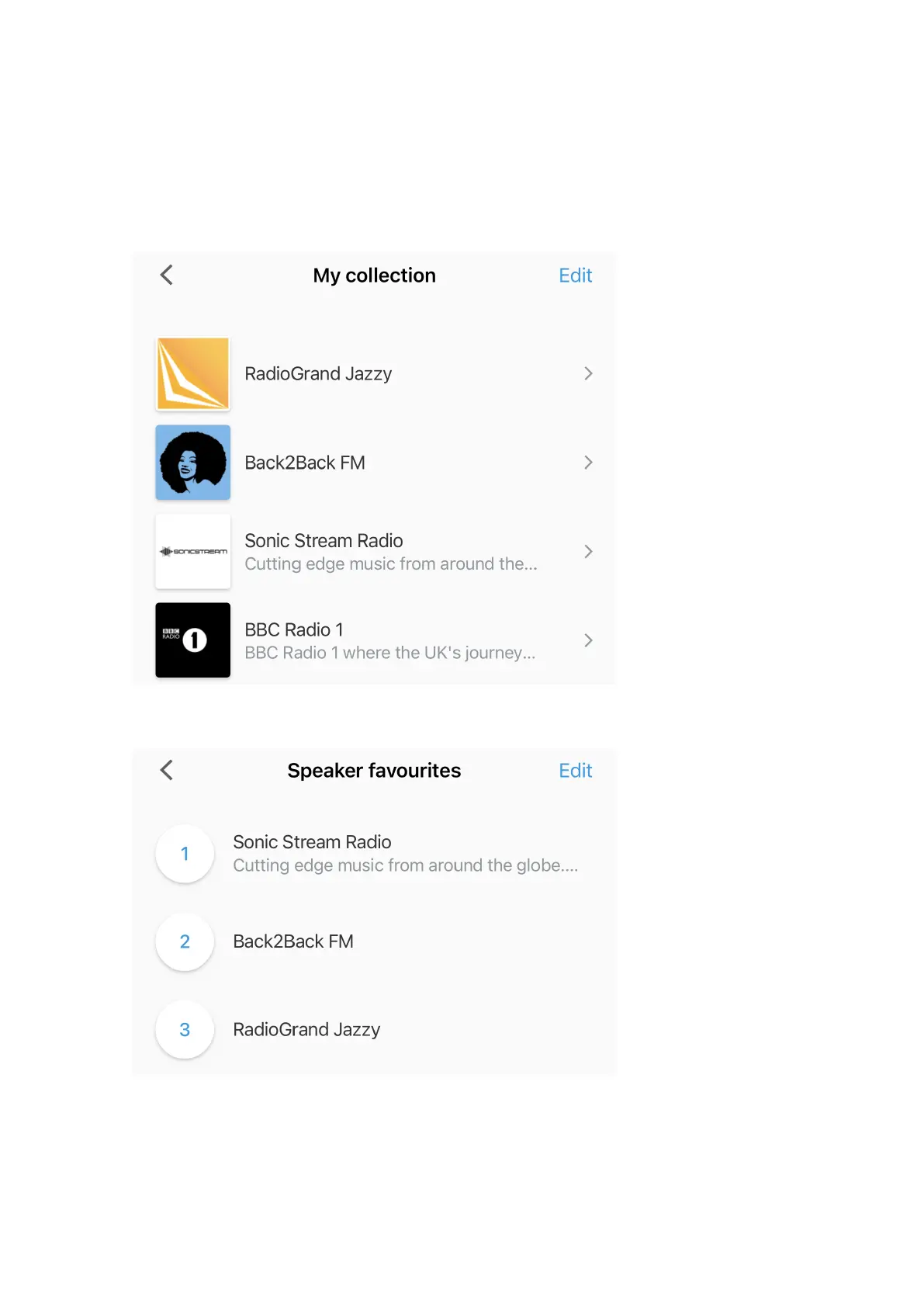
2. Click the Note icon to browse Internet radio stations and podcasts.
3. If you find an Internet radio station or podcast that you would like to add to the currently selected speaker’s favourites, tap
the heart icon. You can assign up to 3 Internet radio stations to a speaker. These favorites are assigned to preset buttons
1, 2 and 3 of the remote control.
Illustration: Set-up and Control app: Collection
Illustration: Set-up and Control app: Favourites
Using the Dynaudio Set-up and Control App with WiSA Audio
When using your Focus speakers to play audio from a WiSA source such as a television set, please note:
26 Focus User manual











 To Next Page