8.3. Switching on Bass Boost
Switching on the Bass Boost system ensures more faithful rendi-
tion of the low frequencies (bass) to produce a more “saturated”
sound of greater volume.
Set “ON” with the “Bass Boost” slide on the left-hand side of
the MP3-CD player to switch on the Bass Boost system.
Set “OFF” with the “Bass Boost” slide to switch o the Bass
Boost system.
8.4. Stopping playback (PAUSE mode)
To stop audio CD playback press the “PLAY/PAUSE” button
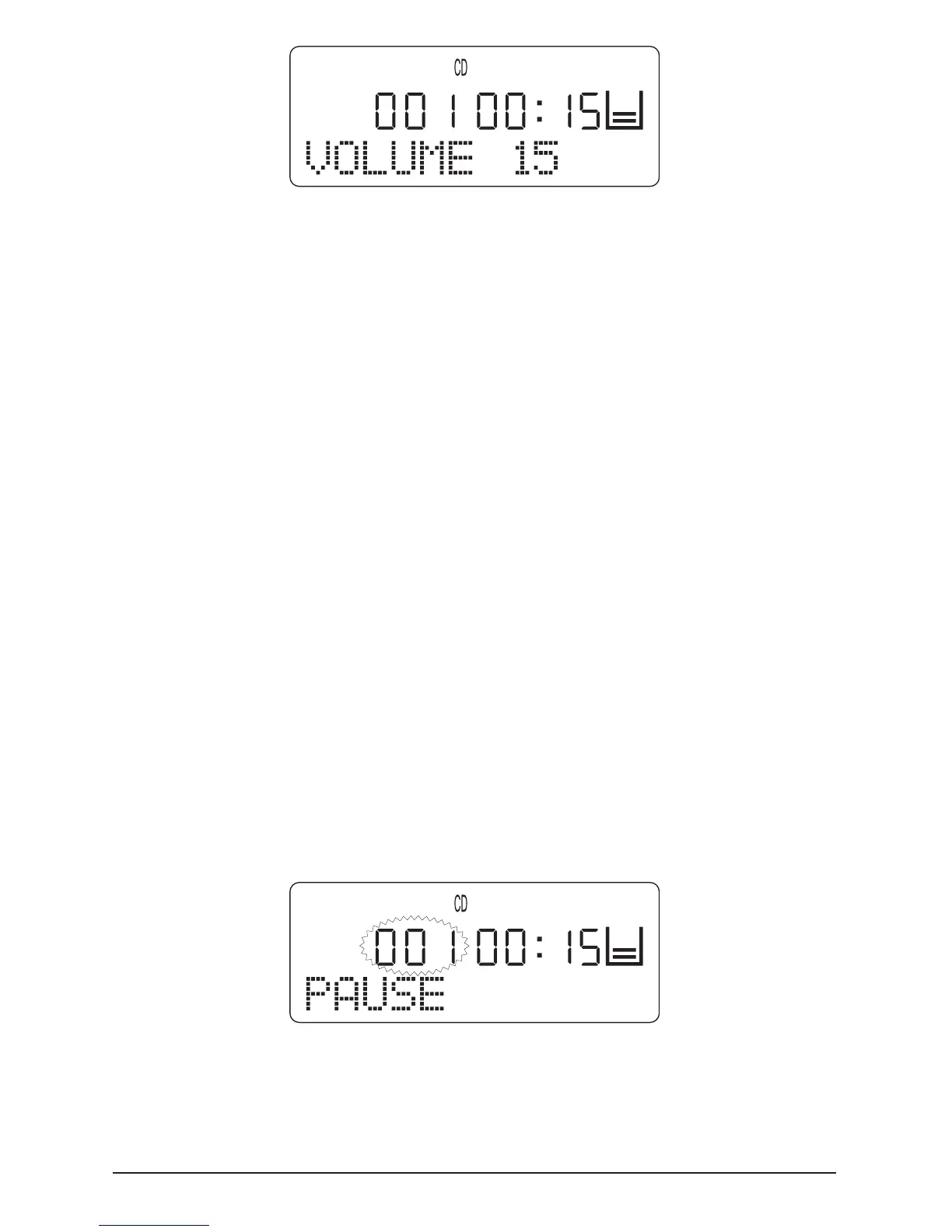
once. The MP3-CD player is then in PAUSE mode. “PAUSE” is
indicated on the LCD display and the number of the currently
stopped track ashes.
Press the “PLAY/PAUSE” button once to continue playback.
The current track is continued from the point it was stopped.



 To Next Page