To repeat playback of all titles of a loaded MP3-CD, press the
“MODE” button three times during playback of a title; “REPT
ALL” is indicated on the LCD display.
The entire loaded CD will continue to be played until …
• The “STOP” button is pressed to end playback or
• the “MODE” button is pressed three times to return to
normal playback mode
9.7. Programming a compilation of titles
(PROGRAM function)
Proceed as follows to program your own compilation of titles
for playback …
1 In the event that an MP3-CD is being played, then press the
“STOP” button once to terminate playback.
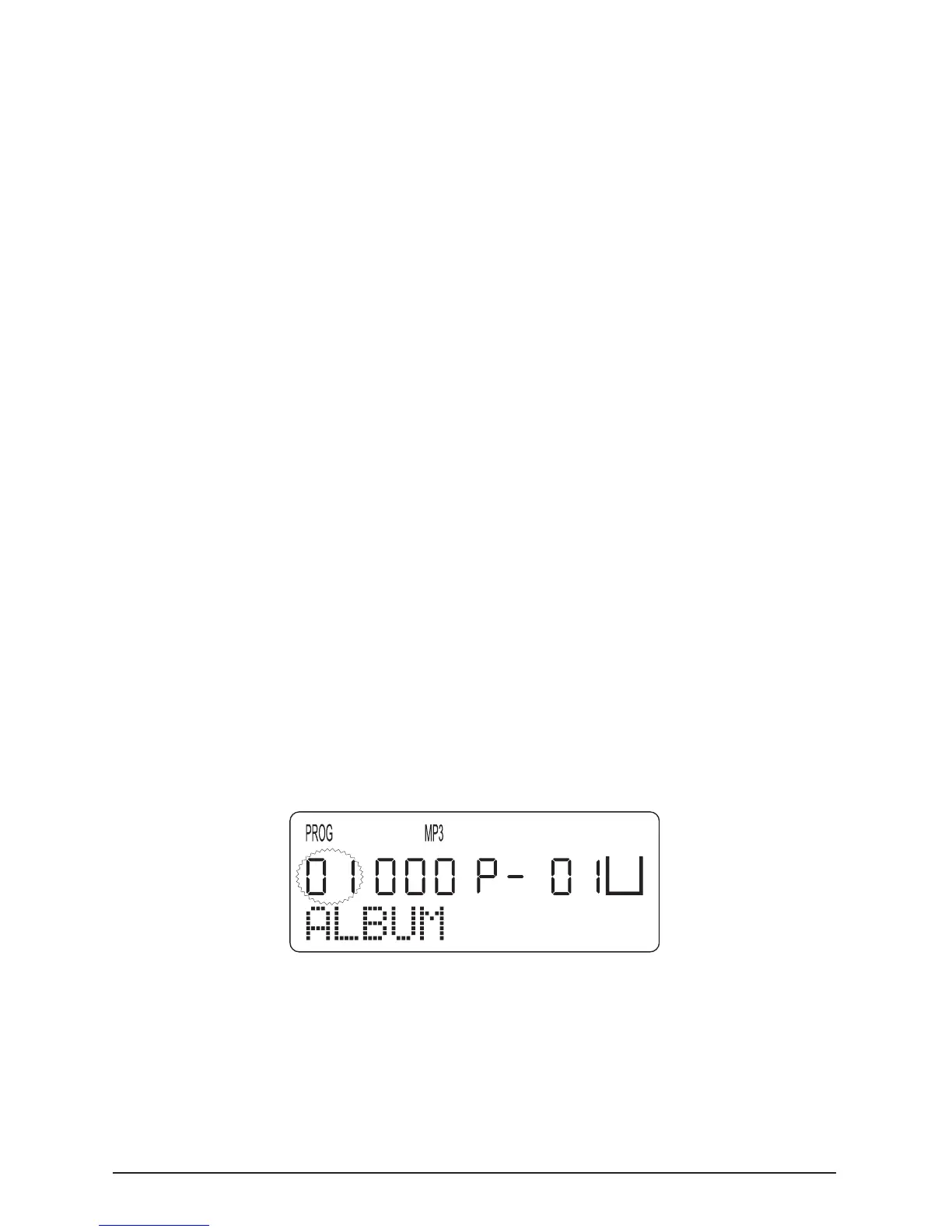
2 Press the “PROG./EQ” button once. “01” will ash on the
display.
3 Select with the “SKIP/SEARCH 8” or “SKIP/SEARCH 7”
button the directory holding the rst title that you wish to pro-
gram.
4 Press the “PROG./EQ” button once again. The title number



 To Next Page