display and playback of the current track is terminated. The
MP3-CD player is now in STOP mode.
8.11. Repeat functions
The following can be set with the repeat functions ...
• Repeat a single track of an audio CD and
• repeat the entire audio CD
8.11.1. Repeat playback of a single track
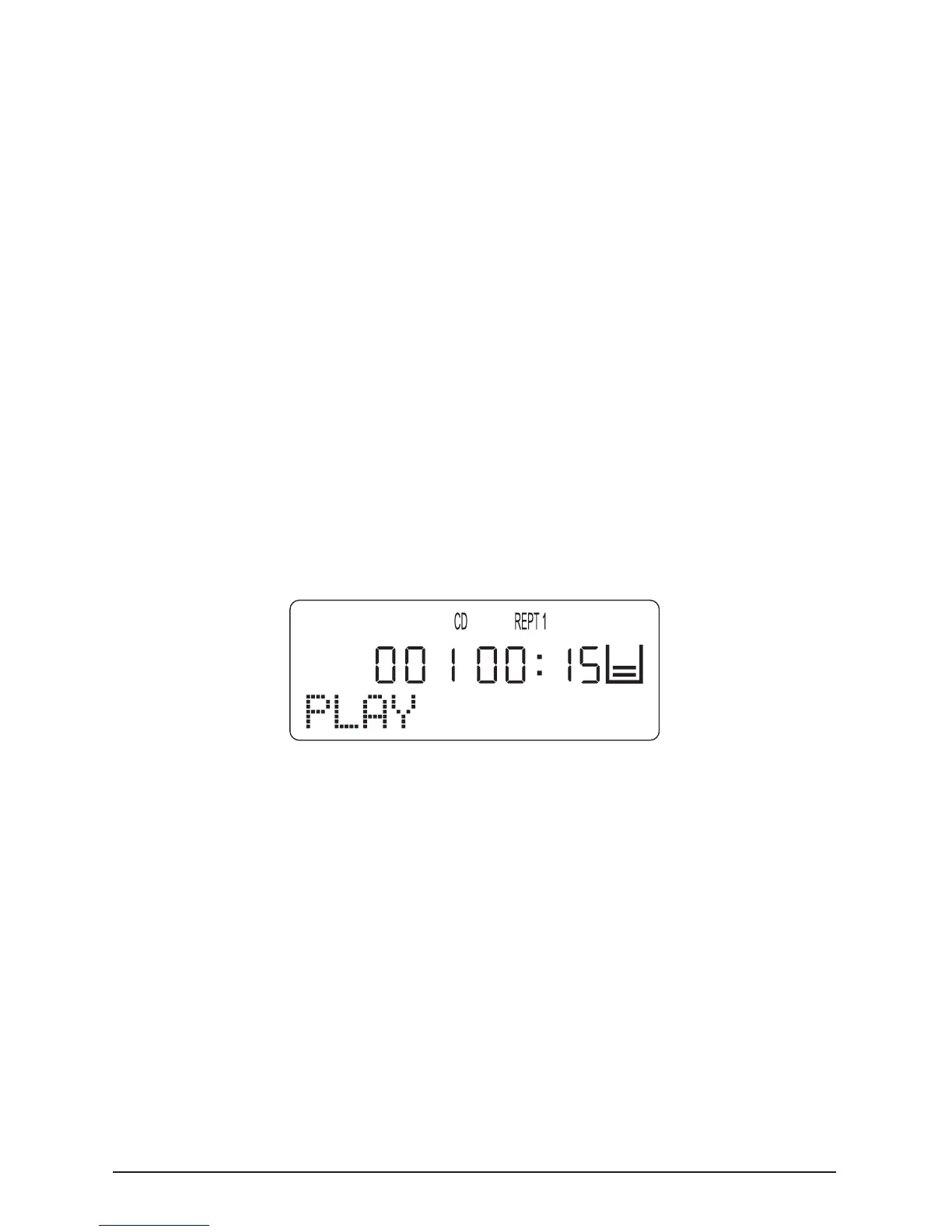
To repeat playback of a single track on the loaded CD press
the “MODE” button once during playback of the desired title.
“REPT 1” appears on the LCD display.
The selected track continues to be repeated until …
• Press the “STOP” button once to end repeat playback.
• Press the “MODE” button four times to return to normal
playback mode.
8.11.2. Repeat playback of all CD tracks
To repeat all tracks on the loaded CD press the “MODE” but-
ton twice during playback of a track. “REPT ALL” appears on
the LCD display.



 To Next Page