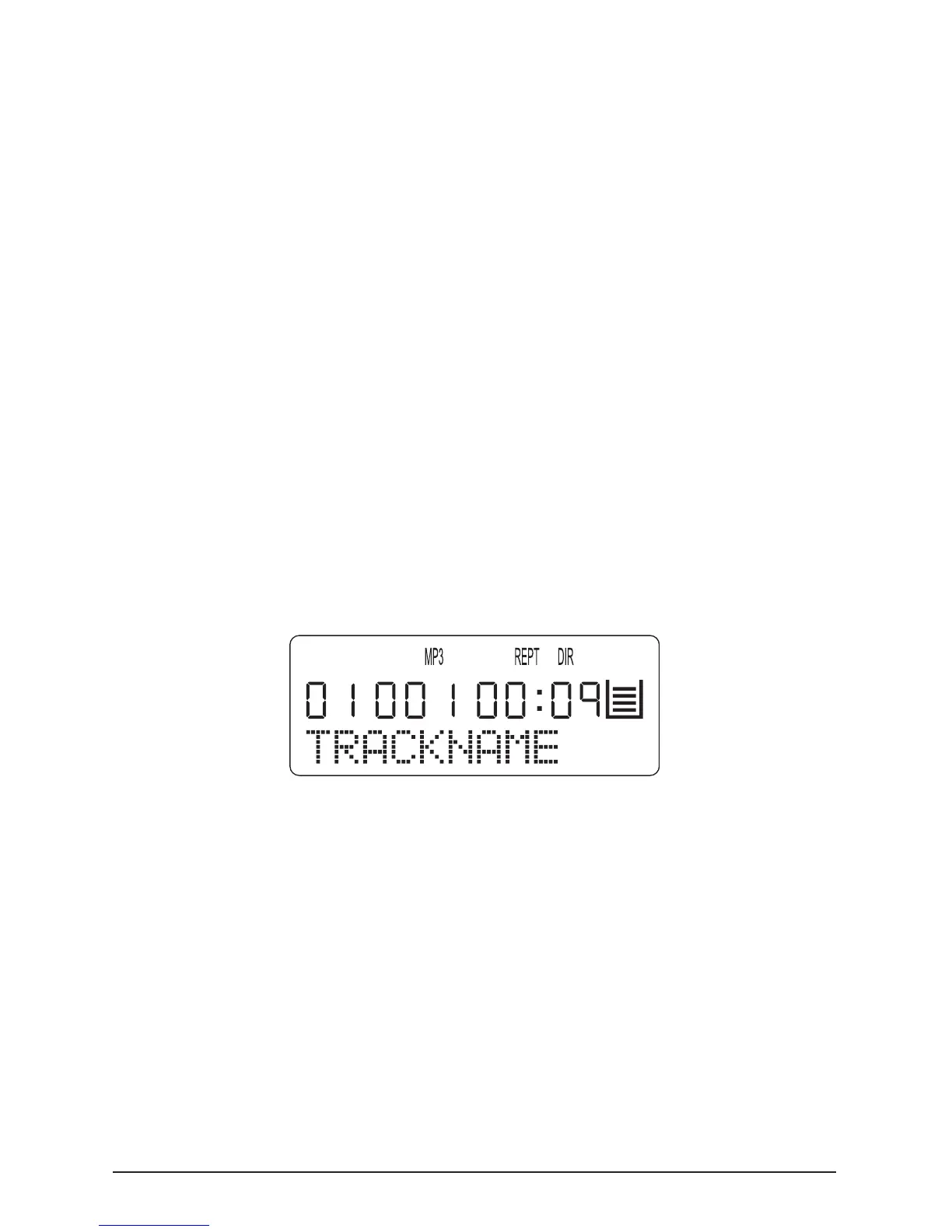
To repeat a single music title of a loaded MP3-CD press the
“MODE” button during playback of the desired title. “REPT
1” appears on the LCD display.
The selected title will then be continuously repeated until …
• The “STOP” mode is pressed to end playback or
• Press the “MODE” button ve times to return to normal
playback mode.
9.6.2. Repeated playback of a title of a directory
To repeat playback of all titles of a directory on a loaded
MP3-CD, press the “MODE” button twice during playback of
a title from the desired directory; “REPT DIR” is indicated on
the LCD display.
The titles of the selected directory will be played one after the
other until …
• The “STOP” button is pressed to end playback or
• The “MODE” button is pressed four times to return to
normal playback mode
9.6.3. Repeated playback of all MP3-CD titles



 To Next Page