button twice during playback. This ends the program func-
tion, “PROG” is faded out on the display and the programmed
compilation of titles is deleted.
The player is automatically transferred to STOP mode after
all programmed tracks have been played. The programmed
tracks continue to be stored until …
• You open the CD compartment
•
You switch o the player by depressing the “STOP” button.
• The MP3-CD player is automatically switched o after 30
seconds.
8.9. Intro play function
The rst 10 seconds of all tracks of the loaded CD are played one
after the other in the Intro play function.
Proceed in the following manner to switch on the Intro play
function …
1 If a CD is being played, then end playback by pressing the
“STOP” button once.
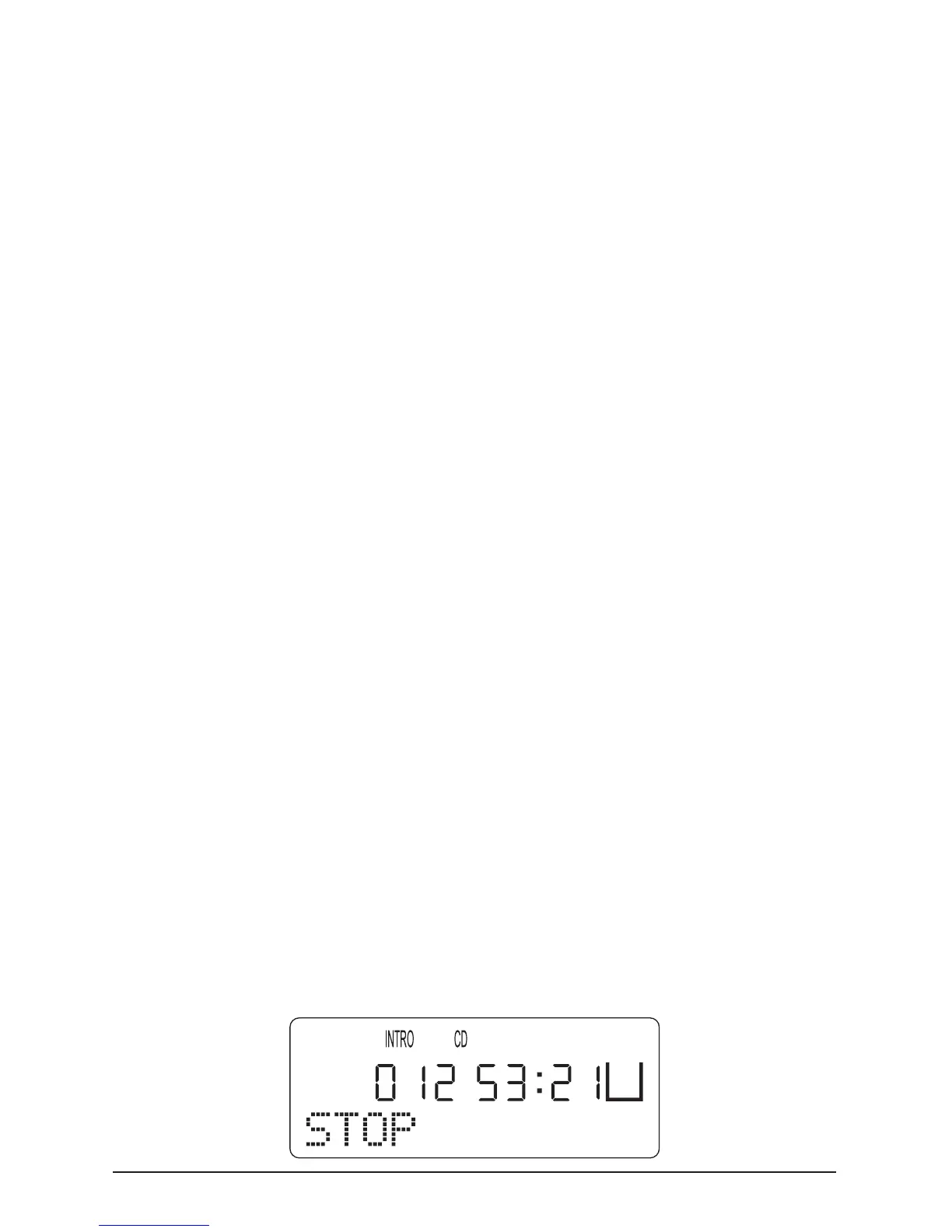
1 Press the “MODE” button three times. “INTRO” appears
on the display. Then press the “PLAY/PAUSE” button once to
start the Intro play function.



 To Next Page