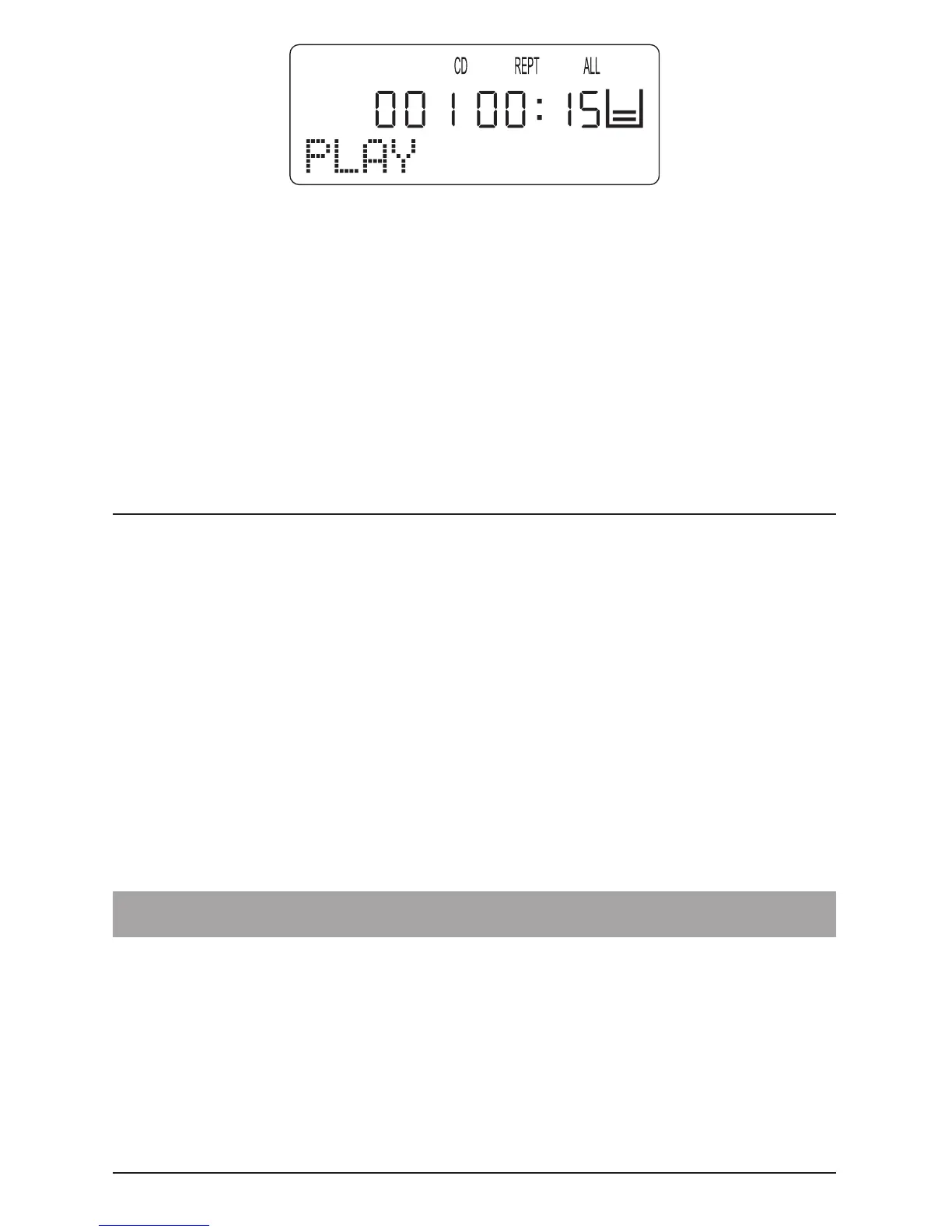
The entire loaded CD continues to be repeated until …
• The “STOP” button is pressed once to end playback.
or
• The “MODE” button is pressed three time to return to
normal playback mode.
9. MP3-CDs
9.1. Playback
1 Open the CD compartment, load an MP3-CD and close
the CD compartment.
2 Then press the PLAY/PAUSE” button.
“READING” appears on the display and the MP3-CD player now
reads the information on the loaded MP3-CD.
Please note:
Due to the enormous recording capacity of MP3 discs the
read-in/scanning times are somewhat longer than with
conventional audio CDs.
3 The rst title in the rst directory of the loaded MP3-CD is



 To Next Page