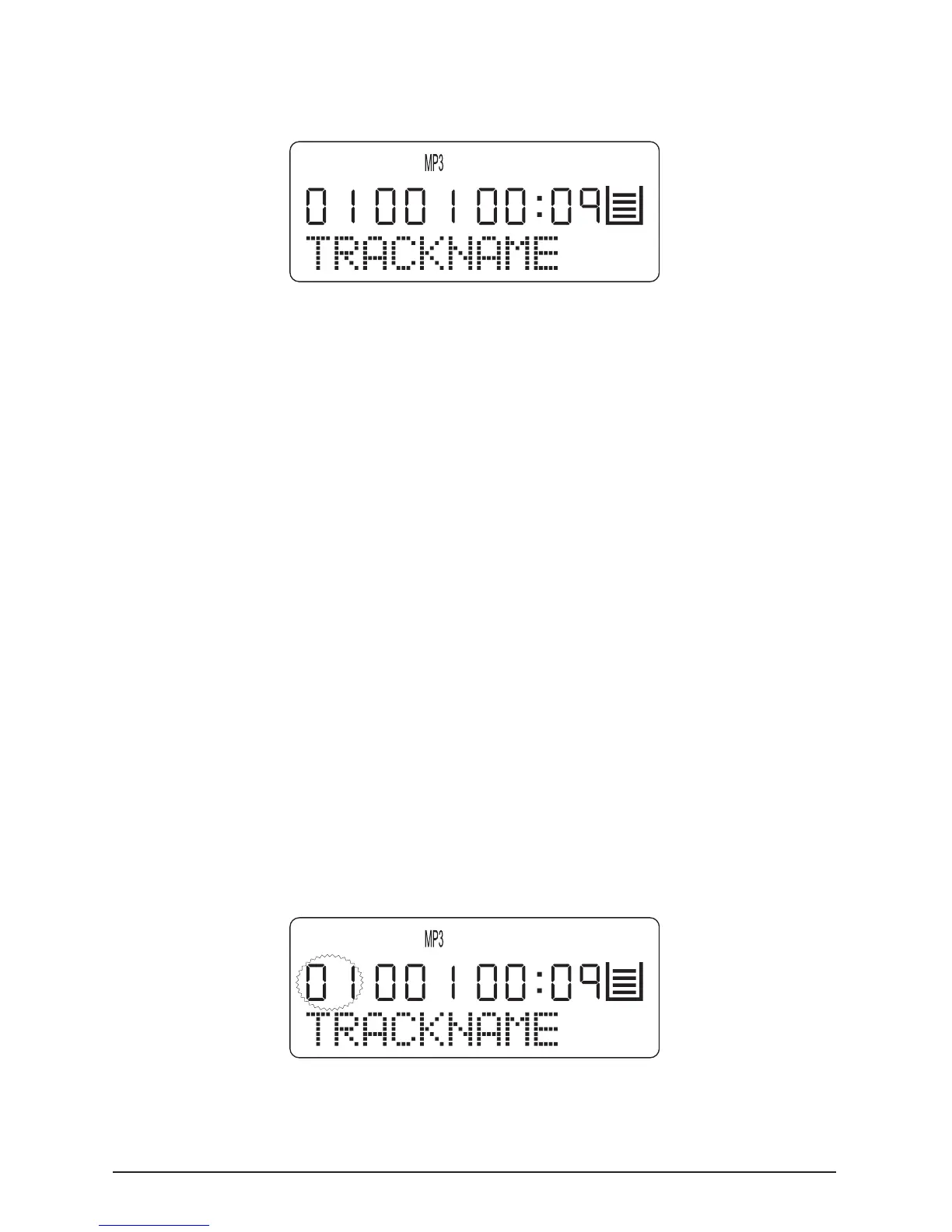
now automatically played and the following is indicated on
the display:
If the title designation under which a currently playing PM3-le
was stored on the loaded CD (e.g. song title and artist) is too long
to be shown in its entirety on the display, then the title designa-
tion is continuously scrolled to the left during playback.
9.2. Title selection
Titles in MP3 mode can be selected with the “SKIP/SEARCH 8”
or “SKIP/SEARCH 7” button in a similar manner as with audio
CD playback.
To select a title rst select in MP3 mode the le in which the
desired title is located, and then select the desired title.
1 Hold down the “10+/Album” button during playback in
PAUSE or STOP mode until the number of the current le starts
to ash on the LCD display.
2
Continue pressing the “SKIP/SEARCH8” or “SKIP/SEARCH 7”



 To Next Page