PG300/302 Owner’s Manual
14
LOCK/UNLOCK THE
VIBRATION LEVEL
How to Lock/Unlock the Vibration Level
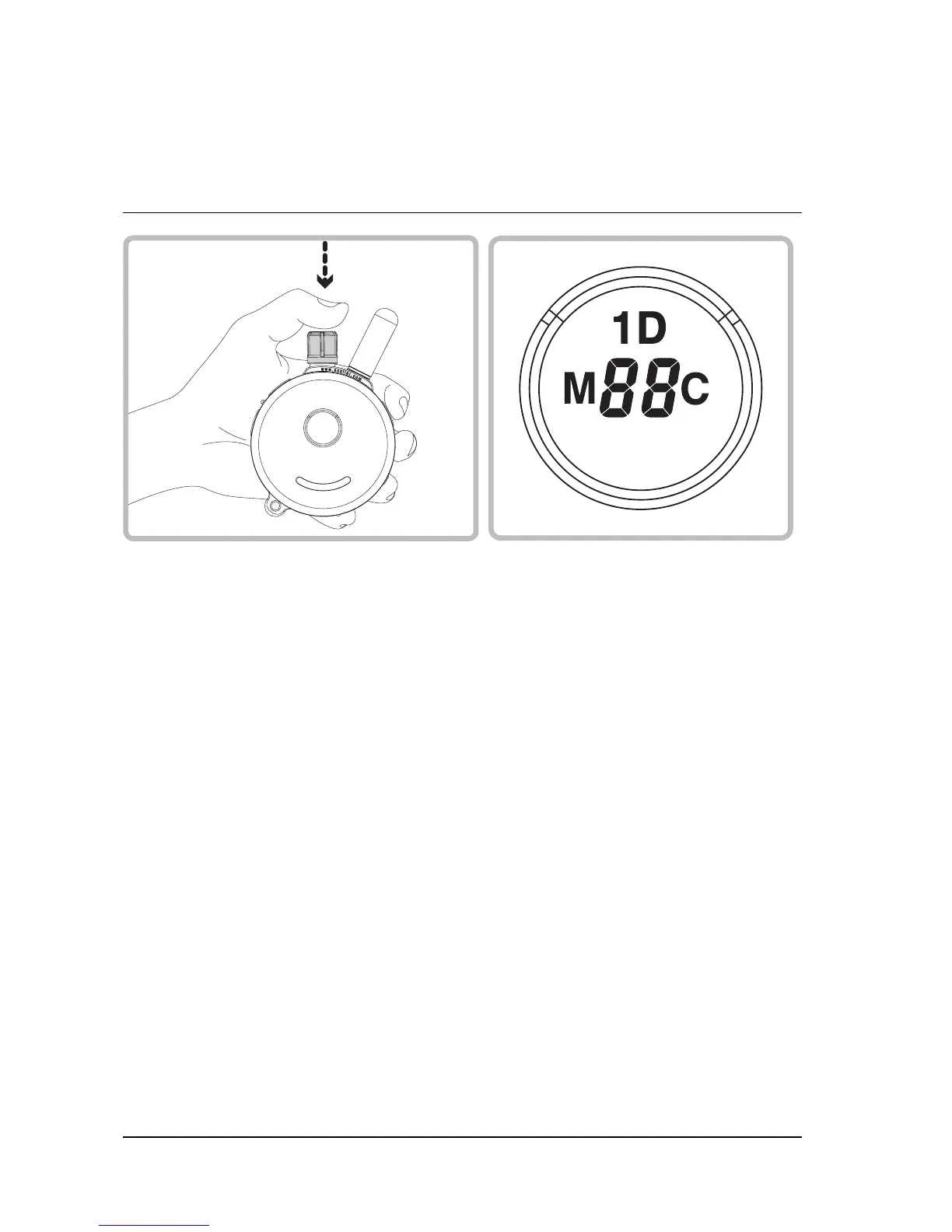
Set the desired vibration level and then press on the top of the
stimulation dial until you see “1D” light up on the top portion of the LCD
display. Flashing "1D" indicates unlocked vibration and Solid "1D"
indicates locked vibration level.
If the vibration level does not change when you rotate the stimulation
knob, you have successfully locked the vibration level.
To unlock the vibration level simply press the stimulation knob again
and it will unlock the vibration level.


 To Next Page