107
pop-up box. Other features, such as a river or a street intersection will
not appear highlighted, but the cursor will take you to those locations
just the same.
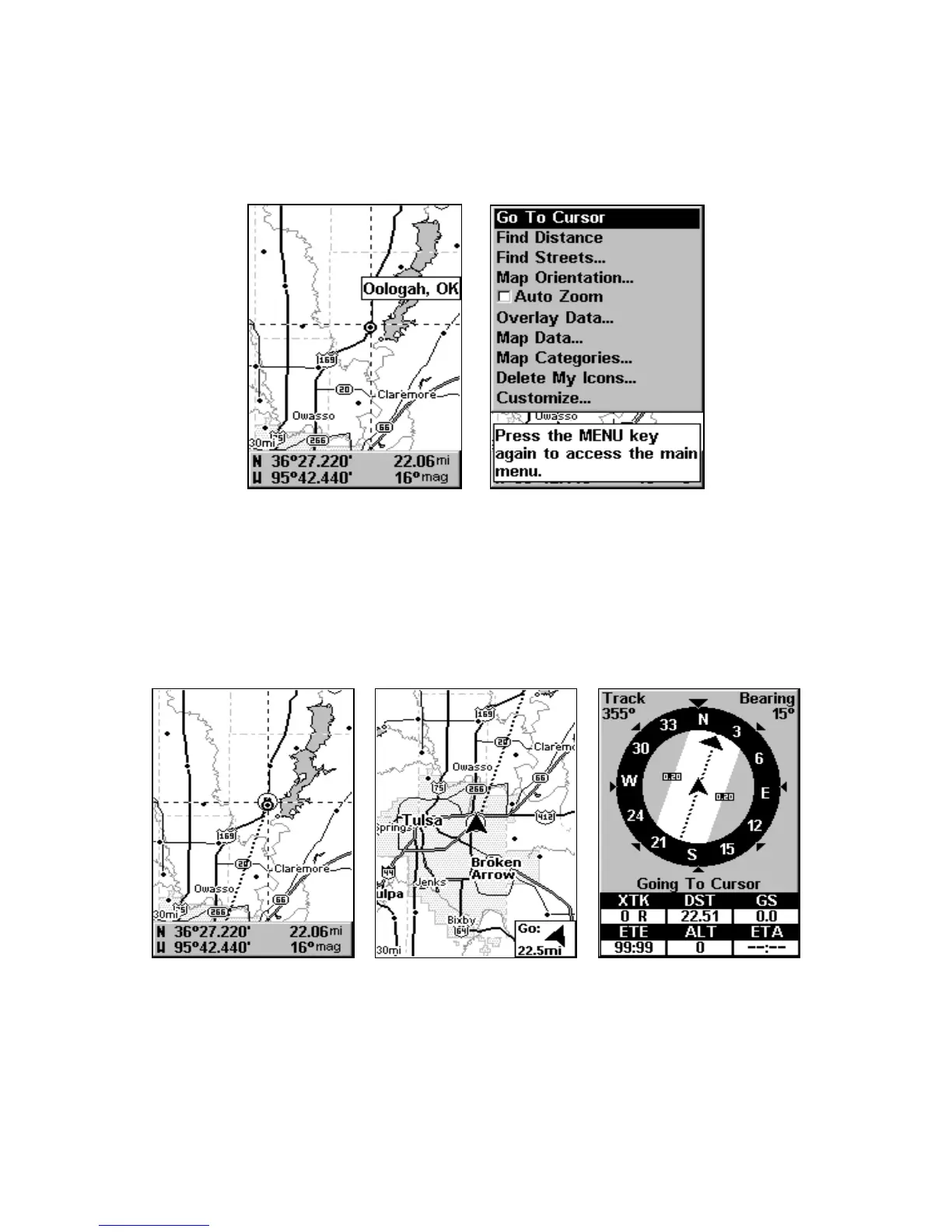
In this example, the cursor is centered on Oologah, Oklahoma.
3. Press MENU|ENT to begin navigating to the cursor location.
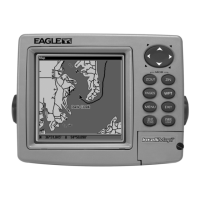
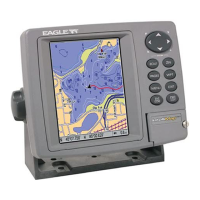
The Map Page will display a dotted line from your current position to the
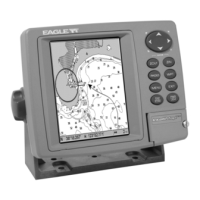
cursor position. The Navigation Page displays a compass rose showing
navigation information to your destination. See the following examples.
The 30-mile zoom figure (left) clearly shows the dotted course line con-
necting your current position to your destination. The 30-mile zoom (cen-
ter) shows both current position and direction to destination on screen.
The Navigation Page (right) will also show navigation information.




 To Next Page