114
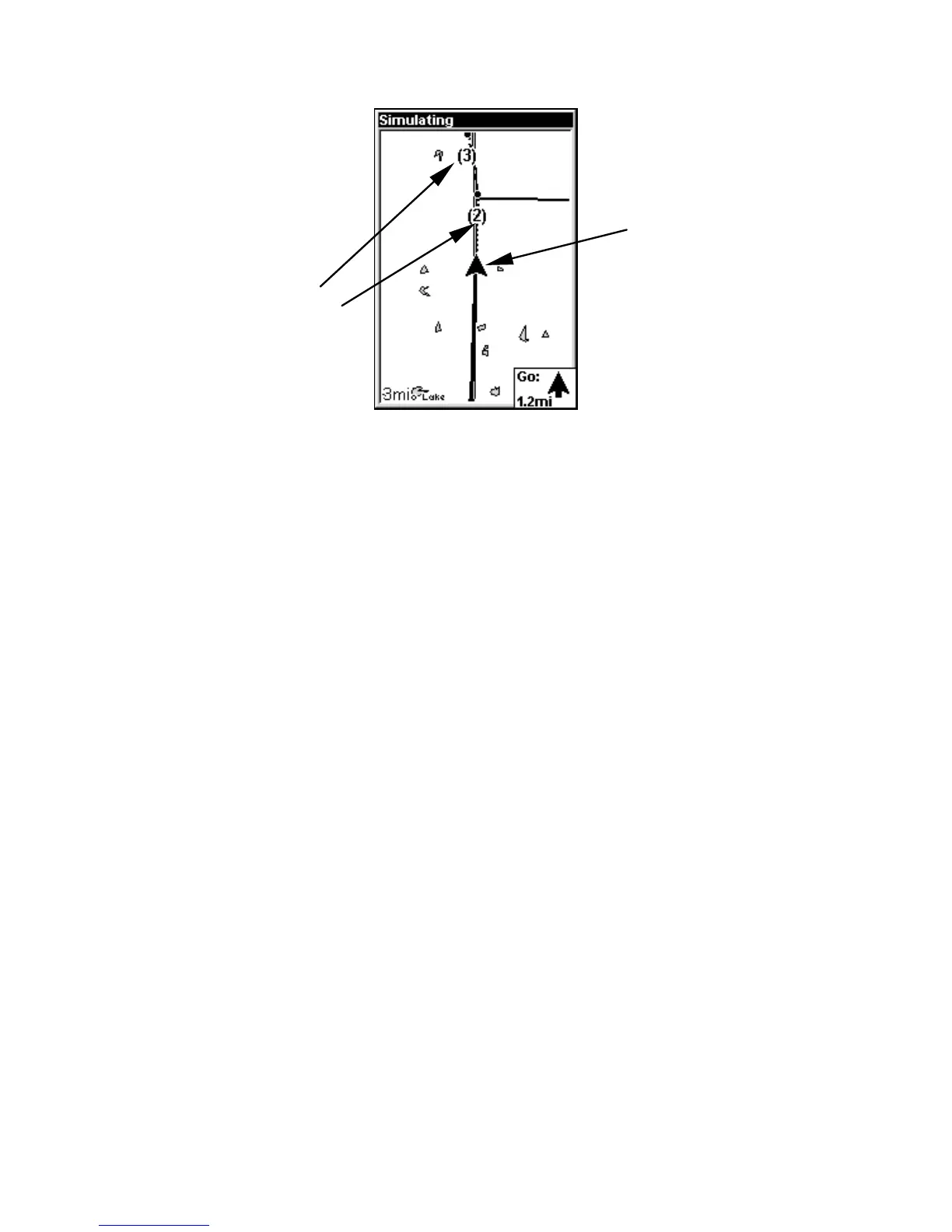
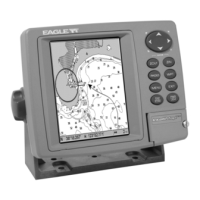
Navigate trail: driver is headed north toward trail point (2).
Navigate a Back Trail (backtrack, or reverse)
1. Press
MENU|MENU|↓ to MY TRAILS|ENT.
2. Press ↓ to enter the Saved Trail list, then use ↑ ↓ to select the de-
sired Trail Name|
ENT.
3. Press ↓ to
DELETE TRAIL|→ to NAVIGATE|ENT.
4. Press → to
REVERSE ROUTE|ENT|← to NAVIGATE ROUTE|ENT. The unit
begins showing navigation information along the trail, in reverse.
NOTE:
If you are located at or near the end of your trail, the arrival alarm
will go off when you hit Enter. Press
EXIT to clear the alarm.
5. Now, begin moving and let your Cuda 250 guide you.
6. When you reach your destination, be sure to cancel your navigation:
press
MENU|MENU|↓ to CANCEL NAVIGATION|ENT. The unit asks if you're
sure. Press ←|
ENT.
Cancel Navigation
You can turn off any of the navigation commands after you reach your
destination or at any other time by using the Cancel Navigation com-
mand. Press
MENU|MENU|↓ to CANCEL NAVIGATION|ENT|← to YES|ENT.
Trail points
Present
position
arrow




 To Next Page