154
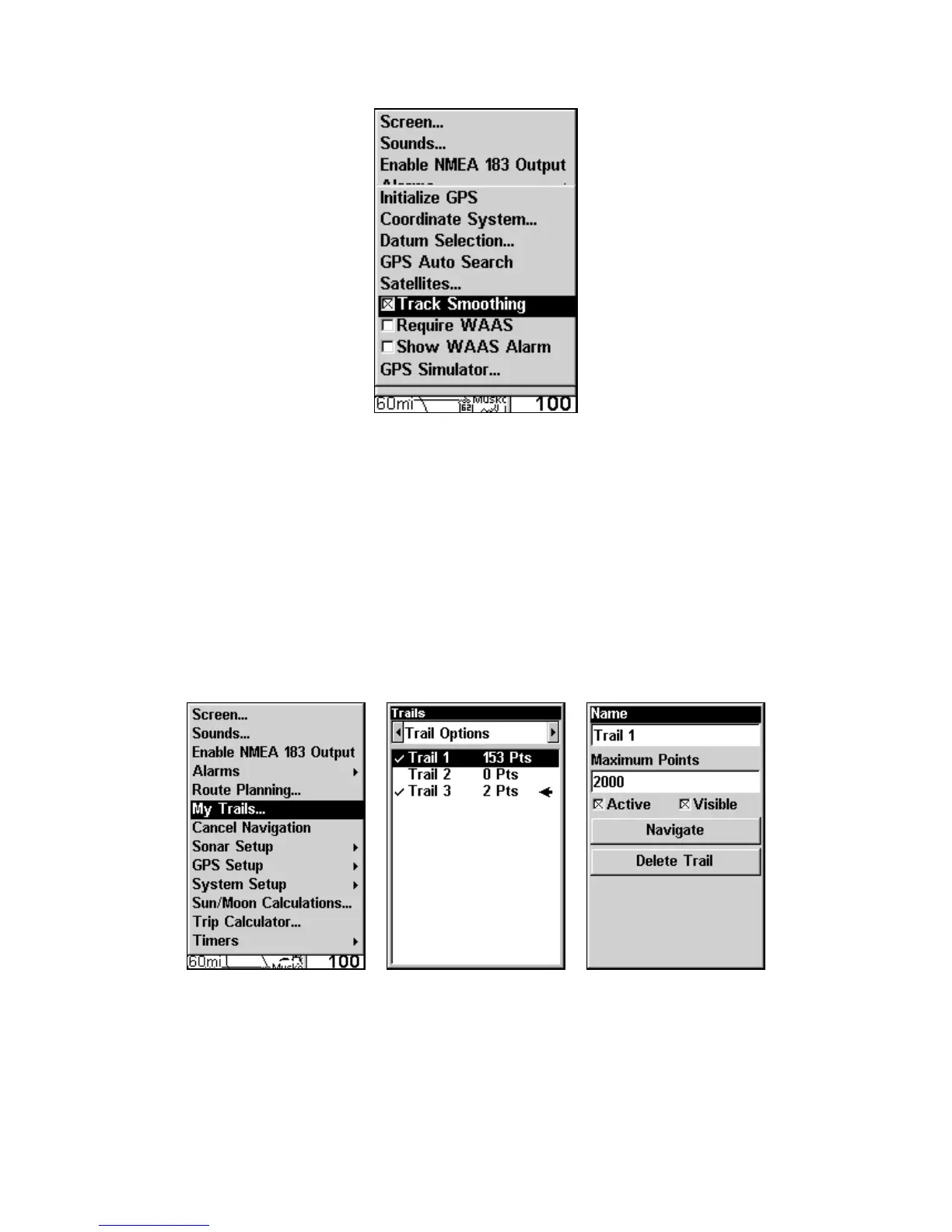
Track Smoothing option.
Trail Options
There are several options you can use with trails. Some affect all trails.
Other options can be applied to a particular trail. You can display or
hide trails, create a new trail, delete a trail or change the way trails are
updated.
To access the Trails Menu:
Press
MENU|MENU|↓ to MY TRAILS|ENT.
Main Menu (left). Trails Menu (center). Trail Options (right).











 To Next Page