EasyIO 30P – Frequently Asked Questions
14
New default gateway : 192.168.1.1
It is a must to key in the default gateway, otherwise it will not allow to change the IP address.
4) How to recover the lost IP address for EasyIO-30P?
Please refer to documents as below.
a) EasyIO Basic 02 – Recover Lost IP and Login Crendentials User Guide
b) EasyIO Basic 03 – Terminal Mode User Guide
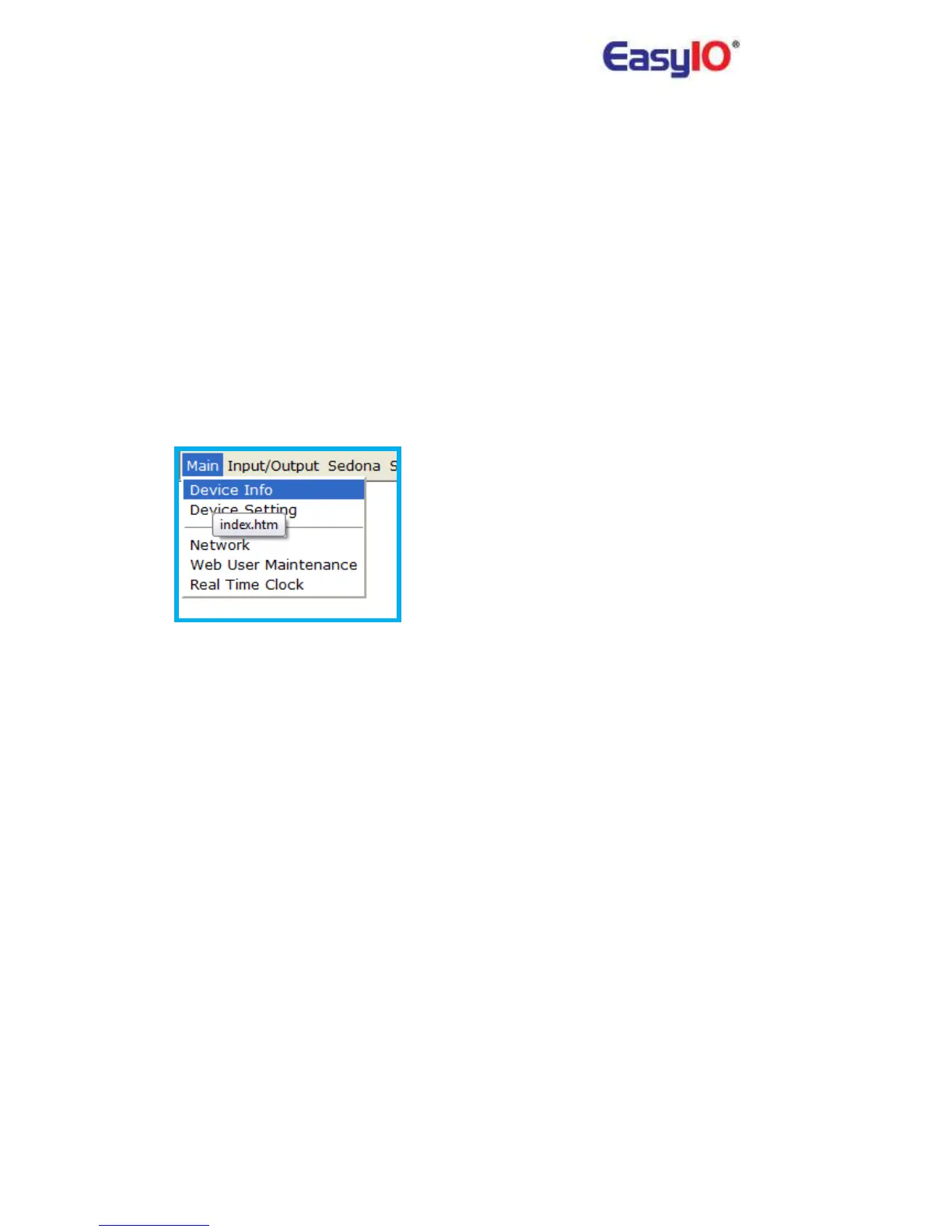
5) How to check the EasyIO-30P’s firmware type and version?
Go to Main>Device info tab.



 To Next Page