EasyIO 30P – Frequently Asked Questions
23
d. You will get connected if the login credentials are correct.
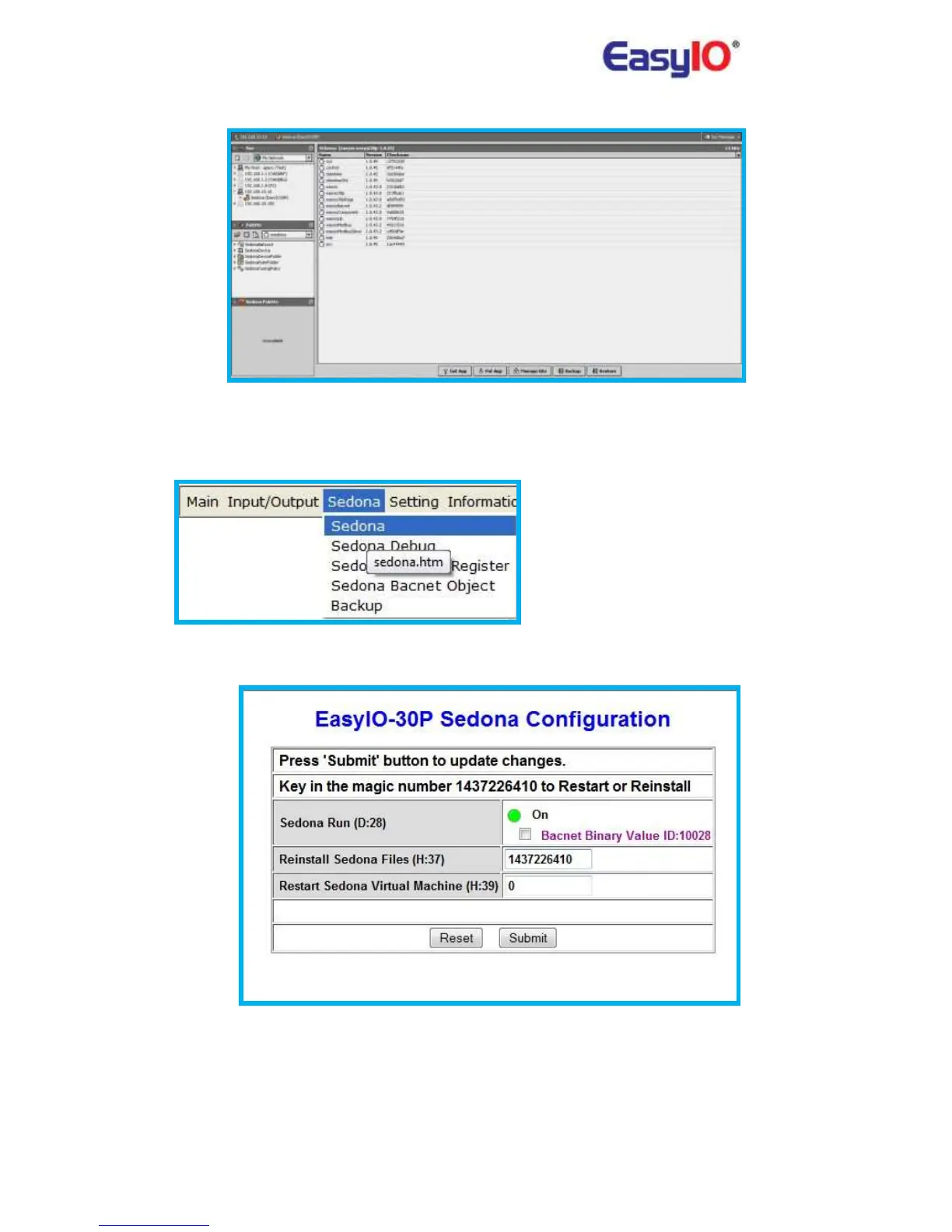
9) How to clear the installed Sedona applications?
Login to the EasyIO-30S-BM via web browser, go to Sedona>Sedona Tab.
Key in the magic number provided. This is re-install all Sedona VM into the controller to default
and will also restart the Sedona VM.
This step will also clear all the login credentials created previously to default.



 To Next Page