EasyIO 30P – Frequently Asked Questions
26
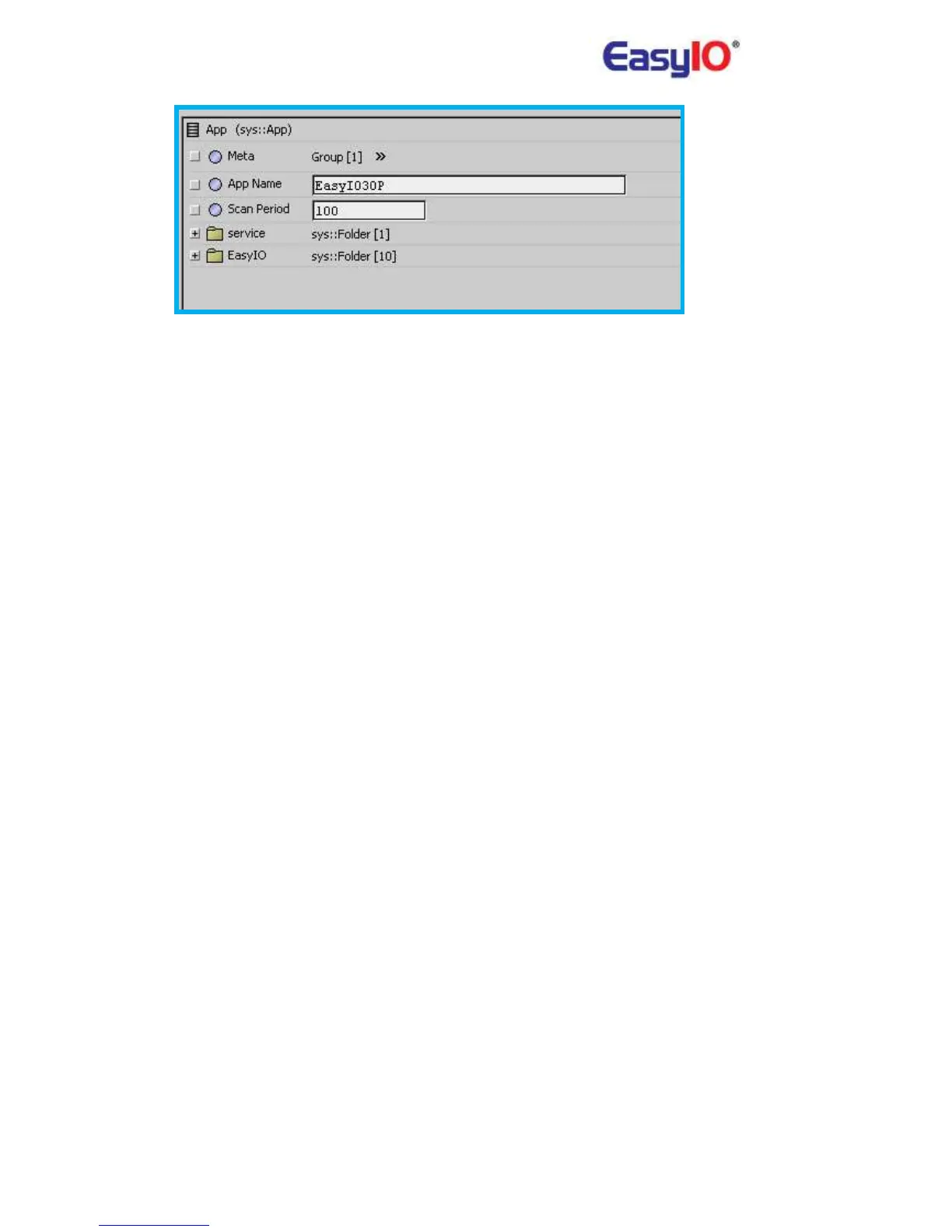
Please remember to change it back to “100” after engineering is complete.
The rule of thumb is not putting too much blocks in a single page, separate it under different
folder and simplify the control by putting the complex logic into single kit.
Bear in mind that EasyIO is a low speed controller and can't be used for too complicated task,
must be verified first.
17) How to create history in the Sedona Controller?
Please refer to EasyIO Adv 07 – Temp Table User Guide
18) How to archive history that is stored in the Sedona Controller into Niagara Fox?
Please refer to Sedona history document for step by step or click on the link below.
19) What is the max memory allocated for history in a Sedona Controller?
Total memory for history is 32,768 (32MB) for history storage.
This allocated memory can trend up to almost 4000 records depending on the configurations.



 To Previous Page