EasyIO 30P – Frequently Asked Questions
25
Please refer to Release Checklist for details.
14) I try to clear the apps but the Sedona Virtual Machine is not running after doing the
magic number.
Please flash it with format firmware. Reset the controller, let it run for at least 5 sec then flash it
back to Sedona firmware.
Please refer to document EasyIO Basic 02 – Recover Lost IP and Login Credentials User Guide.
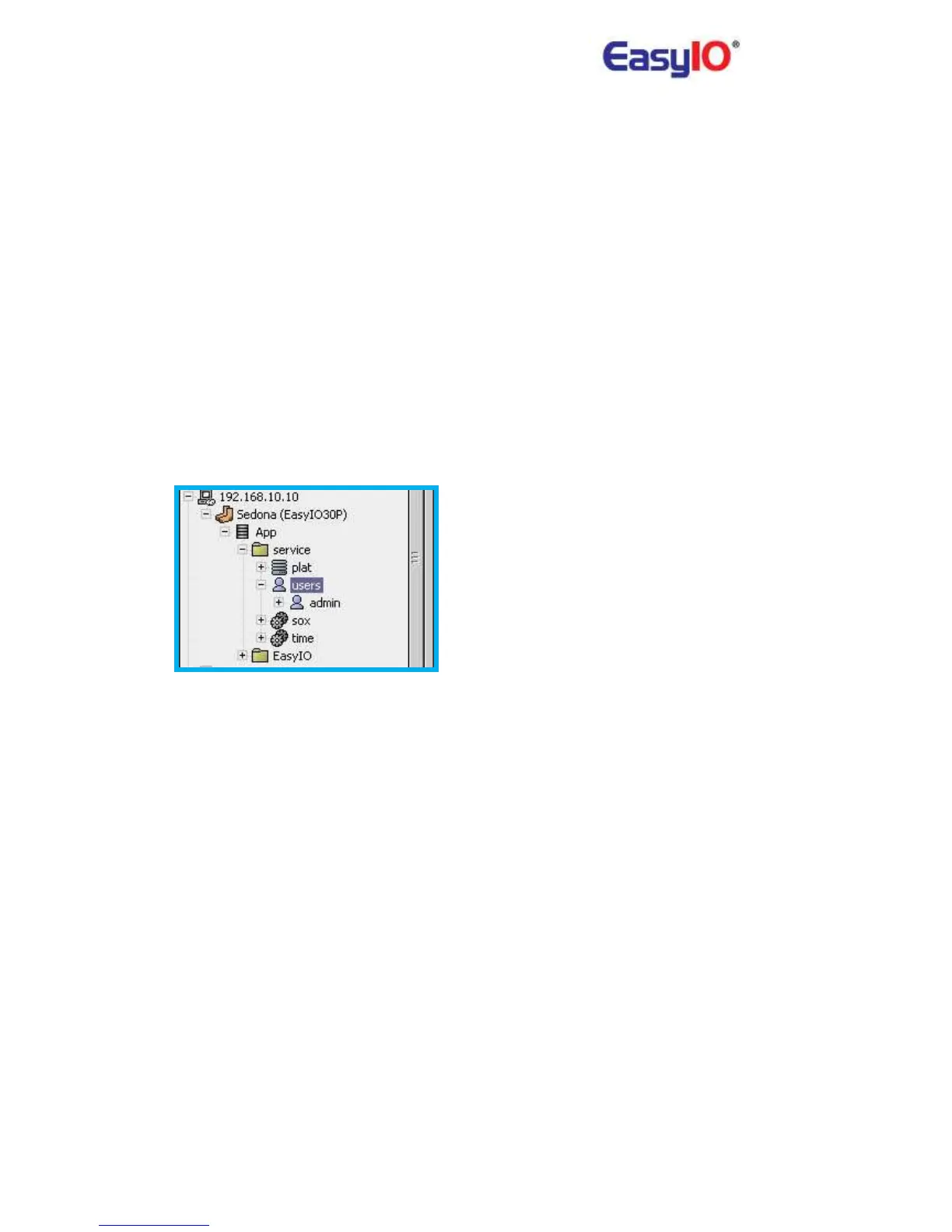
15) How to change/add/edit Sedona workbench login credential?
User can change/add/edit login credentials via Sedona Workbench. Open the Sedona
Workbench via Niagara Workbench.
Go to Sedona/App/Service/Users
This login credentials can be reset back to factory settings by re-installing and restart Sedona VM
from the web browser. Please refer to item 9)
16) Why is the performance slow down after I have complete building my logic inside the
controller?
EasyIO-30S-BM has limited memory resource. If you encounter problem with pages refresh rate
or lagging, you can increase the "scan period" under "App" folder to higher number (example
1000) to speed up the page loading time during engineering period.



 To Next Page