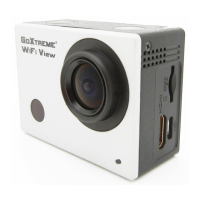
Turn off the WiFi function:
Briefly press the UP button to turn off the WiFi.
The camera will return to the default home screen
• If using your camera and smartphone near a WiFi router
regularly used by you, your smartphone will often connect
automatically to the router network as a priorty (as your
smartphone will have saved the router password) rather than
to the camera.
In this case please try to connect the camera to your
smartphone while maintaining a distance further away from
the router so that it does not connect to the router network.



 To Next Page