20
EN
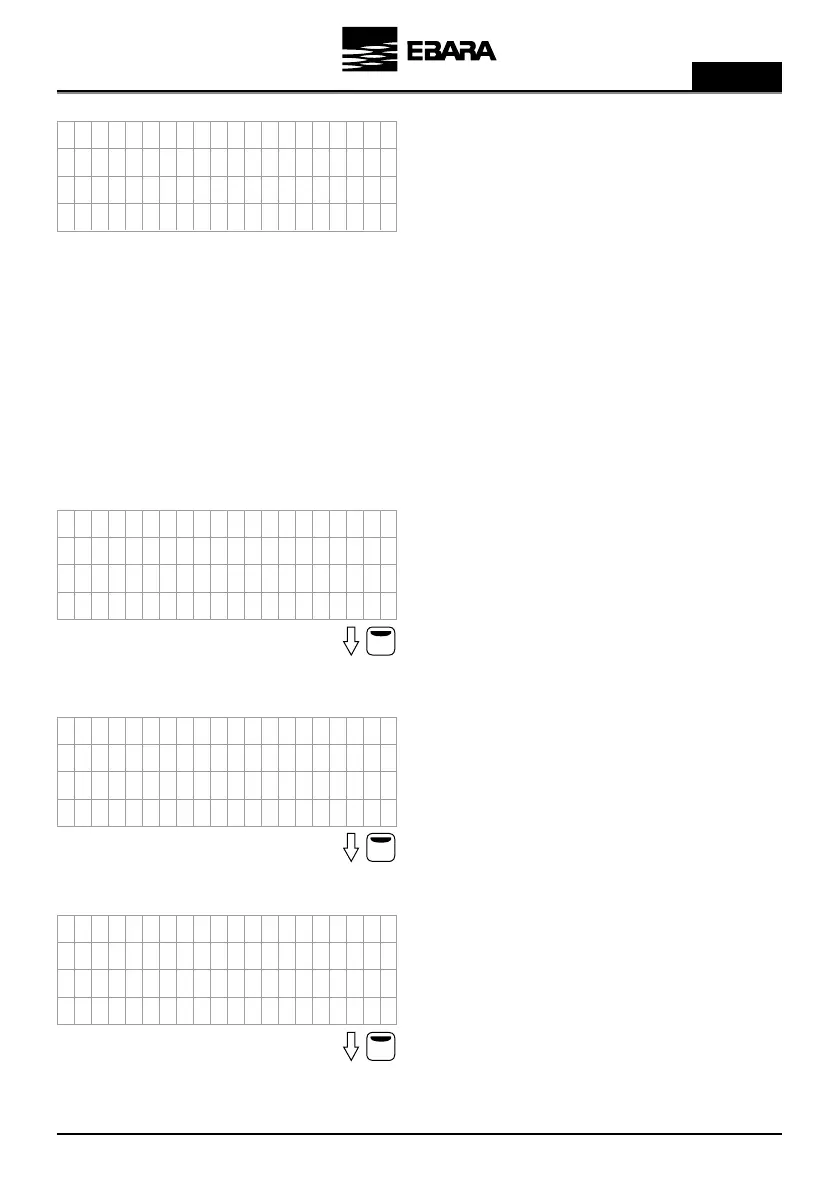
It shows a text for a few seconds indicating that the wizard has
finished successfully before showing the main screen.
We can select how we want the frequency inverter to behave based on
the detected temperature, that is, if the temperature increases and we
set the PI direction to positive, the motor will decelerate.
On the other hand, if the temperature increases and we set the value
to negative, the motor will accelerate.
By pressing the F2 button we valid it.
We select the temperature that we want to detect when the
temperature sensor reaches its minimum value (4mA).
By pressing the F2 button we set the value.
We select the temperature that we want to detect when the
temperature sensor reaches its maximum value (20mA).
By pressing the F2 button we set the value.
12d) Mode D: CONSTANT TEMPERATURE
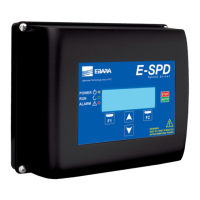
In this mode, inverter ensures a constant temperature in the system. For this operation mode, a temperature sensor
should be placed at the location where temperature is to be controlled.
Note: For heating system, set 6. FINE TUNING parameter 6.03 to Positive and for cooling system, set 6. FINE
TUNING parameter 6.03 to Negative.
Caution: Use correct type of temperature sensor depending on the application.
EA
US
S
F
C
W
I
C
R
D
L
IT
IH
N
E
D
L
ZH
S
FSY
A
E
U
H
F2
R3
C
R
O
o
3
a
P
B
r
F
S
T. D
DI
P
l
1
l
-S N
I
o
e
A
i
W
O
v
A
T
p
UT
ET
F
R
s
s
I
N
e
A
T
t
PA I
C
t
A
i
A
Z
c
A
O
A
K
A
I
i
S
R
e
A
F2
F2
R
R
3
3
C
C
)
)
R
R
O
O
o
o
3
3
a
a
P
P
B
B
r
r
F
F
S
S
T
T
.
.
T
T
D
D
V
V
.
.
1
l
l
1
1
l
l
-
-
S
S
E
E
N
N
A
A
0
e
e
A
A
i
i
W
W
4
02
º
º
A
A
T
T
p
p
U
U
T
T
M
M
U
U
F
F
L
L
0
0
s
s
I
I
m
m
C
C
A
A
T
T
t
t
P
P
A
A
I
I
E
E
0
0
A
A
.
.
A
A
Z
Z
A
A
c
c
A
A
O
O
A
A
K
K
A
A
(
(
S
S
R
R
e
e
A
A


 To Next Page