BP : ##.# kW
MP : ##.# kW
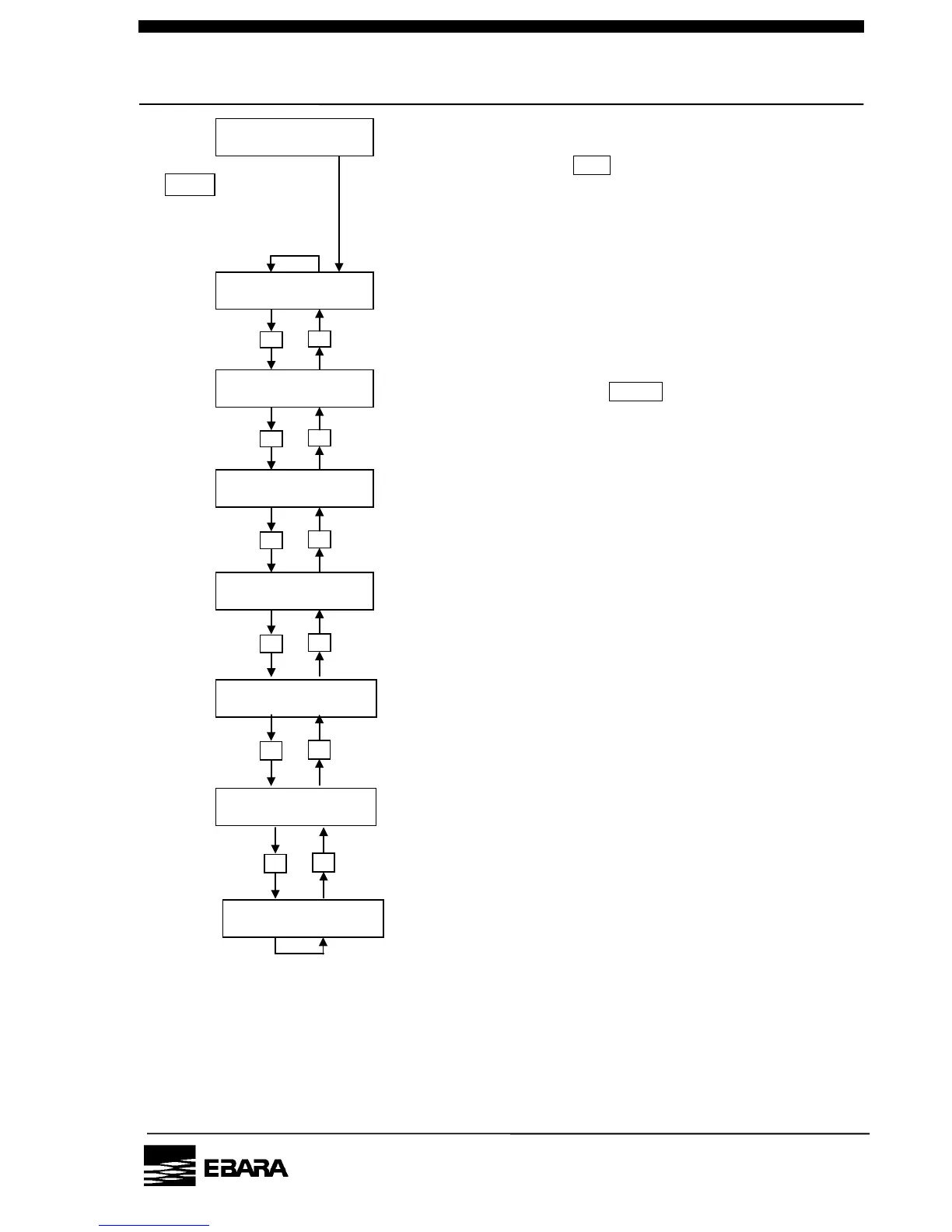
• Setting the pump operation control mode
• Setting the pump running mode
• Setting the normal rotational speed
• Setting the rotational speed in the S. ENERGY mode
Pressing the key PRG. for 3 sec. or more when
the status screen is displayed switches to the
operational mode setting screen.
When the mode you want to
set is displayed, press the
ENTER to go to the setting
change screen.
SET POINT
N2 FLOW WARNING?
• Setting the pump N2 flow low warning threshold
• Setting the Back Pressure high warning threshold
Fig. 5.3 How to set the operational mode



 To Next Page