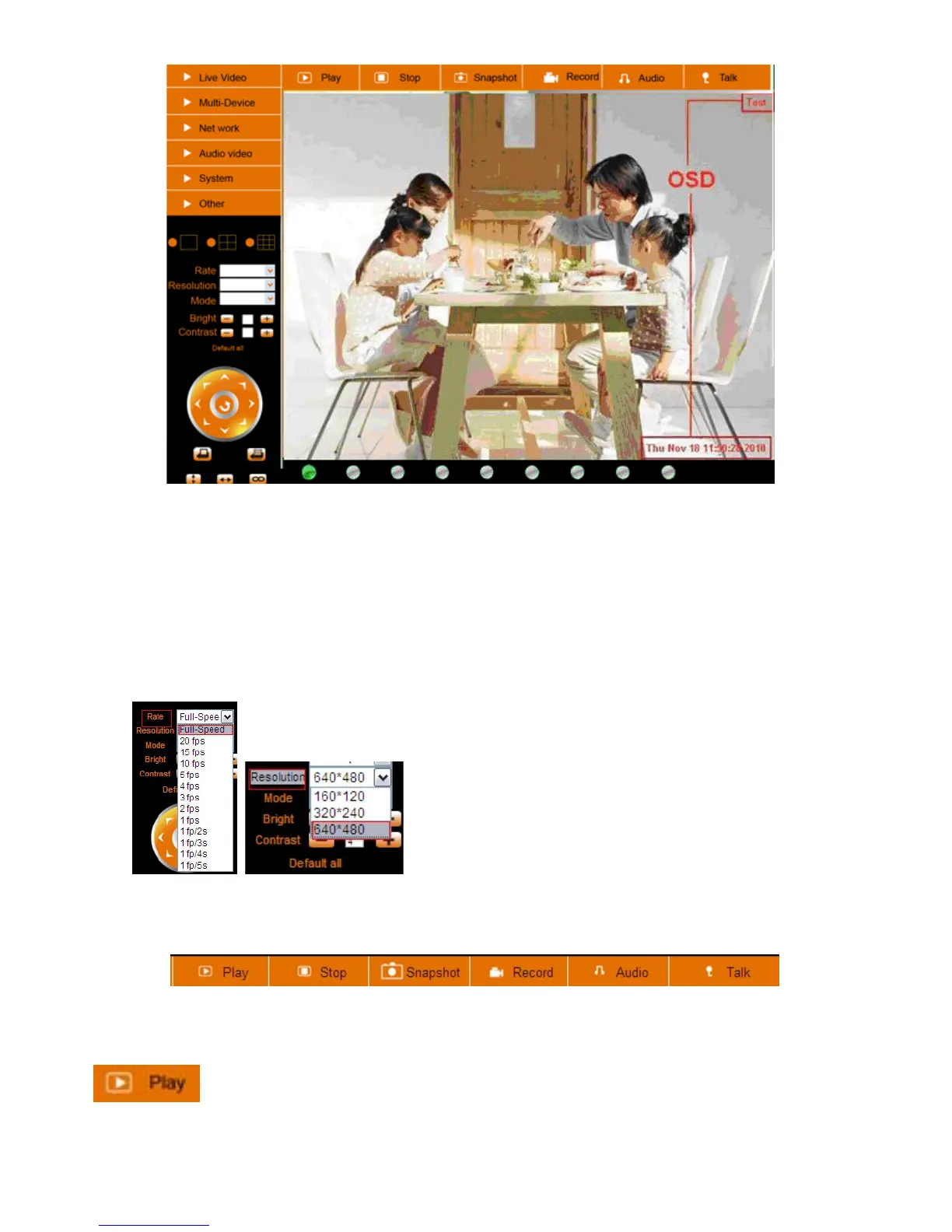
Figure 3.7
Rate and Resolution:
Rate: Set video frame here, from “full-speed to 1fp/5s”. (Figure 3.8).
Resolution: Set the resolution to be 160*120/ VGA (640*480)/ QVGA (320*240). (Figure 3.9).
NOTE: When doing recording, Rate and Resolution parameter settings is very helpful for getting smaller sized
record files, lower the parameter to get a smaller file.
Figure 3.8 Figure 3.9
TOP Menu:
Figure 4.0
Click to get live video. When you want to get back to live video from other menus, just click it. Only under
live video, you can do the operation on the right side, such as play, stop, snapshot etc.
Click to get into play mode, when you click stop icon, the video will be stopped, then if you
click play icon, it will show the video again.



 To Next Page