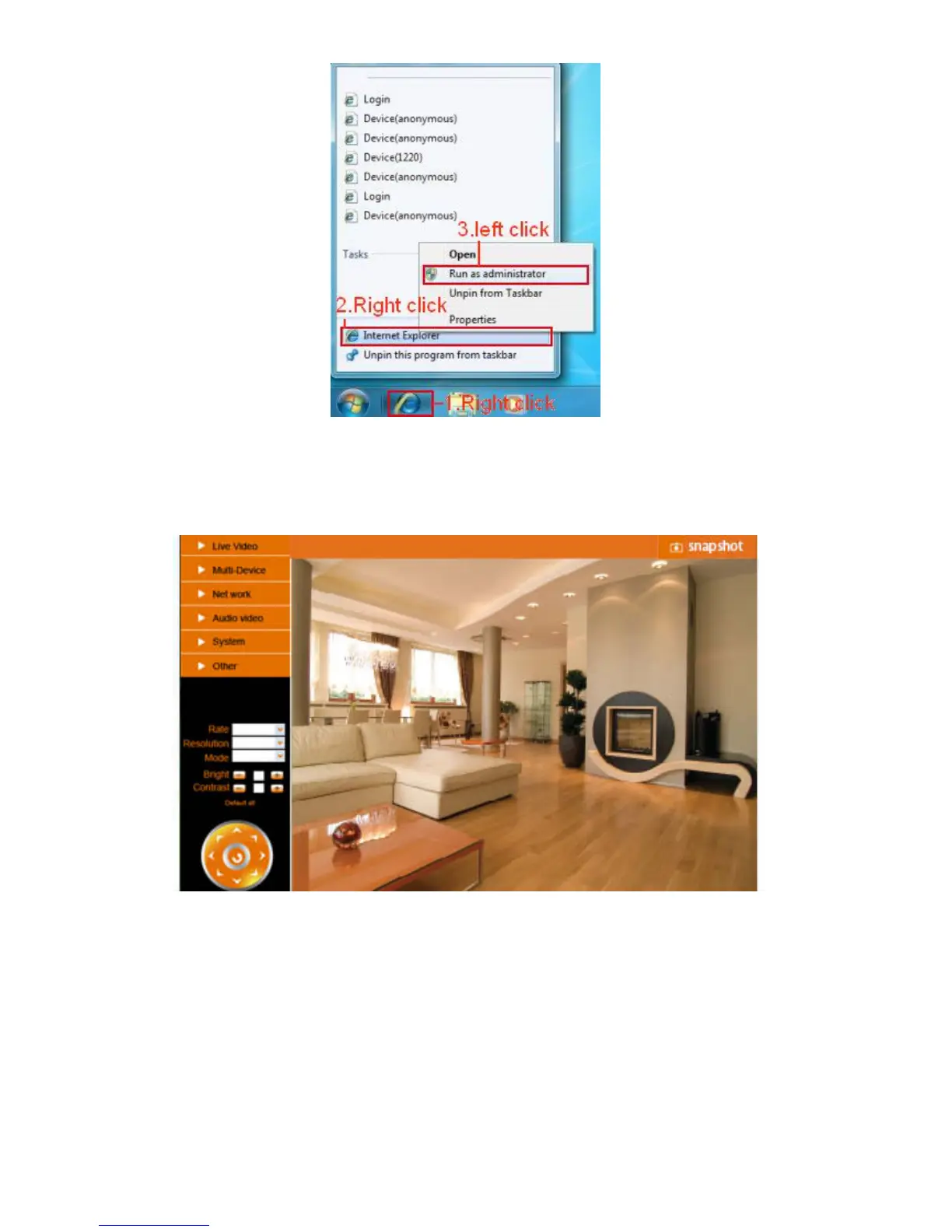
Figure 11.1
3.21 Server Push Mode (For Safari, FireFox, Google Browser)
Choose Server Push Mode, login the camera, you will see the main user interface as below:
Figure 11.2
NOTE: Server Push Mode does not support ActiveX.
Play, Stop, Record, Audio, Talk, Multi-device settings, Path settings functions are controlled by ActiveX, so if
you use Safari, Firefox, Google chrome browser, it is not possible to use these options.
The other functions are the same as for IE Browser.



 To Next Page