March 2013 16 IPV58
1.7.7 About IP Camera Tool
Check the IP Camera Tool Version and IP Camera ActiveX Control Version here.
1.8 Camera Login
You can access the camera through IP Camera Tool or IE, Firefox, Safari, Google Chrome or other
standard browser directly.
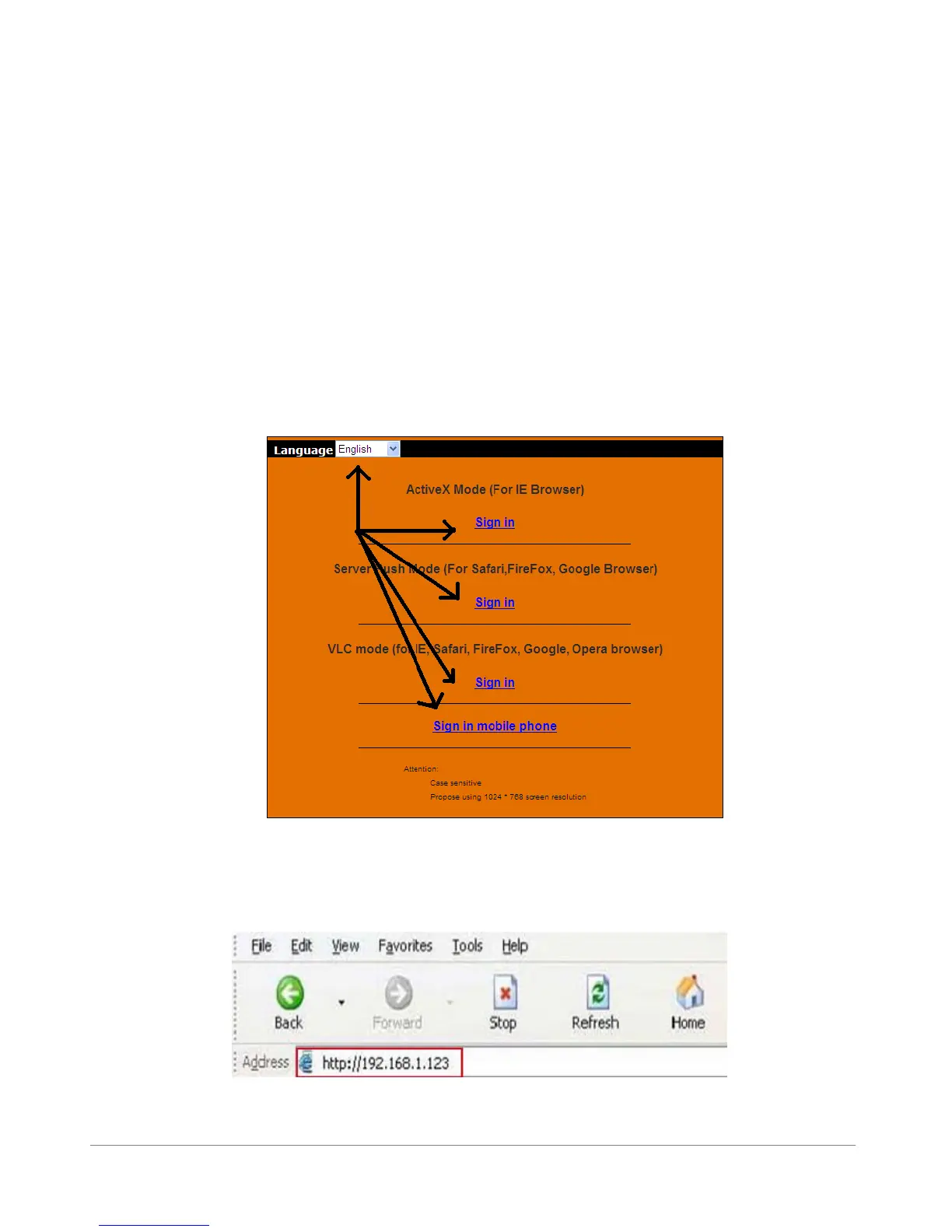
1. Double click the IP address of the IP Camera listed (Figure 1.9). Select your language and
browser you use. Note that IE Browser stands for “Internet Explorer” which is Microsoft Windows
default browser.
ADVISORY: If you are going to use this manual to set up the camera, we suggest you select the English
language, as all images and references in this manual are in English. After installation, you can of course
select your own language to login and view the camera.
2. To access the camera by IE Browser directly, just type the camera’s IP address, You will find the
address of your camera with the Camera Tool (Figure 1.9). For example, if the camera’s IP address is
192.168.1.123:
Figure 2.5
The following screen will pop up after pressing “Enter”:



 To Next Page