March 2013 6 IPV58
Network Indicator LED: The green LED will on when connect to the network, the yellow LED will blink
when data transferred
RJ45 Port: RJ-45/10-100 base T, connect the network cable here.
Power Jack: DC 5V/2A power supply
RESET BUTTON: Press and hold the RESET BUTTON for 15 Seconds, then the IPCAM will be reset back
to the factory default Parameter. (Please keep the power on when do RESET)
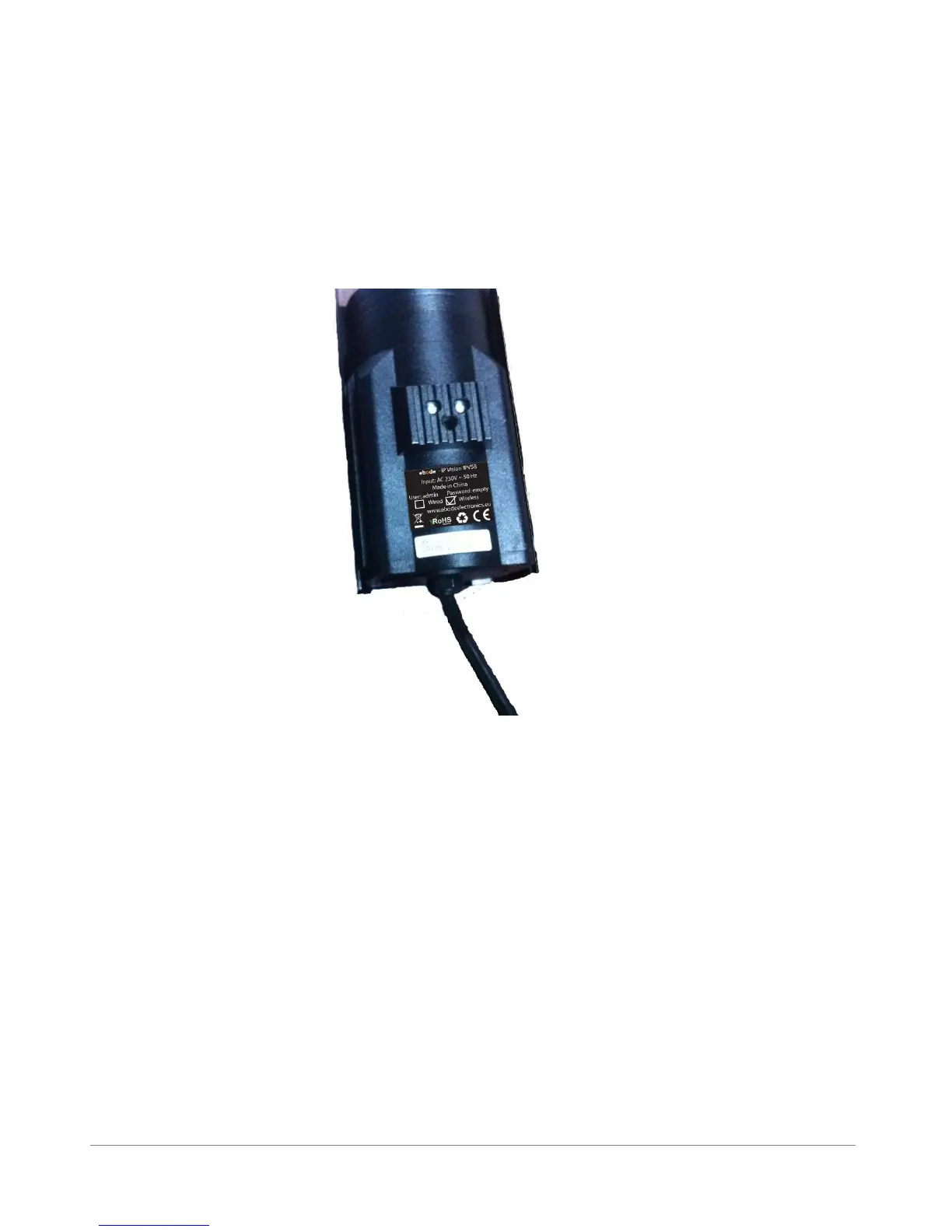
1.3.3 Bottom View
Figure 1.3
Original ebode IPCAM have some stickers at the bottom/back, such as MAC address sticker, QC sticker
etc.
If your camera does not have these stickers, it may be a clone one, clone ebode IPCAM could not use the
original firmware and obtain our good after sale service.
1.4 PC System Requirements
System configuration requirements : (Example for viewing four IPCAM)
CPU: 2.06GHZ or above
Memory: 256M or above
Network Card: 10M or above
Display Card: 64M or above memory
Recommendable Operating system: Windows 2000/ XP/ Vista/ 7



 To Next Page