March 2013 7 IPV58
1.5 Hardware Installation
Follow the steps below to set up your camera hardware. Make sure to follow each step carefully to ensure
that the camera operates properly
1. Install the Wi-Fi antenna
2. Plug the power adaptor into camera
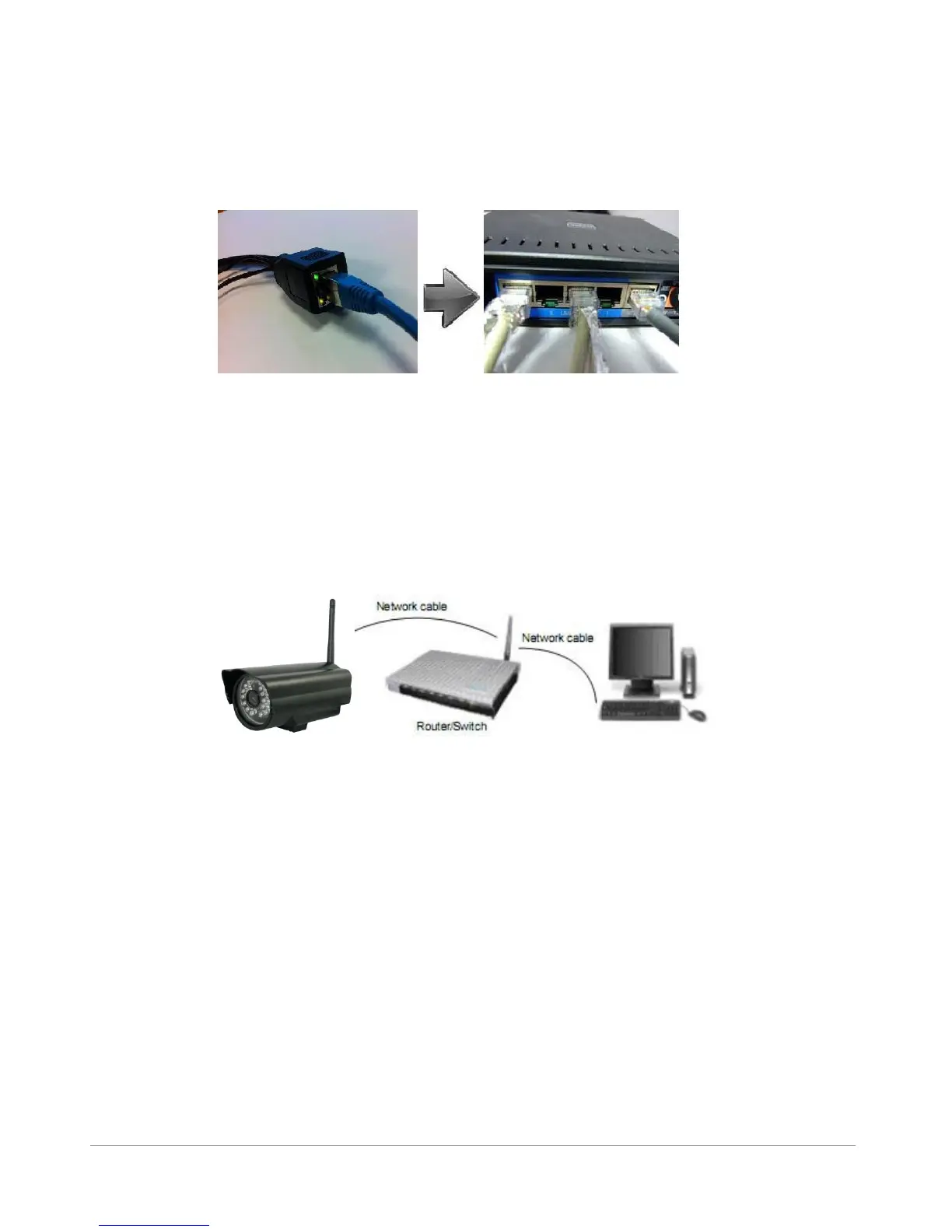
3. Plug the network cable into camera and router/switch
4. It takes approx 30 seconds to boot up the camera, then you will find the IP address from
“IP Camera Tool” (Figure: 1.9)
5. When the power on and network cable connected, the green led of the real panel will keep on,
The yellow led will keep flash, and the Indicator led at the front of the camera will flash. (The indicator LED
can be controlled by software)
Figure1.4
1.6 Software Installation
1. IP Camera Tool: Insert the CD, a popup menu might appear like shown in the picture below.
2. Select “Open Map” and click “OK”



 To Next Page