March 2013 21 IPV58
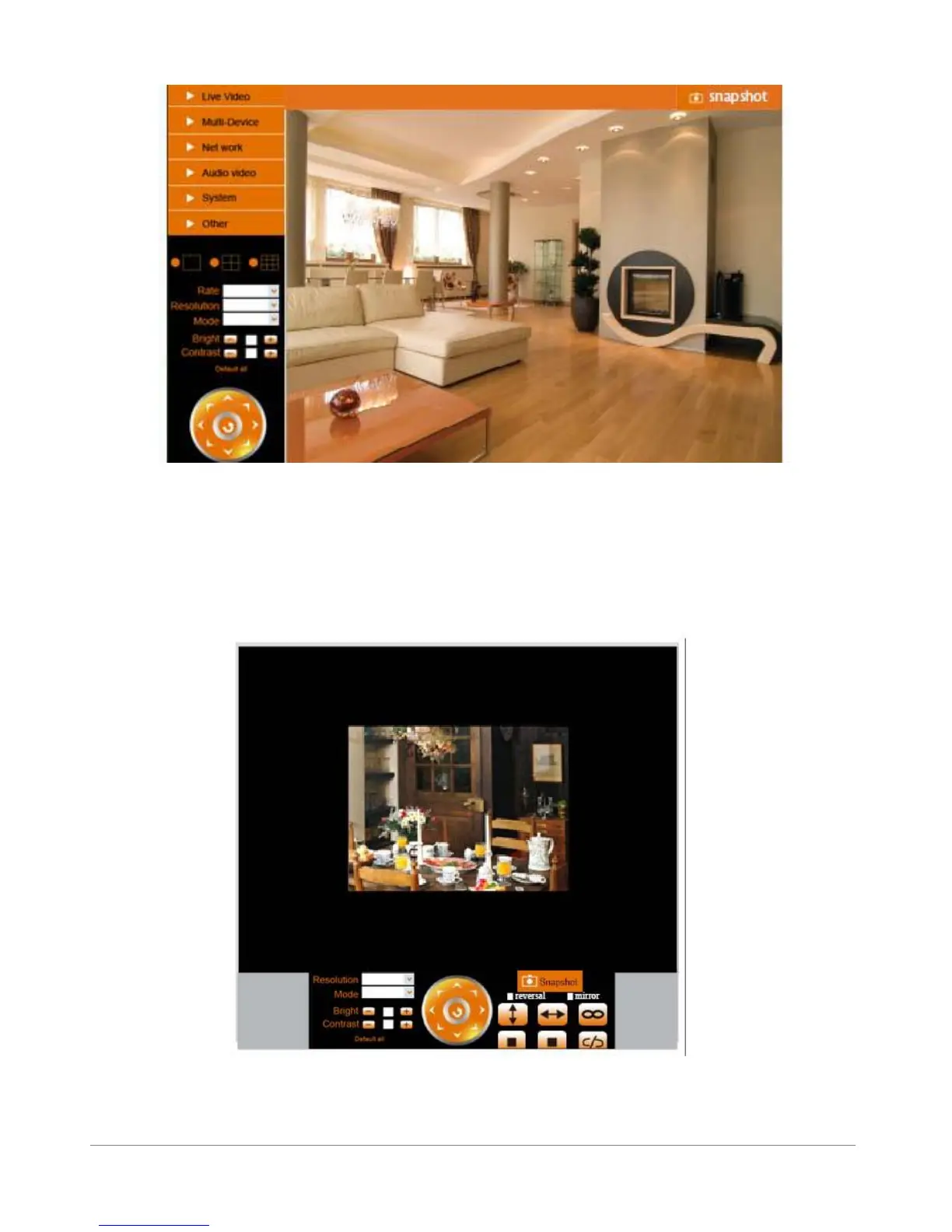
Figure 3.3
1.8.3 For Mobile Phone
Choose Sign in mobile phone, and sign in.
Mobile phone doesn’t support ActiveX, only some basic functions can be available in this mode.
It supports Iphone, Smart phone, 3G phone etc. Normally, if the mobile phone supports network video,
then it can work with our IP Camera.
Figure 3.4



 To Next Page