March 2013 26 IPV58
Mode: This is work mode optional, 50HZ/60HZ for the users who use 50HZ/60HZ frequency, outdoor for
the users who want to use this camera to monitor toward outdoor environment
Bright: Set the parameters to adjust the image quality of video. Click to adjust the value
Contrast: Set the parameters to adjust the image quality of video. Click to adjust the value
Default all: Click it to set all the parameters back to factory setting.
NOTE: If you login the camera, there is no video displayed, and the parameter of bright/contrast is blank,
maybe you can try to click “default all” to set the parameters back to factory setting to get live video.
NOTE: For Operator, if you click other menus which operator don’t have the right to operate it, there will be
a pop-up of login interface (Figure 2.6), please input the user name / password for at least 3 times to login
again.
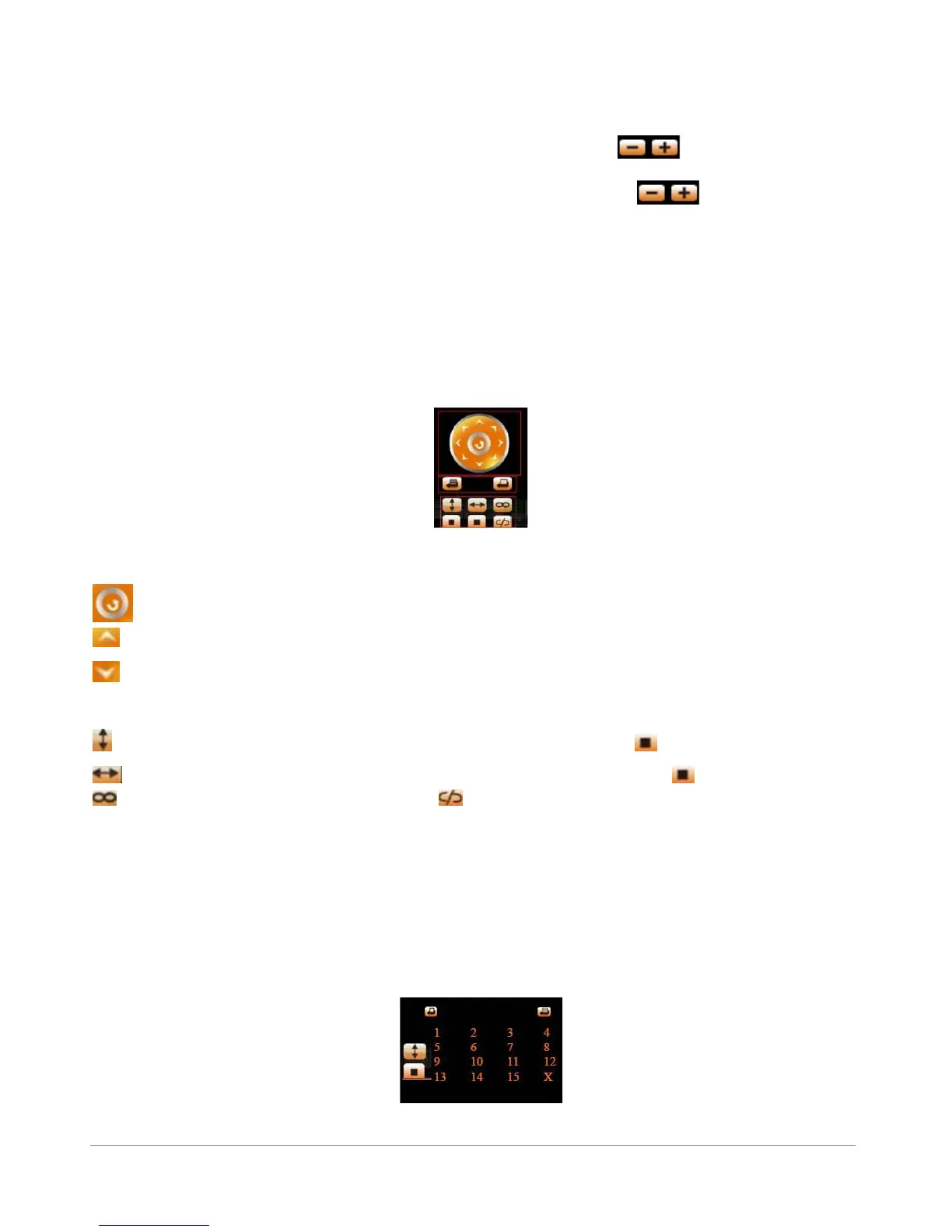
Figure 4.4
Click this icon, the camera will pan/tilt, and then stop at the center. Normally it will rotate 1 circle.
Click this icon, camera will move up, you can click one by one or hold it to control the movement.
Click this icon, camera will move down, you can click one by one or hold it to control the movement.
NOTE: It is the same operation as left, right, up-left, up-right, down-left, down-right etc.
Click this icon, camera will rotate up and down, i.e., vertical tilt, click to stop it.
Click this icon, camera will rotate left and right, i.e., horizontal pan, click to stop it.
Click this icon, IO output Switch ON. Click to set it OFF.
RECOMMENDATION:
Image PT function: Image Pan/Tilt (PT) function is recommended, you can control the camera direction
on the live video. Double click the right mouse on the live video to enable this function, and you will see a
white & transparent arrow on the live video, click left mouse to control direction, eight directions are
available. This is very convenient for Pan/Tilt operation. Double click right mouse again to exit.
Preset Settings
Figure 4.5



 To Next Page