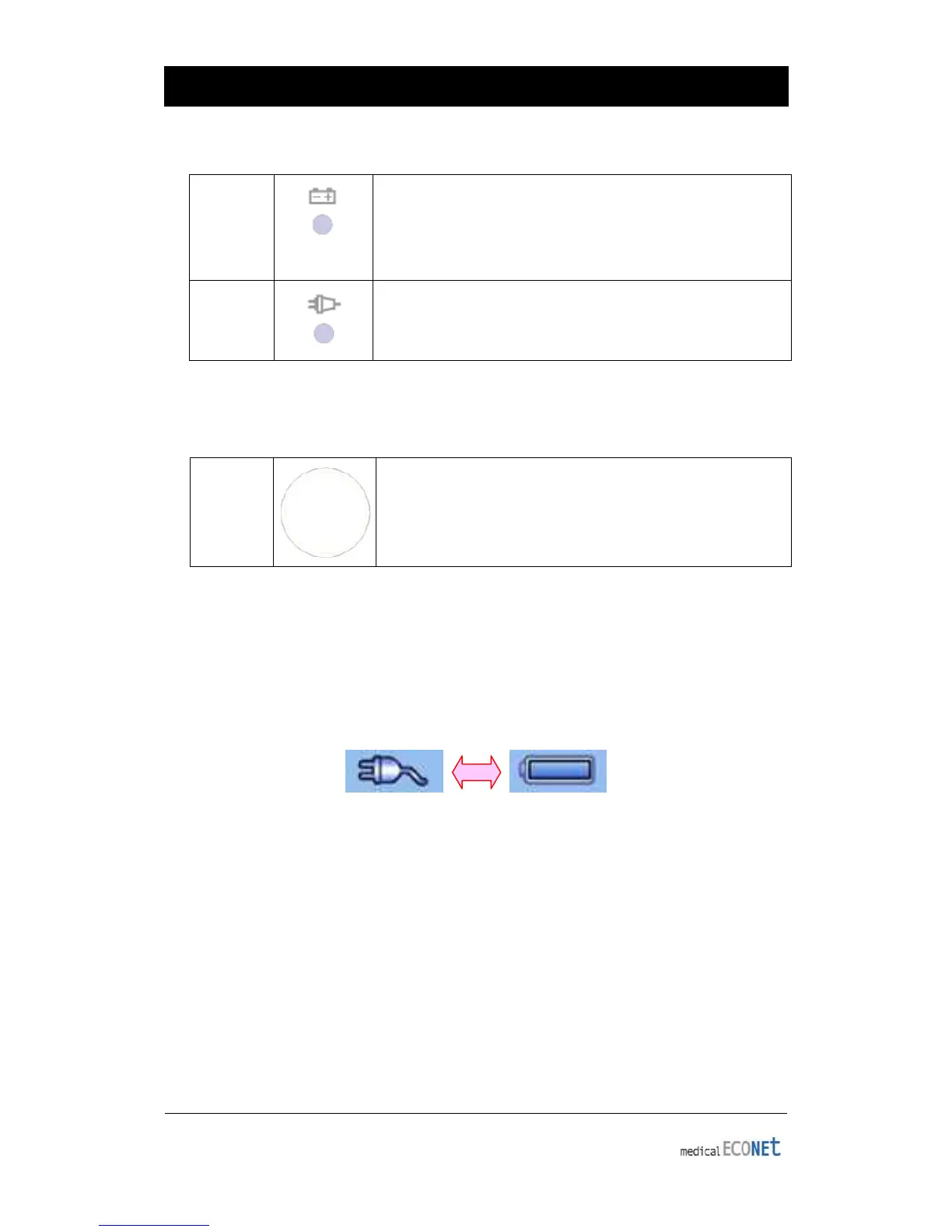
shows your current battery charging status. A red light
indicator lets you know that the battery is charging and a
menu items on the screen).
Power
▣ AC Power
When AC Power is connected to the device, power LED light will be green; if the
battery is installed, charging will commence.
<AC Power> <Battery Power>
▣ Battery Power
The device will get its power from the battery and the unit will display the battery
power icon (shown above), when the system is powered on, the battery is connected
to the device and the AC power is disconnected. When the battery power is low, an
alarm sound will ring from the device speaker and LCD display will show a “Battery Low”
message. Connect the AC power immediately or the device will automatically shut
down in a few minutes.
• Charging time: Maximum 4 hours
• Time to use continuously: Over 1 hour(100 ECG printouts)


 To Next Page