45/83
Version 1.0
Cardio
CardioCardio
Cardio-
--
-M Plus
M PlusM Plus
M Plus
Operation Manual
Operation ManualOperation Manual
Operation Manual
4) Rhythm Mode Printing
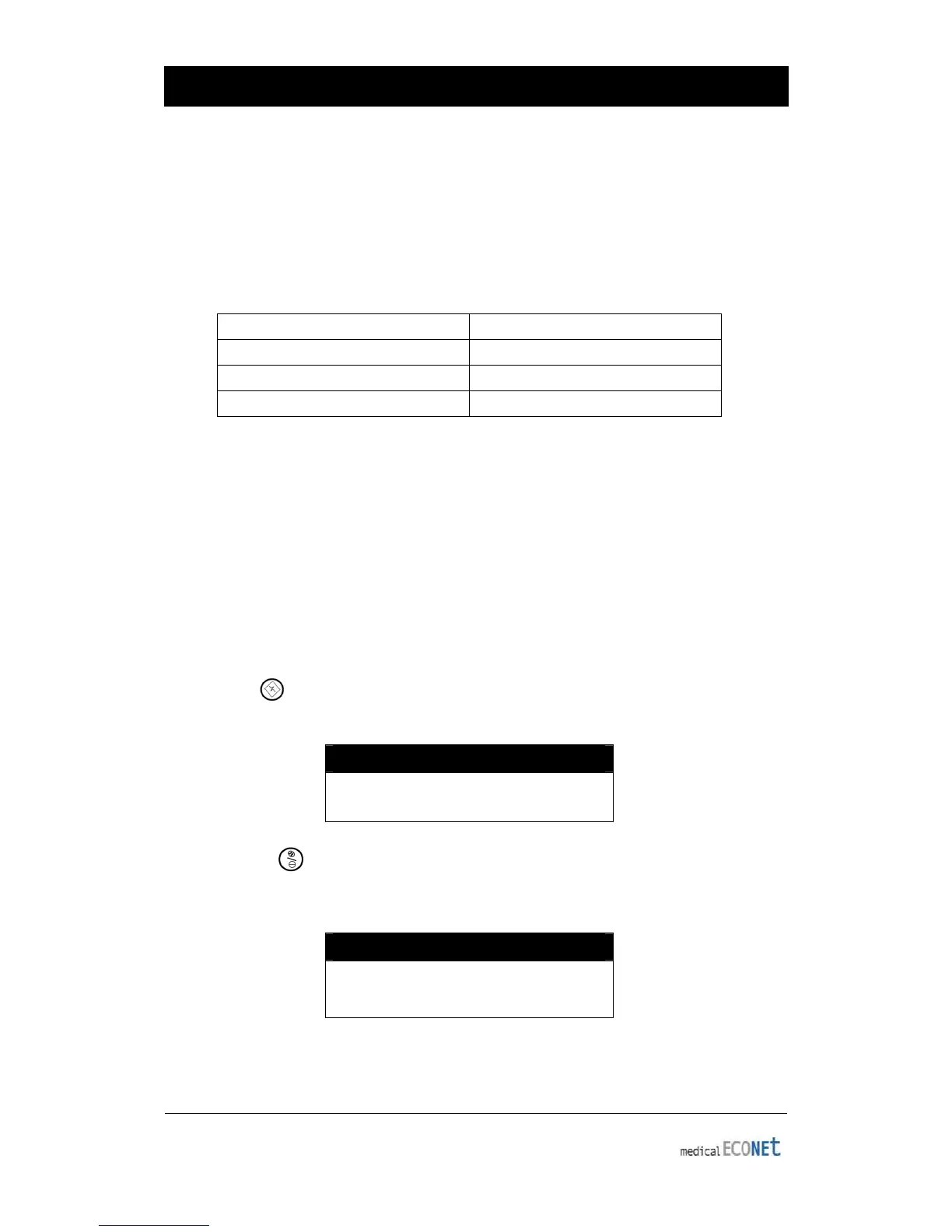
In rhythm mode printing, the measured ECG signals would be printed in real-time.
Rhythm mode printing allows operators to perform the following
two functions: one is to
verify that signals in all channels are active before recording ECGs, and the other is to
print the ECGs rhythm status of the patient for a longer duration.
In this rhythm mode, filter setting is fixed as follows:
BASE LINE On (fixed)
Electromyogram Filter (EMG) Off
Power Supply Filter (AC) Option
Low Pass Filter (LPF) 40hz
Printing Speed
Printing speed can be set to 12.5 mm/s, 25mm/s, 50mm/s and signal level can be set
to 2.5mm/mV, 5mm/mV, 10mm/mV, 20mm/mV, and Auto.
(In rhythm mode printing, it prints only to 25mm/s if you select the A4 printing.)
How To Print
The Filter setting value is fixed. Set the required printing speed and sensitivity and press
the RHYTHM ( ) key. Then, the system starts printing according to the selected speed
with the following message on the LCD:
SYSTEM MESSAGE
Printing..
Press NET/ESC ( ) key to stop printing the EKG rhythm. After pressing the key, the
system will stop printing and the display system setting after indicating the following
message for 1 second on the LCD:
SYSTEM MESSAGE
Process Canceling...


 To Next Page