46/83
Version 1.0
Cardio
CardioCardio
Cardio-
--
-M Plus
M PlusM Plus
M Plus
Operation Manual
Operation ManualOperation Manual
Operation Manual
5) Record Mode Printing
For the record mode display, save the electrocardiogram in the memory first, and
apply the filter which is set up by the user to the saved electrocardiogram, and then
extract the parameters for the heart rate, PR interval, QRS duration, QT/QTc, and P-R-T
axes. Then, print out the heart rate according to the sensitivity, printing speed, and
channel form that are set up by the user.
10 Second ECG Recording
When one of 3ch+1rhy, 6ch+1rhy, 12ch rhy, and beat is selected for the channel form,
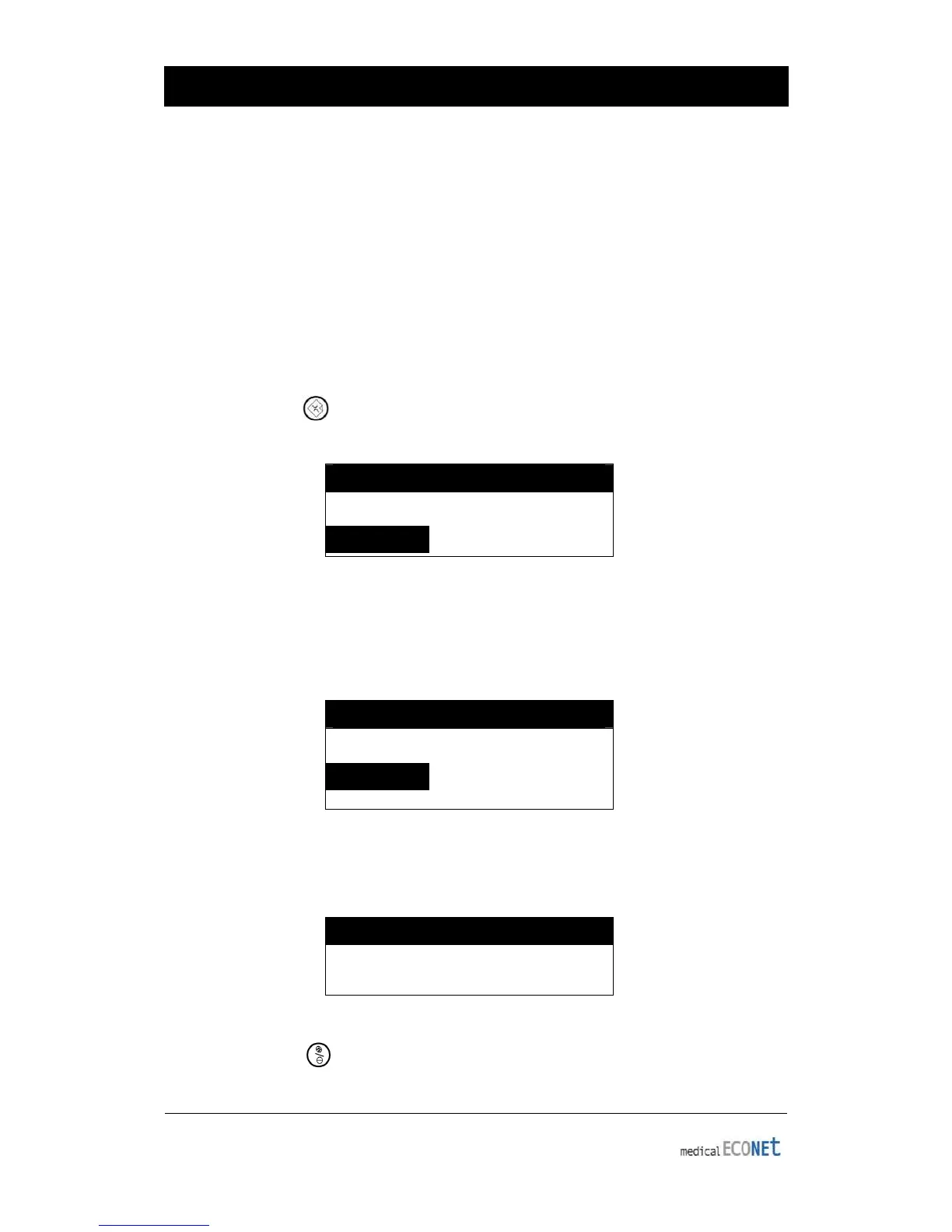
press the RECORD ( ) key to display the saving time as below and save the 10-
second data to the memory.
SYSTEM MESSAGE
*Record 10 seconds *
When the 10-second data saving is completed, the following message will be
displayed on the LCD screen and the setup filter will be applied to the saved data.
After that, the parameters that were required for the diagnosis will be extracted from
the data.
SYSTEM MESSAGE
Data Processing…
When the data processing is completed, the following message will be displayed on
the LCD screen, and then the printing will start:
SYSTEM MESSAGE
Printing…
Press the NET/ESC ( ) key to stop and exit while saving data or printing the EKG
report. Once saving or printing stops, the following message will be displayed on the
LCD screen for one second, followed by the initial screen:


 To Next Page