33/83
Version 1.0
Cardio
CardioCardio
Cardio-
--
-M Plus
M PlusM Plus
M Plus
Operation Manual
Operation ManualOperation Manual
Operation Manual
1) To Start
. Connect leads to the patient, and then turn on the device in accordance with the
preparation steps for measuring electrocardiogram in Chapter 2.
. Set up filter, sensitivity, printing speed, channel form, and rhythm settings in
accordance with the steps shown in “Basic Set-Up” in Chapter 3.
. Enter the patient information in accordance with the steps of “Basic Setup” in Chapter
3.
. If the waveform displayed on the LCD is abnormal or has excess noise, follow the
instruction of “Countermeasures by Bad Lead Connection” in Chapter 2.
. If the waveform displayed on the LCD is normal, press the REC key to record the
electrocardiogram of the patient.
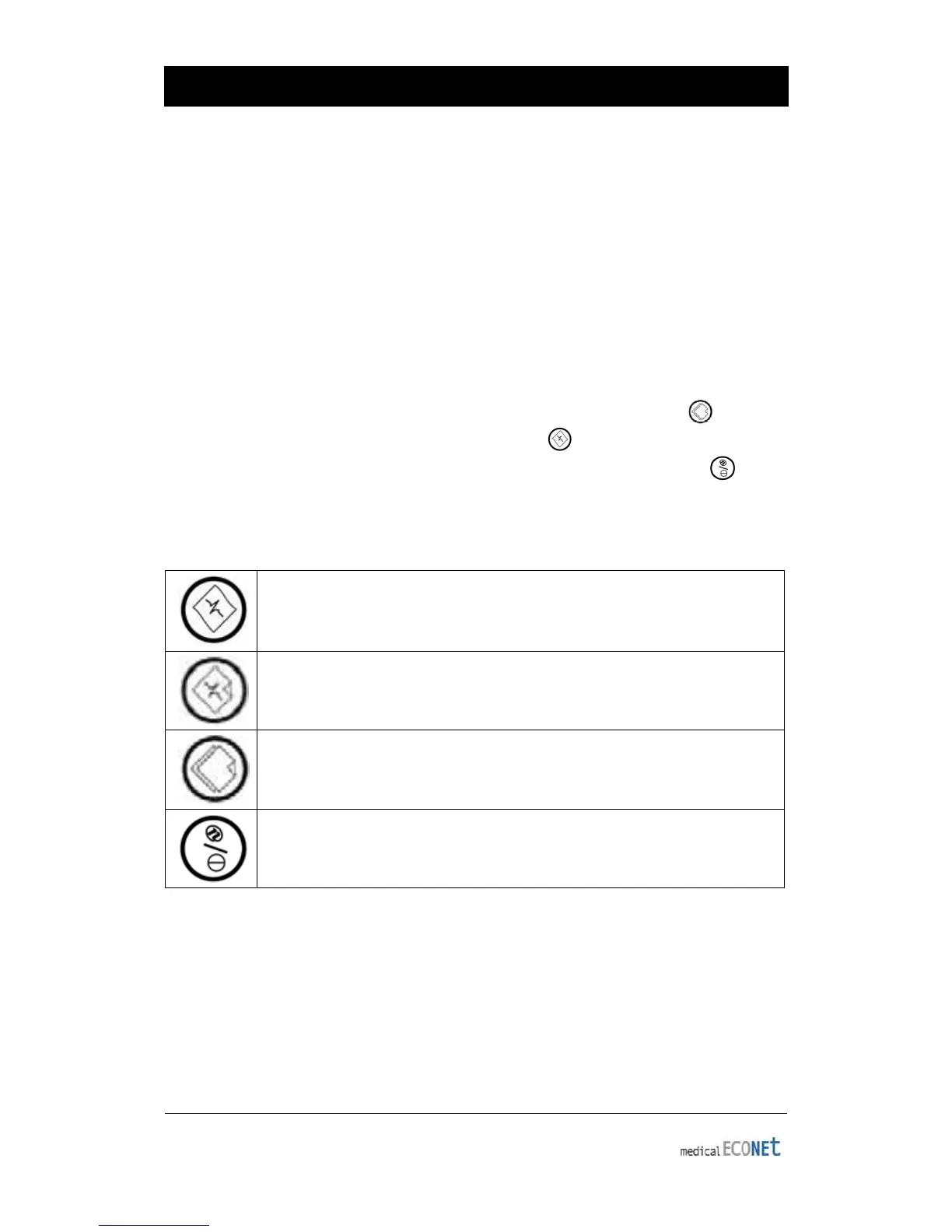
. To copy the same report as the previously printed report, press the COPY key
. To do monitoring signal by printer, press the RHYTHM key
. To stop the machine during the printing or saving processes, press the STOP key
The following buttons will be most commonly used when operating Cardio M Plus.
Rhythm Printing: Pause monitoring on the LCD display, and print real-
time waveform using the printer. Can get either continuous or A4 sized
EKG rhythm printouts.
Diagnostic Printing: Record 10 seconds of data starting after button is
pressed. Then, the device will extract important parameters for
diagnosis and print the summary on an A4 sized printout.
Copy Printing: Reprint the report with the same settings or adjusted
settings. The following settings can be adjusted between printouts; such
as, filter, wave sensitivity, printing speed, channel mode, etc.
Pause: Used when cancelling execution, returning to previous mode
when entering main menu or pausing the printer during printing.


 To Next Page