39/83
Version 1.0
Cardio
CardioCardio
Cardio-
--
-M Plus
M PlusM Plus
M Plus
Operation Manual
Operation ManualOperation Manual
Operation Manual
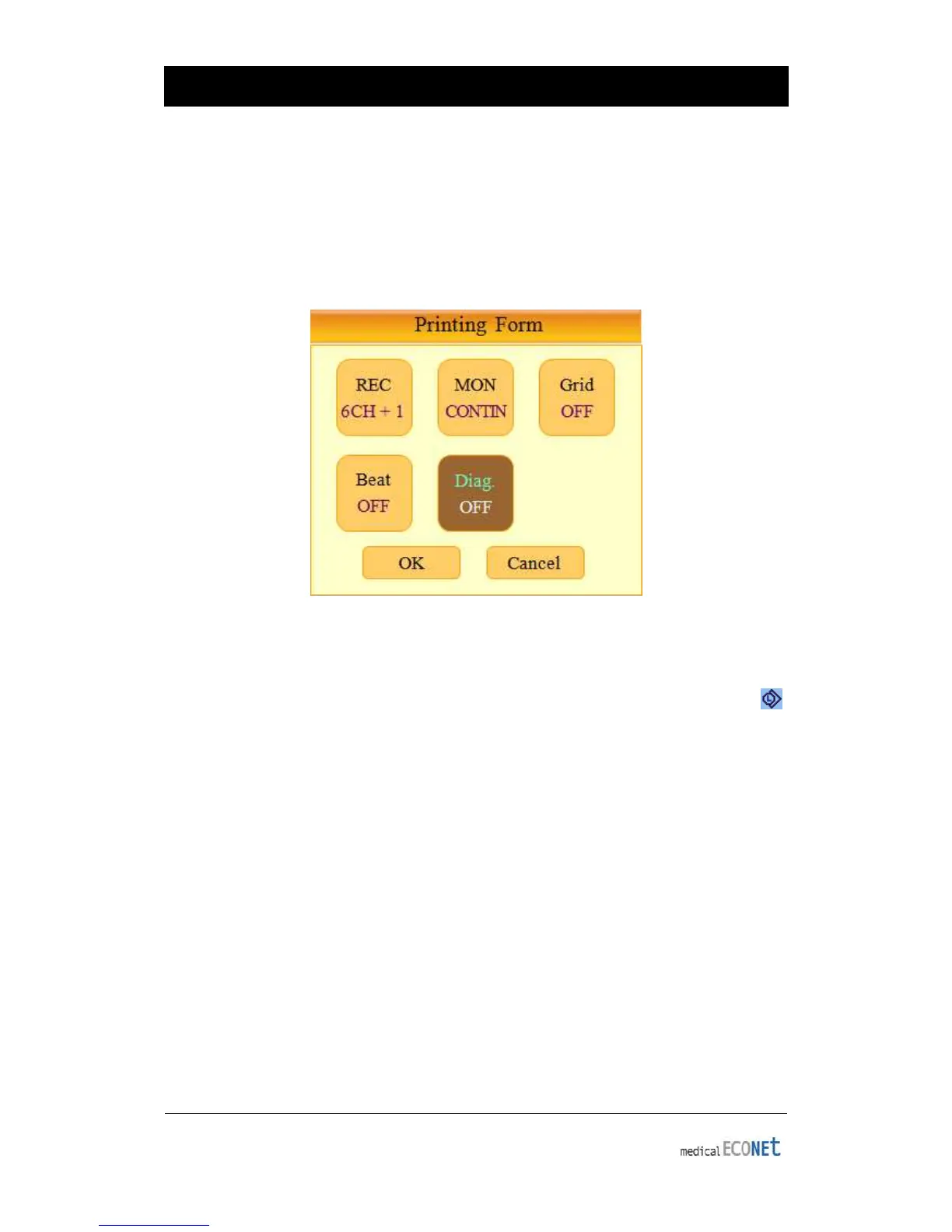
Diagnosis Printing Setup
Under diagnosis printing mode, users can set whether diagnosis results will be printed
alongside waveforms. Diagnosis printing can be turned ON or OFF in the Printing Form
setting under Diag menu. ON sets diagnosis results to be printed and OFF disables
diagnosis printing.
Rhythm Lead
To select Rhythm Lead, move the selection block to the Rhythm Lead setting( )
located at the bottom of the screen and select, using either the rotary key or touch
screen, to enter the Rhythm Lead setting. In the Rhythm Lead setting, select the desired
channel, then select the desired rhythm lead using the rotary key or touch screen.
The lead selected from channel 1 will become the base lead in 3ch+1rhy and
6ch+1rhy modes, showing on the bottom of the printout form. It will also be used in 60
sec 1rhy and 5 min 1rhy modes as the only lead being recorded and printed. For
3ch+3rhy mode, lead selected under channels 1, 2 and 3 will be printed on the bottom
of the printout and become the base rhythm for other channels.


 To Next Page