40/83
Version 1.0
Cardio
CardioCardio
Cardio-
--
-M Plus
M PlusM Plus
M Plus
Operation Manual
Operation ManualOperation Manual
Operation Manual
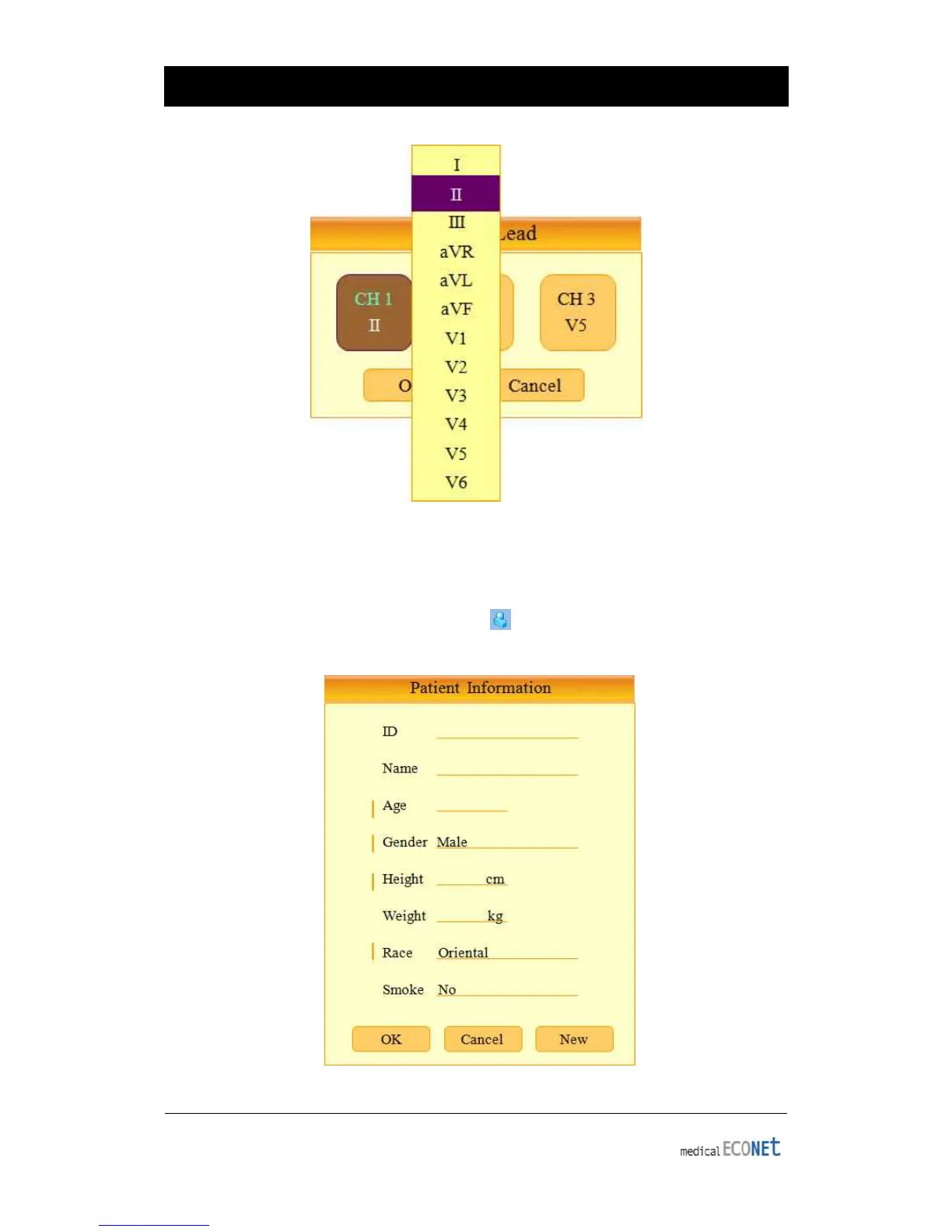
Patient Information Input
In this menu, operators can input the patient’s ID, name age, sex, height, weight,
race and smoking habit. In order to enter the patient’s information, move the selection
block to the Patient Information input setting ( ) and select input fields using either the
rotary key or touch screen.
〈
〈〈
〈Patient Information Selection Mode〉
〉〉
〉


 To Next Page