47/83
Version 1.0
Cardio
CardioCardio
Cardio-
--
-M Plus
M PlusM Plus
M Plus
Operation Manual
Operation ManualOperation Manual
Operation Manual
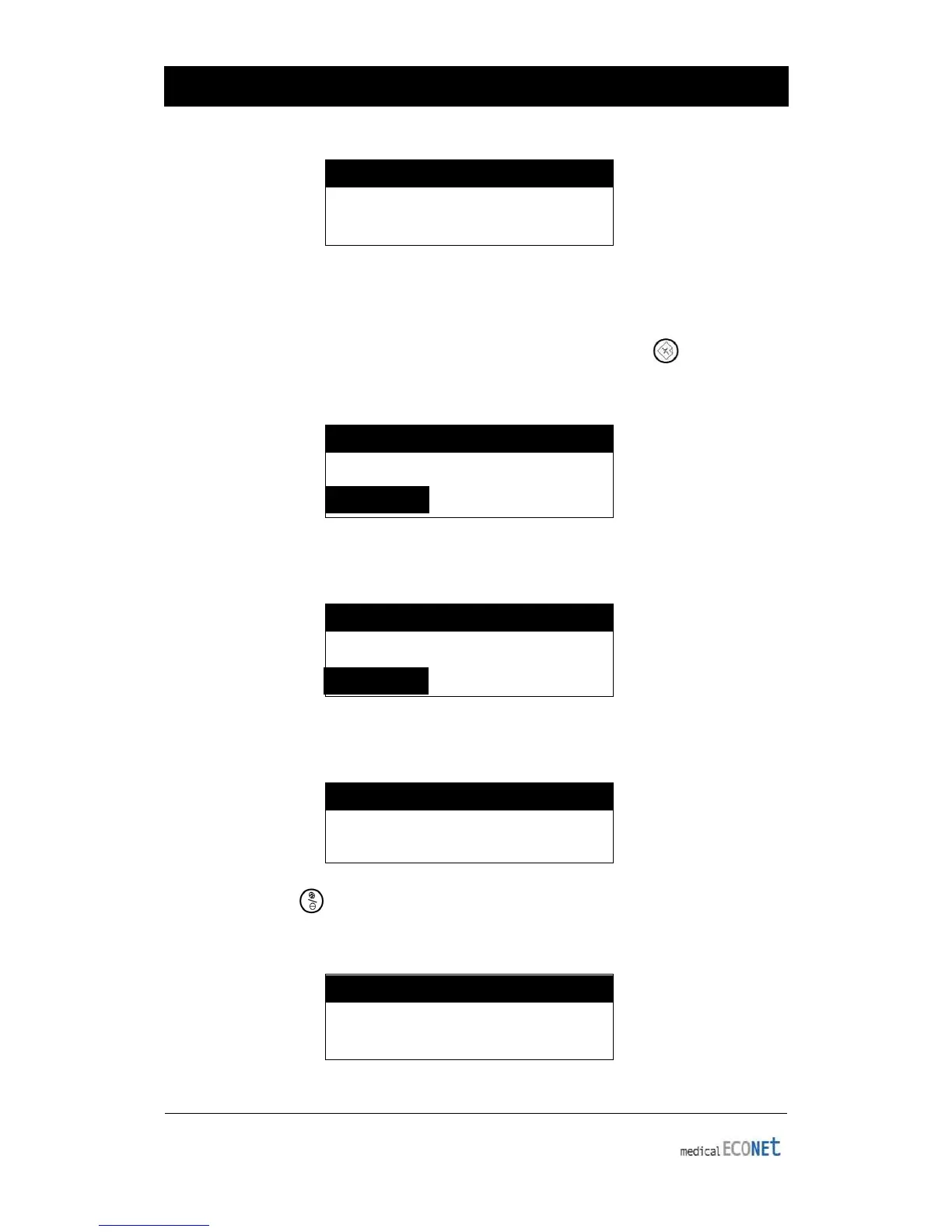
SYSTEM MESSAGE
Process Canceling…
60 Second ECG Recording
When the channel form is set to 60 sec 1rhy, pressing the RECORD ( ) key will make
the device record EKG data, while printing record duration for 60 seconds on a
predetermined rhythm channel.
SYSTEM MESSAGE
*Record 60 seconds *
Once the EKG recording is done, the following message will appear on the LCD
display while recorded data is filtered and processed to acquire the heart rate:
SYSTEM MESSAGE
Data Processing…
After data processing is finished, the following message will appear on the LCD screen,
followed by printing of the recorded signal:
SYSTEM MESSAGE
Printing…
Press the PAUSE ( ) key to pause or exit during data saving or printing. After
pressing the key, the following message will be displayed on the LCD screen for 1
second, then saving or printing will stop.
SYSTEM MESSAGE
Process Canceling...


 To Next Page