Relative
Pressure
Calibration
Press [TEMP +] or [WIND -]
to adjust relative pressure up
or down
Reference Section 6.4.3 for
details on calibration of
relative pressure.
Temperatu
re Units of
Measure
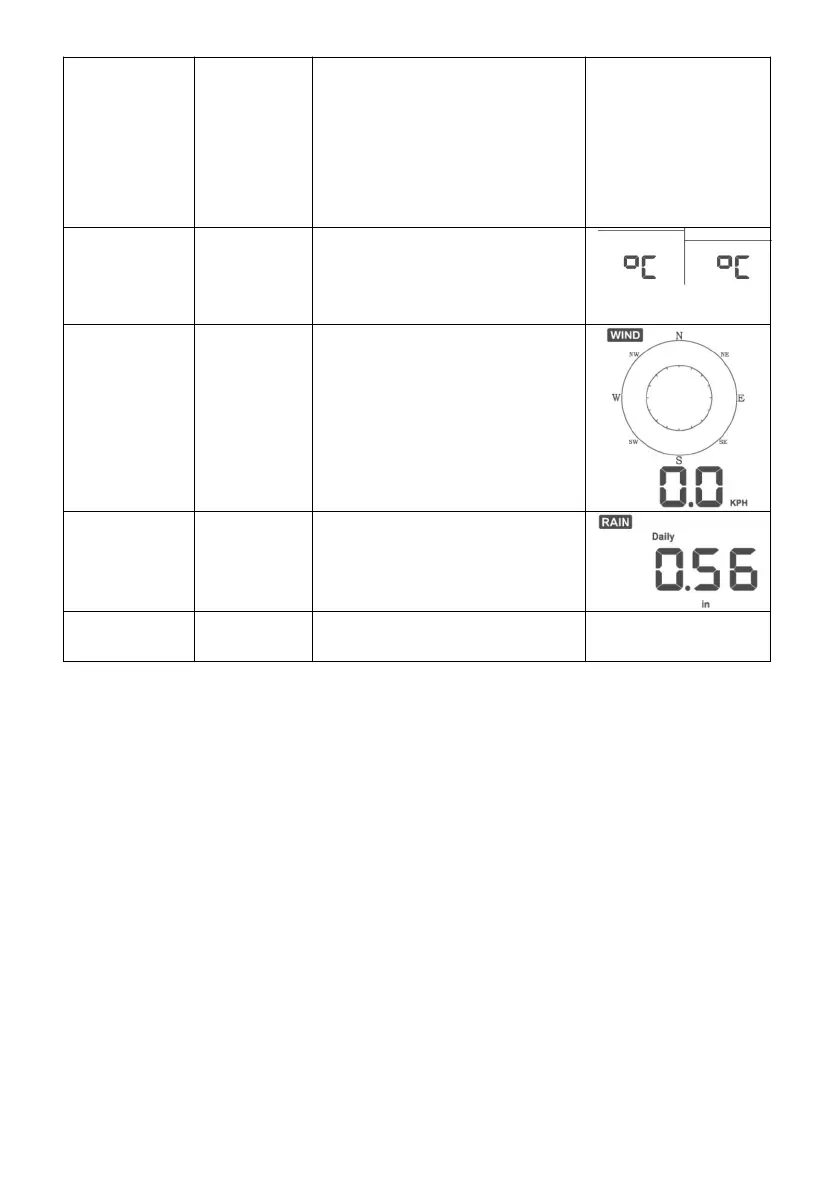
Press [TEMP +] or [WIND -]
to change temperature units
of measure between °F
and °C.
Press [TEMP +] or [WIND -]
to change wind units of
measure between km/h, mph,
knots, m/s and bft.
Press [TEMP +] or [WIND -]
to change rain units of
measure between in and mm.
[MODE] + 2 seconds means to press and hold the MODE button for two
seconds.
[MODE] means to press the MODE button.
Table 8: Set mode sequence and commands summarization
6.4 Barometric Pressure Display
6.4.1 Viewing Absolute vs. Relative Pressure
Press and hold [RAIN/PRE] for two seconds switch between Rain and
Pressure. While in Pressure mode Press [RAIN/PRE] to switch between
absolute and relative pressure
Absolute pressure is the measured atmospheric pressure, and is a function of
altitude, and to a lesser extent, changes in weather conditions.
Absolute pressure is not corrected to sea-level conditions.


 To Next Page